-
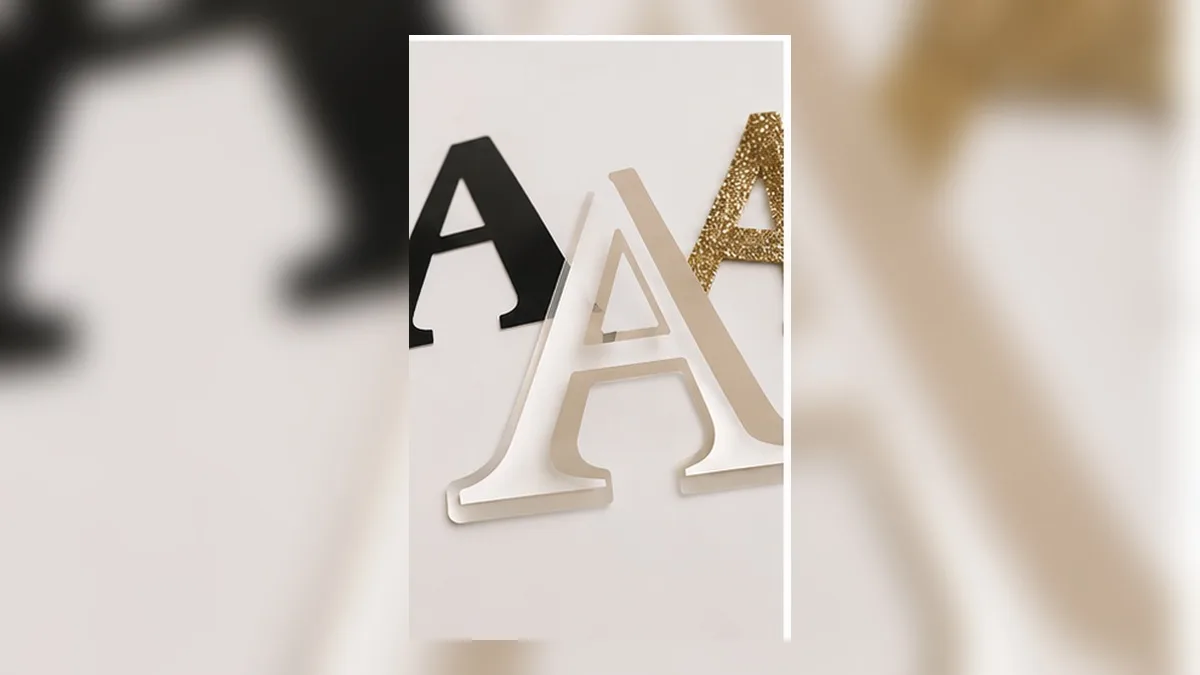
Best Fonts for Vinyl Decals: What Cuts Clean and What Tears
Why some fonts weed beautifully and others shred. The measurable properties that decide it, what to look for before you commit vinyl, and how to rescue a font that's too delicate to cut.
-
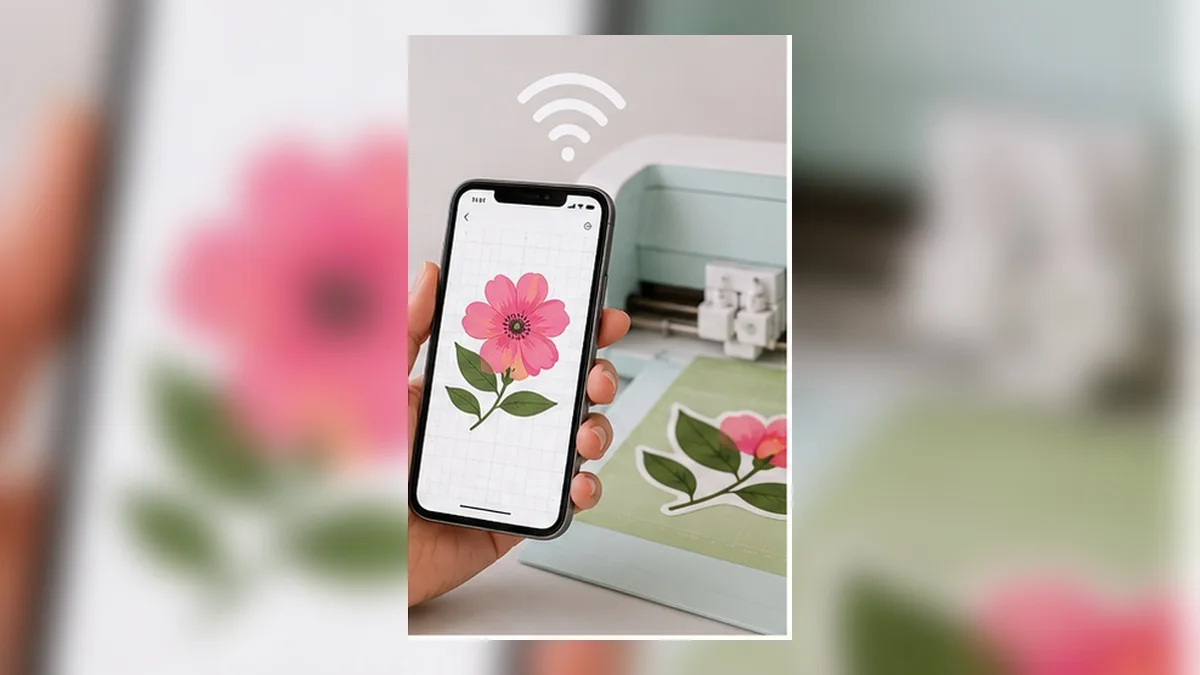
Can You Use a Cutting Machine Without a Computer? A Phone-Only Workflow That Actually Works
Yes — but not the way most articles tell you. Here is an honest look at what the mobile design app can't do, and a phone-only workflow that gets real, correctly sized SVG files onto your mat without ever opening a laptop.
-
Design Space Text Limitations: 7 Things That Are Still Hard in 2026 (And the Workarounds)
Cut-machine design software is built to drive a machine, not to typeset. Here are seven text jobs that are still awkward or impossible, why each one is hard, and the workaround for each.
-
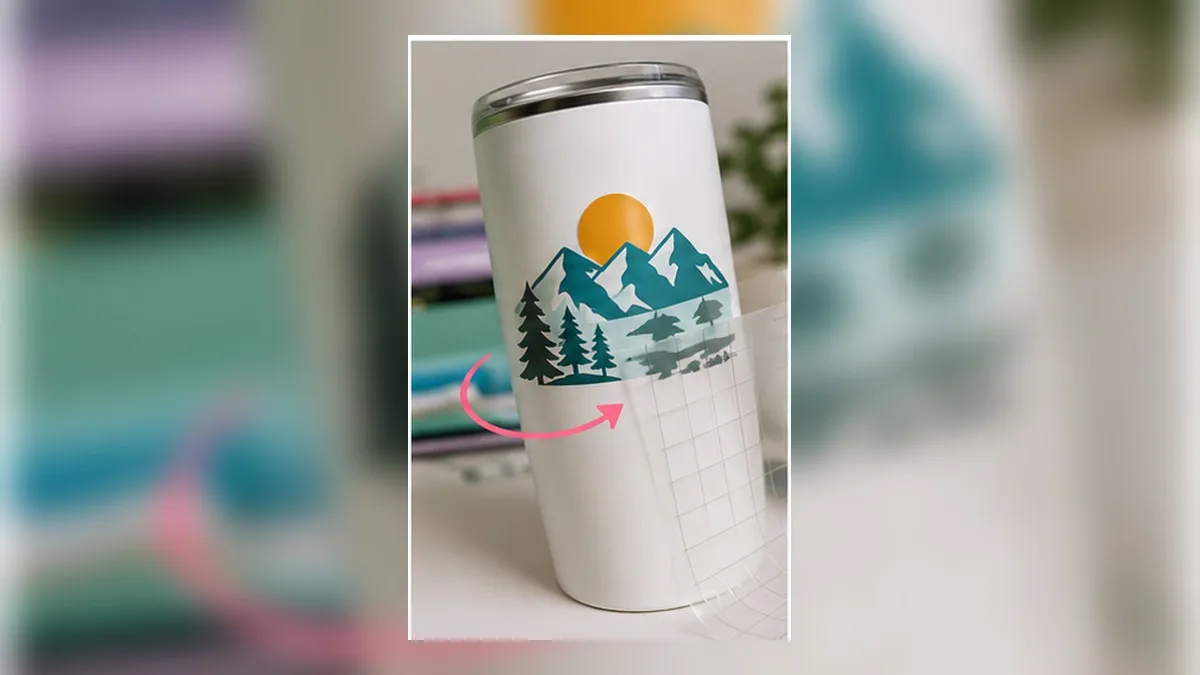
How to Curve Text for Tumblers: Getting the Arc Right the First Time
Straight text wrinkles on a tapered tumbler. Here's why, how to work out the arc for 20 oz, 30 oz and 40 oz cups, and how to build lettering that survives the curve.
-
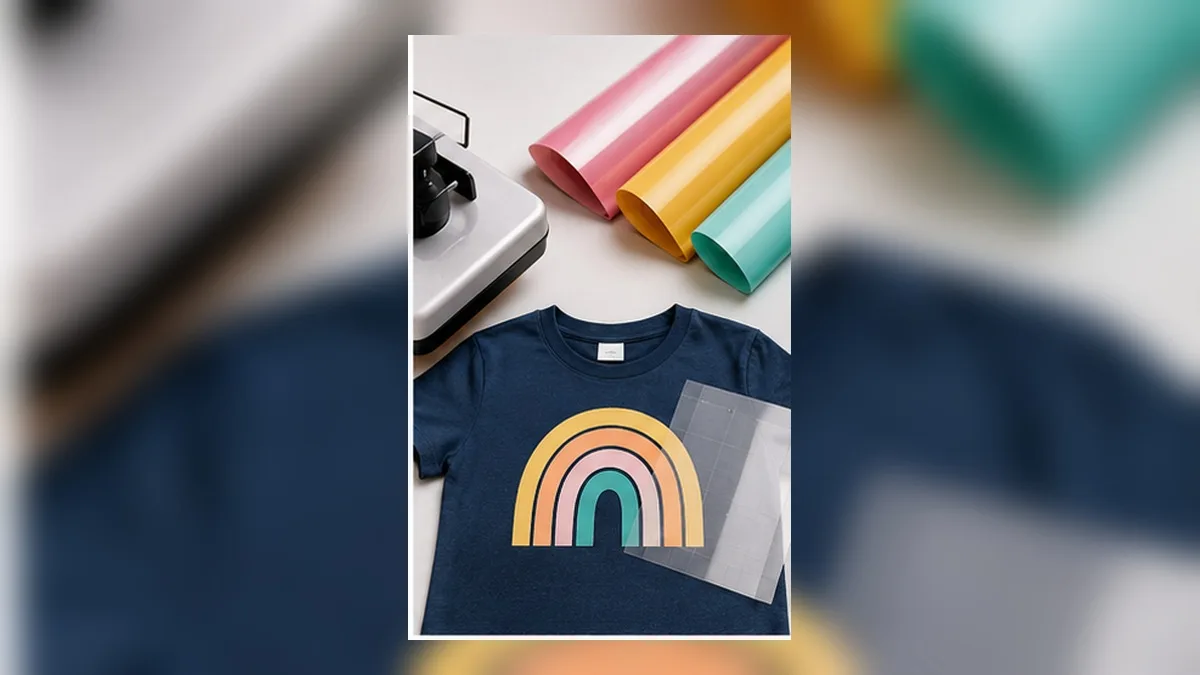
HTV Layering: Which Colors Go First? (Rules + Cheat Sheet)
A practical order of operations for layered heat-transfer vinyl: which layer goes down first, how long to press each one, which materials must never go under another, and how to build the file so the layers actually line up.
-
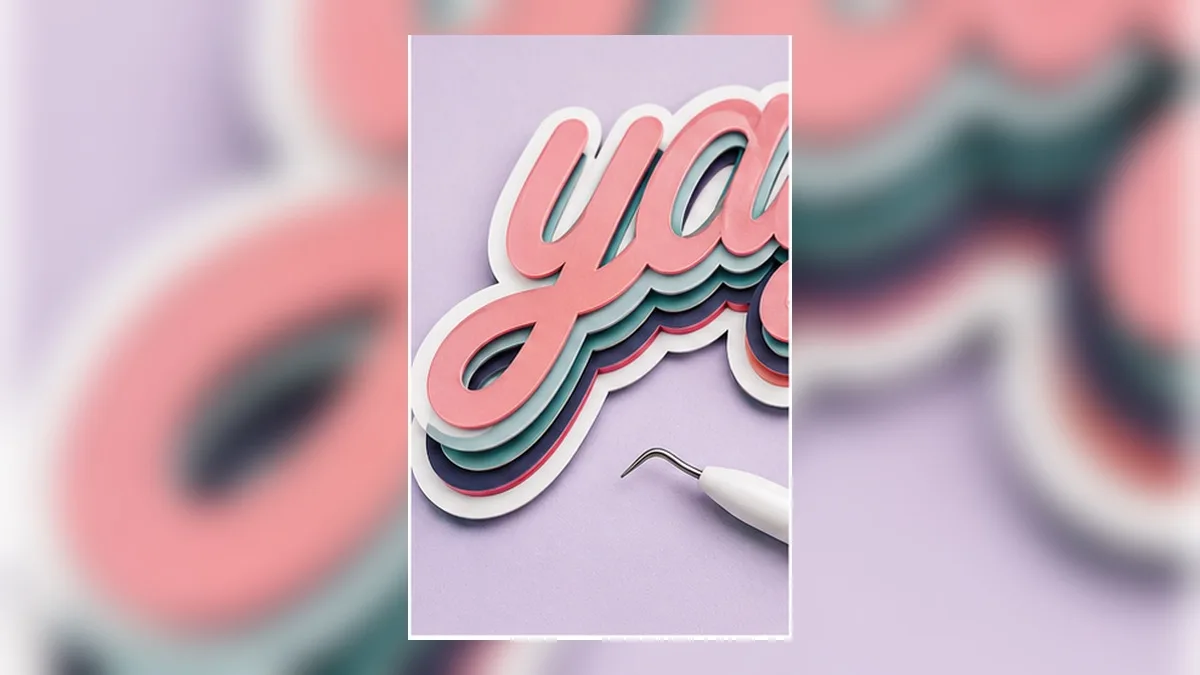
How to Make Layered Vinyl Text Without Buying Layered SVGs
Layered outline lettering is normally sold as a fixed SVG with someone else's word on it. Here's how the layers actually work, how to build them from your own text, and how to keep them in register when you cut.
-
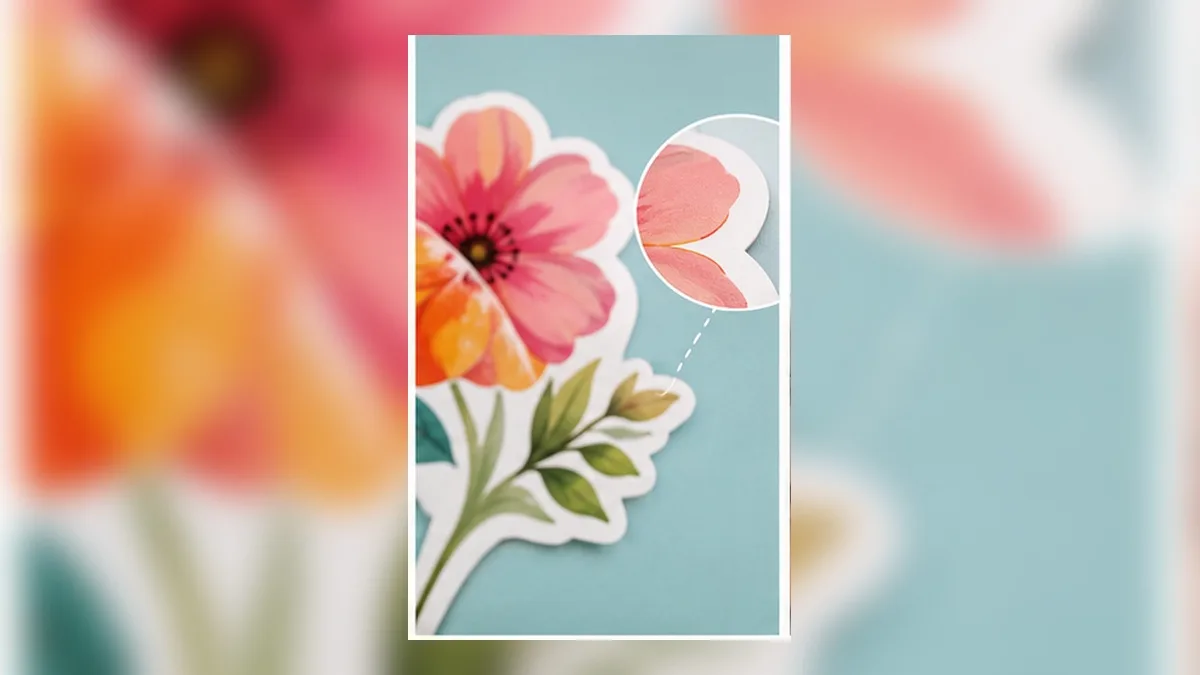
Stickers With White Edges? Bleed, Offset and the Cut Line Explained
A thin white halo around your printed stickers isn't a printer fault — it's a missing bleed. Here's the difference between bleed and offset, how much to add, and the export settings that make the halo disappear.
-
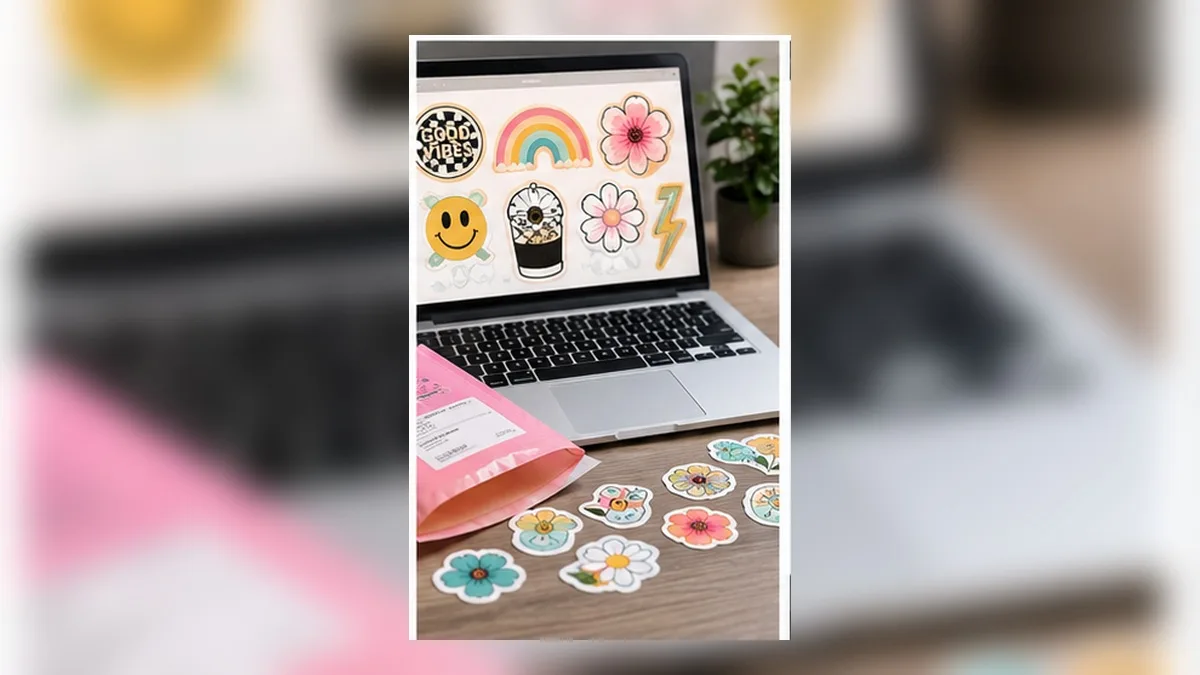
Making Stickers to Sell: File Setup That Looks Professional
The difference between a homemade sticker sheet and a professional one is mostly file setup. Resolution, bleed, colour, sheet layout, and the licence questions that matter once money is involved.
-
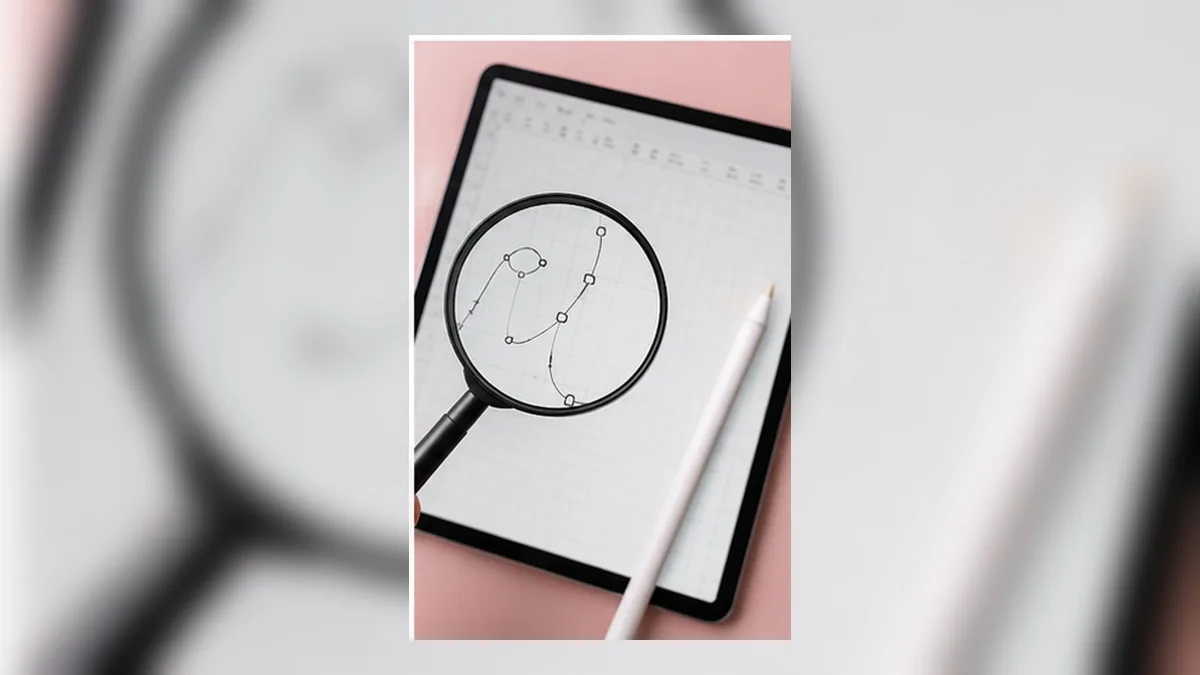
Blurry Prints from Your Phone? Vector vs. Raster Explained for Crafters
Your design looked crisp on the phone and came out soft on paper. Here's the one difference that causes it, when to use SVG and when to use PNG, and how to build artwork that stays sharp at any size.
-
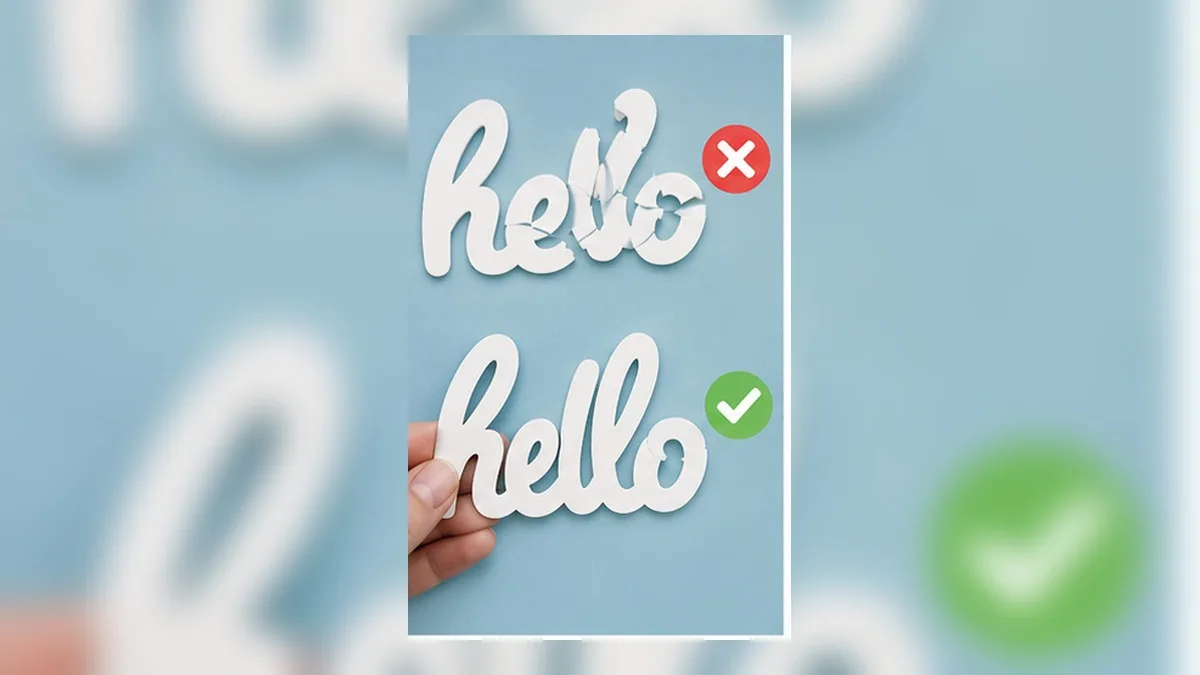
Why Your Welded Text Looks Wrong (And How to Fix It)
Welding script text is supposed to join the letters. Instead you get gaps, lumps, lost letter spacing — and no way back. Here's what welding actually does, why script fonts break it, and how to get clean joined lettering without the one-way door.
-
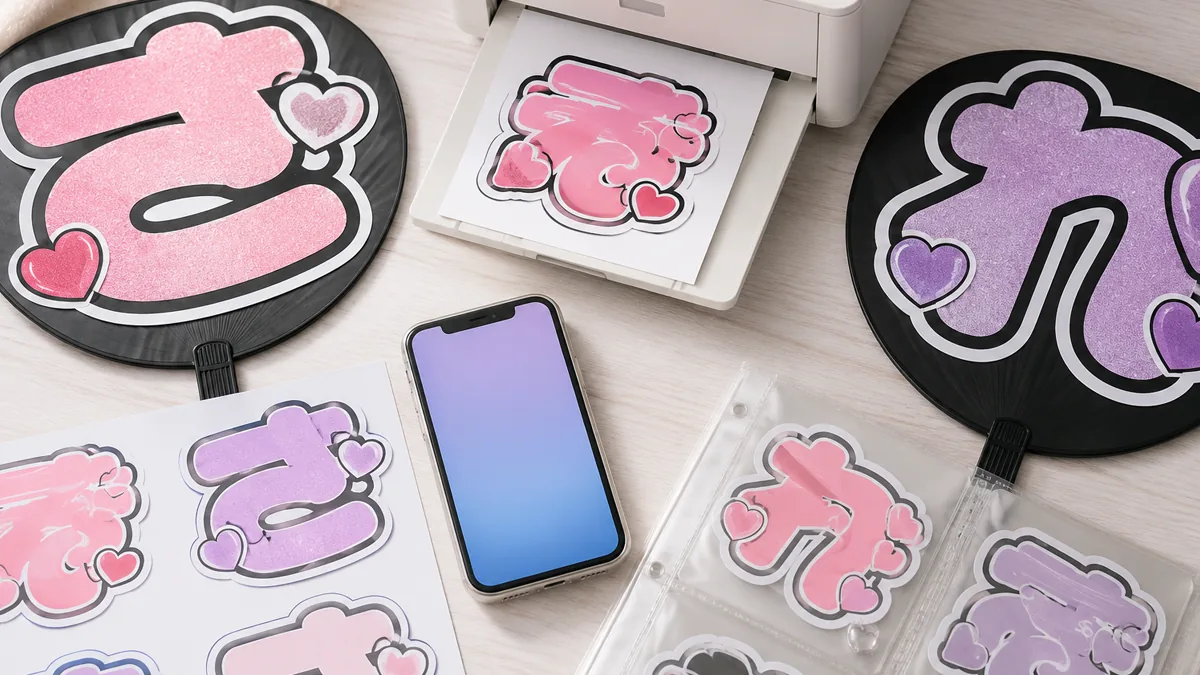
Free Print-Quality Decorated Text Maker for Fan Signs & Stickers
Blurry, muddy prints aren't your fault. A working designer explains how to make print-quality decorated text for free — for fan signs, convenience-store prints, and lettering stickers — plus color, size, and commercial-use tips.
-

Make Editable 'Magic Decorated Text' on Your Phone — Bubble Letters, Outlines & 3D for Stickers, Posters & Fan Banners
Perfect for stickers, posters, T-shirt designs and K-pop fan banners. Stack multi-layer outlines, add 3D, gradients and bubble-letter styles, then retype the words anytime without breaking the shape — 'magic decorated text' made right in a phone browser, no install. CMYK, bleed and print-ready PDF included; a working designer explains how, with images.
-

Practically Digital Clay! Knead and Stretch Text Into Any Shape
For anyone who wants to knead and stretch text like clay into free, original shapes. No design knowledge needed — here's a whole new way to warp text with your finger on your phone and turn it into print-ready data.
-

Retype Even Unrecognizable Letters! Decorate by Instinct
Even letters decorated so heavily they're unrecognizable can have their words retyped later. Here's how to enjoy a new kind of text editing — decorate as boldly as you want and still redo it any time — all on your phone, no special knowledge needed.
-

No PC Needed! Decorated Text in About a Minute on Your Phone
No PC? You can still make proper decorated text on your phone alone — no design knowledge required. Here's how to make cute lettering and print-ready data in about a minute, with no app and no sign-up.
-

Like Chocolate? Drippy & Puffy Glossy Text You Can Make on Your Phone
Want letters that look like melted chocolate — drippy, puffy, and glossy? Here's how to make melting and puffy text effects with just a tap on your phone, turn them into print-ready data, and do it all without any special knowledge.
-
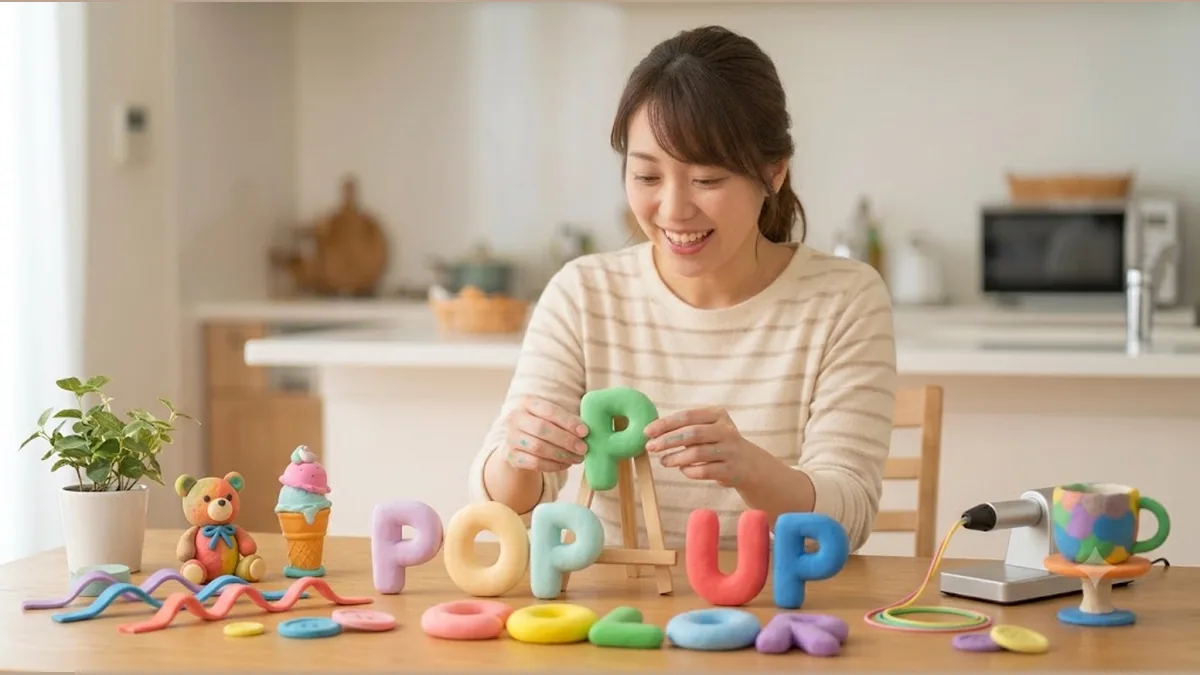
Pop-Out, Candy-Cute 3D Text With a Single Button
Want plump, candy-like 3D text but it looks too hard? No design knowledge needed. Here's how to make pop-out 3D letters with one button on your phone and turn them into print-ready data.
-
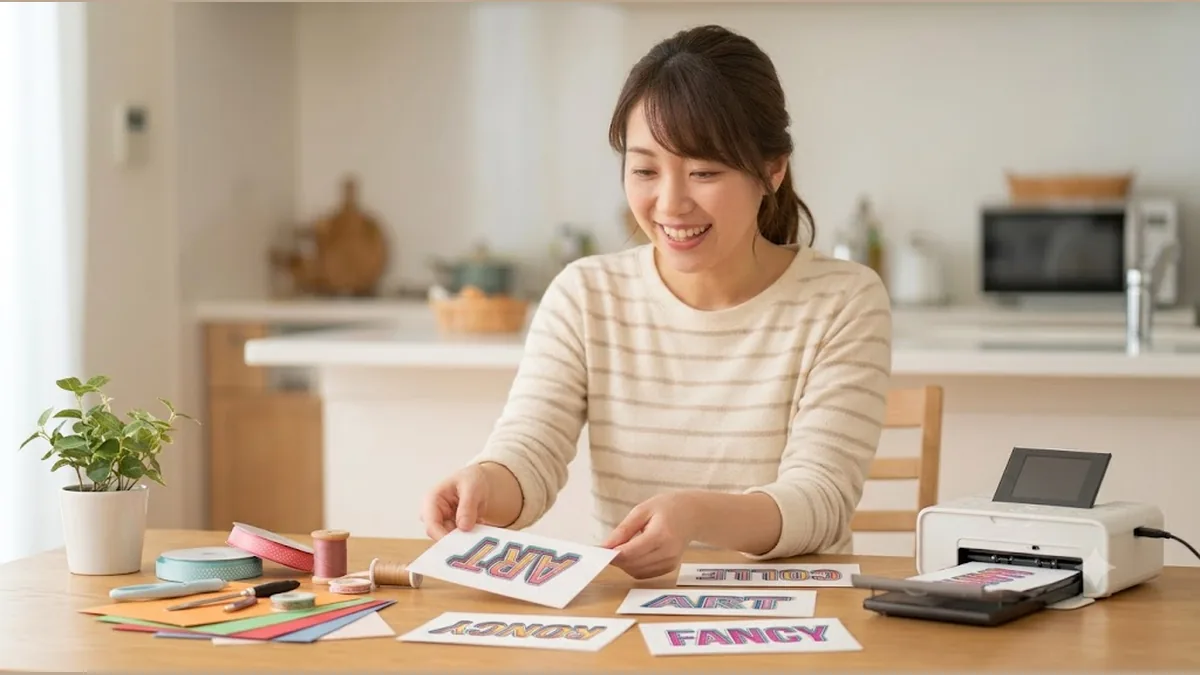
The 'Magic Outline Text' You Can Layer in Any Color
Want to stack outlines around your text but your app only allows one? Here's how, no design skills needed. Make outlined text you can layer in any number of colors, and print it — all on your phone.
-

Exactly the Look You Want, Right at Your Fingertips: Decorated Text on Your Phone
Decorated text on a phone often comes out jagged or blurry. Here's how to fix that — no special knowledge needed. Make crisp decorated letters with a tap, even printed, and turn them into data you can hand straight to a print shop.
-
![How to Add Bleed in Free Canva [Making Print-Ready Data]](/blog/thumbnails/canva-bleed-free.webp)
How to Add Bleed in Free Canva [Making Print-Ready Data]
How to add bleed in the free version of Canva. Learn what bleed, crop marks, and the safe area mean, see a quick size-reference chart, and avoid common mistakes. Before your file gets rejected, find out how to auto-generate bleed with a free browser tool.
-
![Why Your Canva Colors Changed After Printing, and How to Fix It [Solved with CMYK Conversion]](/blog/thumbnails/canva-print-color.webp)
Why Your Canva Colors Changed After Printing, and How to Fix It [Solved with CMYK Conversion]
Have you ever printed a Canva design only to find the colors shifted or looked dull? We explain how RGB-to-CMYK conversion works, which colors shift most, and how to check your colors before submitting—along with a free browser-tool fix.
-
![Why AI Images Look Blurry When Printed — and How to Fix It [Resolution & CMYK]](/blog/thumbnails/ai-print-blur.webp)
Why AI Images Look Blurry When Printed — and How to Fix It [Resolution & CMYK]
Ever printed an AI image from Midjourney or ChatGPT only to find it blurry or grainy? We break down the resolution and CMYK problems and show how to fix them with a free browser tool.
- NO IMAGE
What Is CMYK? How It Differs from RGB and Why Printing Needs It [Illustrated]
A friendly guide to CMYK, the color mode print shops always ask for. Learn how it differs from RGB, how color gamut works, why printing has to be CMYK, and how to convert to CMYK yourself.
-
![How to Turn Midjourney Images into Print-Ready Files [CMYK & Bleed]](/blog/thumbnails/midjourney-print.webp)
How to Turn Midjourney Images into Print-Ready Files [CMYK & Bleed]
How to submit flyers and posters made in Midjourney to a print shop. We walk through solving the three problems — resolution, CMYK conversion and bleed — all at once with a free browser tool.
-
![How to Turn Phone-Made AI Images into Print Data [No Photoshop]](/blog/thumbnails/smartphone-ai-print.webp)
How to Turn Phone-Made AI Images into Print Data [No Photoshop]
How to turn images made with a phone AI image generator into print data for flyers and business cards. We show the three steps to build submission data in a browser alone — no Photoshop, no PC.