Why “free” logo makers are hard to compare
Almost every logo maker is free to try. The differences show up when you click Download: an account is suddenly required, the file is small, the transparent background is a paid option, or there is no vector file at all. So the best way to choose is to check the download conditions before you spend an hour on a design.
This page is a checklist, not a ranking. Different tools are good at different jobs, and we say where another kind of tool will suit you better.
The checklist
1. Do you need to sign up to download?
Some tools let you design freely and ask for an account or an email at the end. If you just need a logo today, look for one where the download works without an account.
2. Is there a watermark?
Check whether the free download is stamped with the tool’s name. A watermark is fine for a draft, not for a real logo.
3. Is the transparent background free?
A logo needs a transparent background to sit on photos, videos and coloured headers. In some tools it is part of a paid plan.
4. Is there a vector file (SVG or PDF)?
A PNG is fine on screen, but signs, shirts and print need a vector file that stays sharp at any size. If a tool only gives images, you will need to redo the logo later.
5. How large is the free image?
A free PNG of a few hundred pixels looks fine as a profile picture and blurry anywhere else. Check the actual pixel size.
6. Can you change the words later?
Typos happen, names change, you will want a second version. Check whether you can reopen the design — and whether that needs an account to save it.
7. Does it make print-ready files?
If the logo will be printed (stickers, flyers, cards), print shops usually ask for CMYK colour, bleed and crop marks. Few free logo tools provide these.
8. What do the terms say about commercial use?
Read who owns the design and whether you can use it for business. Also remember that a logo made only from a standard font can be hard to register as a trademark.
Which kind of tool fits which job
| You need | A good fit |
|---|---|
| A full logo with an illustrated symbol | A general logo maker with icon libraries, or a designer |
| A decorated text logo (wordmark) — 3D, gloss, outlines, metal | A text logo maker |
| A classic one-click text effect you already know | Long-running text effect sites such as Cool Text or FlamingText |
| An animated logo (moving or blinking) | A tool that offers animated styles — FlamingText, for example, lists animated logos |
| A logo you can also print or cut on a Cricut/Silhouette | A tool that exports vector, print PDF and cut files |
Where DecoTecoPop fits
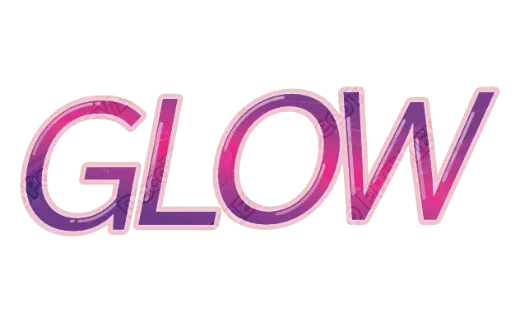
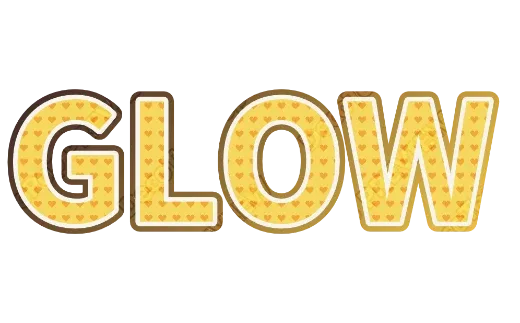
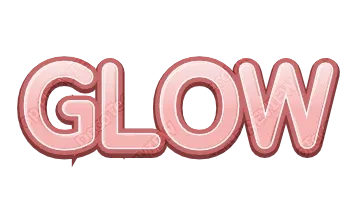
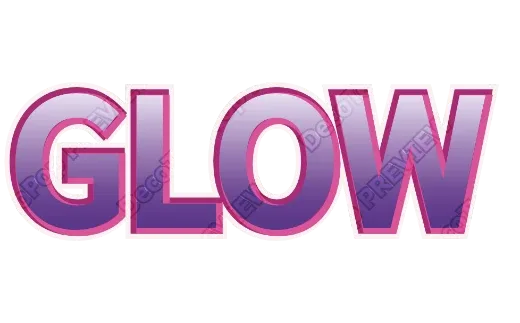
DecoTecoPop is a text logo maker. You type your words once and see them in dozens of finished styles — stacked outlines, 3D, gloss, chrome, gold, glitter, patterns — then adjust the one you like. Against the checklist:
- No sign-up and no watermark.
- Transparent PNG, SVG, JPG and a print PDF (CMYK, bleed, crop marks), plus cut files for Cricut and Silhouette.
- Editing later: downloaded files keep the editing data — open them again to change the words.
- Free while in beta. We do not claim copyright on what you make (Terms).
What it does not do: draw illustrated symbols for you, or make animated logos. For those, pick a different kind of tool from the table above.
A quick test before you commit
Whatever tool you try, do this before designing seriously:
- Type your real name or brand.
- Download it straight away as PNG — note whether an account or payment is asked for.
- Put the PNG on a dark background to check the transparency.
- Look for an SVG or PDF option.
Two minutes of testing saves an hour of designing in the wrong tool.
Compare in detail on Cool Text alternative, or try the Logo Text Maker.