Logo Text Maker &
Text Image Generator
DecoTecoPop is a free logo text maker and text image generator: type your words and see them in dozens of finished styles — layered outlines, 3D, gloss, chrome and gold — then download a transparent PNG or a vector SVG. No sign-up. Best for shop names, channel titles, stickers, signs and cut files.
Free while in beta · No sign-up · Transparent PNG, SVG, JPG and print-ready PDF
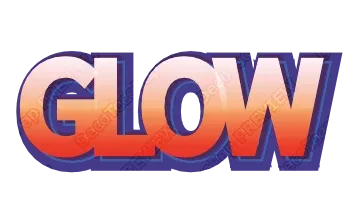
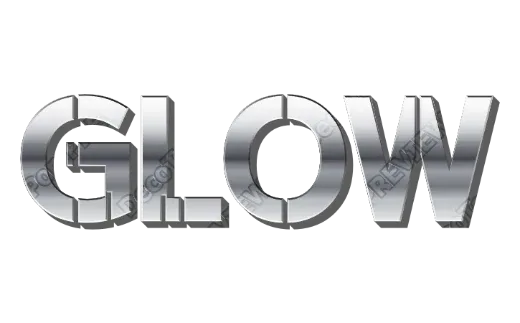
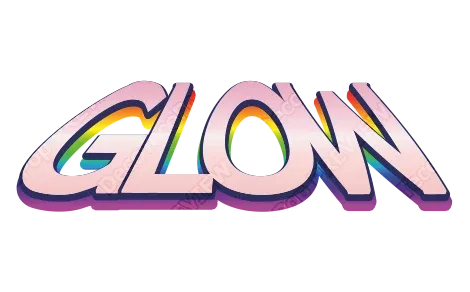
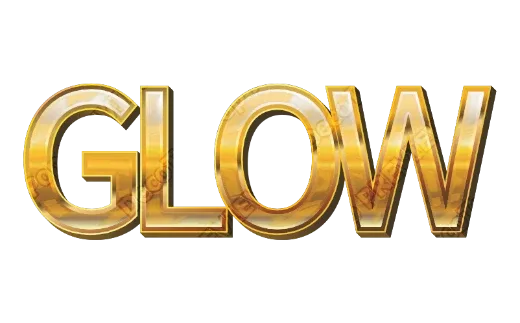
Styles you can put your words into
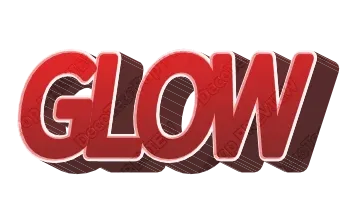
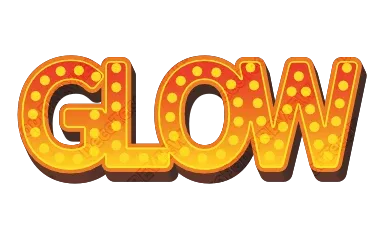
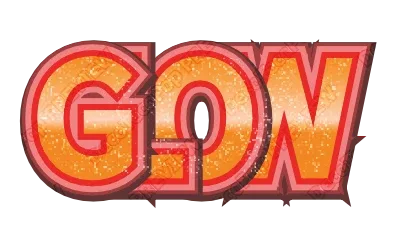
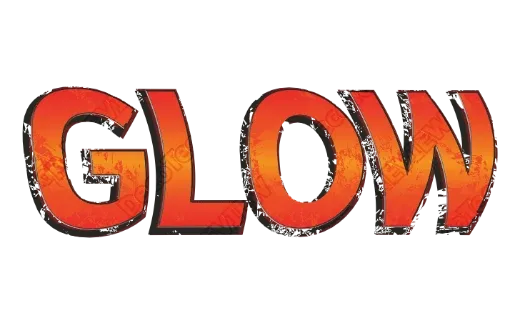
Every example below is a real style in the tool. Tap one to open it, then change the word.
How it works
-
1Type your words
A shop name, a channel title, a team name, a single letter. Up to 24 characters, any language your font supports.

-
2Pick a style
Your words appear in dozens of finished styles side by side — layered outlines, 3D, gloss, chrome, glitter, patterns. Tap the one you like.

-
3Download
Save it as a transparent PNG, a vector SVG, a JPG, or a print-ready PDF. No account, no watermark, nothing to install.

A text image generator that gives you a real file
Most logo makers let you design for free and then ask you to pay or sign up at the download step. Here the download is the free part: transparent PNG, SVG, JPG and print-ready PDF, with no account and no watermark.
It is a text logo maker on purpose. Instead of placing a plain font next to a clip-art icon, it decorates the letters themselves — the part people actually read — with effects that usually take a desktop design program and an afternoon: stacked outlines, extruded 3D sides, gloss, chrome, glitter, patterns and textures.
What you can make
- Text logos and wordmarks for a shop, a brand, a band or a team.
- Titles for YouTube thumbnails, stream overlays, game projects and posters.
- Name images for stickers, party signs, T-shirts and gifts.
- Cut files for Cricut and Silhouette, with outlines turned into shapes and each color on its own layer.
What comes out
| Format | Best for |
|---|---|
| Transparent PNG | Placing the text on a photo, a video, a slide or a web page. |
| SVG (vector) | Resizing without blur, editing in Illustrator, Inkscape or Canva, and cutting machines. |
| JPG | Sharing on social media and messaging apps. |
| PDF for print | Ordering stickers, flyers or signs from a print shop — CMYK color, bleed and crop marks included. |
Why the letters stay sharp
Each style is built from the shape of your letters, not pasted on as a picture. Change the word and the outlines, the 3D sides and the highlights follow the new letters. Blow it up to banner size and the edges stay clean.
Tips for a text logo that reads well
- Keep it short. One to three words reads at a glance; a long sentence turns into texture.
- Pick a thick font for heavy effects. 3D and multiple outlines eat into thin strokes.
- Check it small. If it still reads at thumbnail size, it will read on a sign.
- Mind the background. A dark outline helps light letters stand out on a busy photo.
FAQ
QIs it really free? Do I need to sign up?
QCan I get a transparent PNG?
QIs the SVG a real vector file?
QCan I use what I make commercially?
QDoes it work on my phone?
QCan I change the words later?
QDoes it draw icons or symbols too?
Type a word and see it in every style
No sign-up. Free while in beta. · Browse all styles