Free Text Effects Generator — 161 Styles
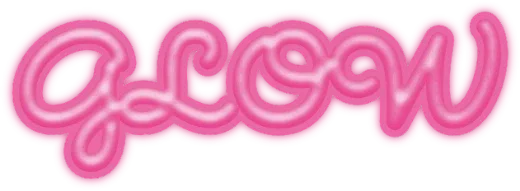
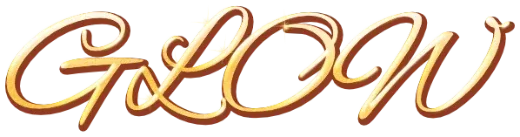
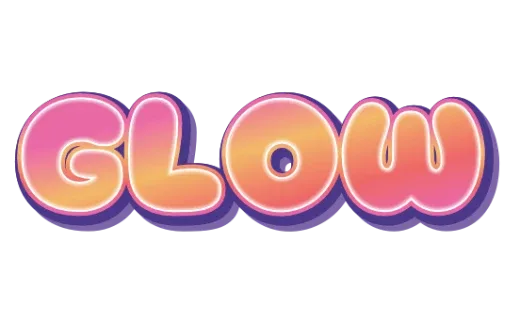
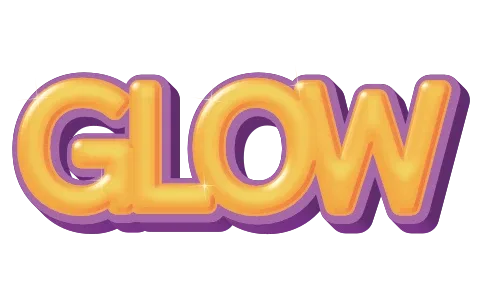
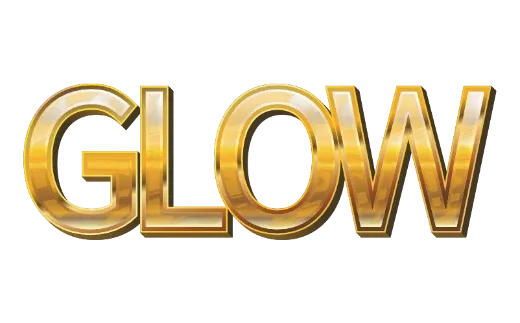
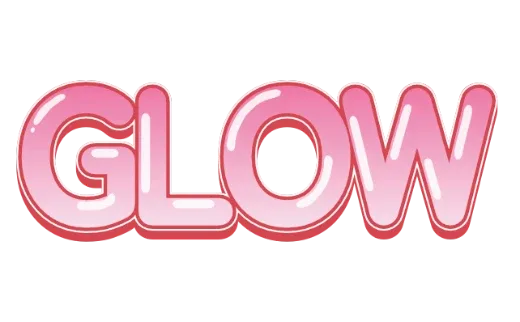
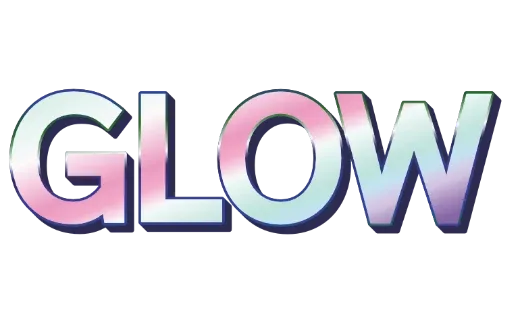
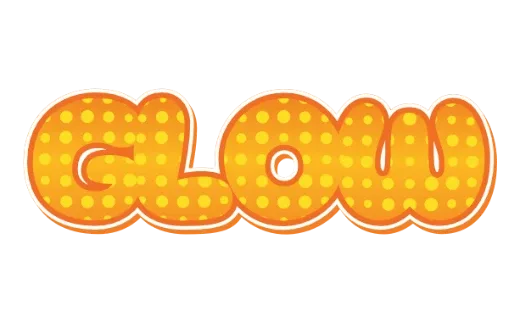
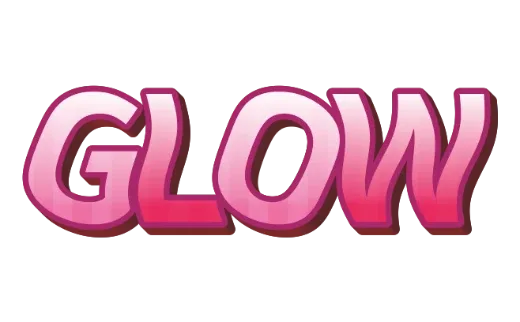
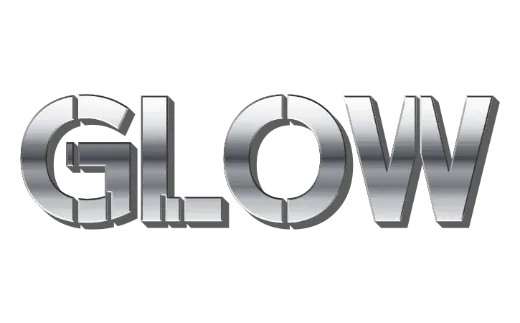
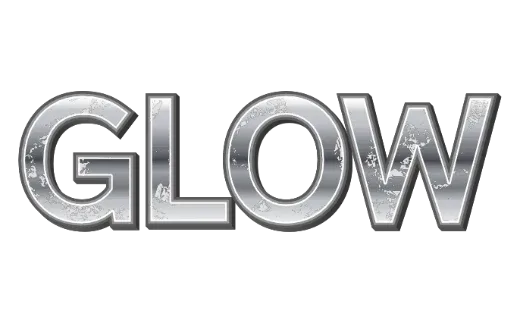
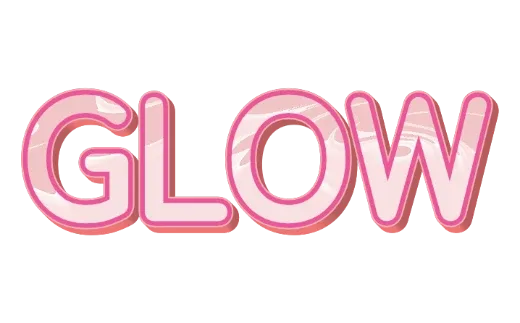
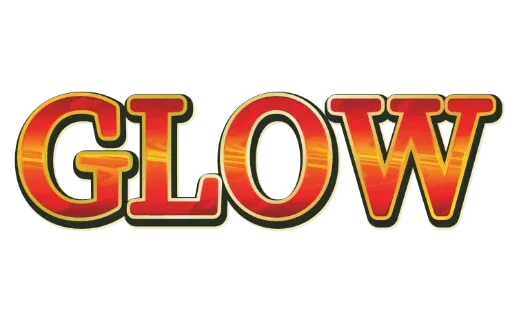
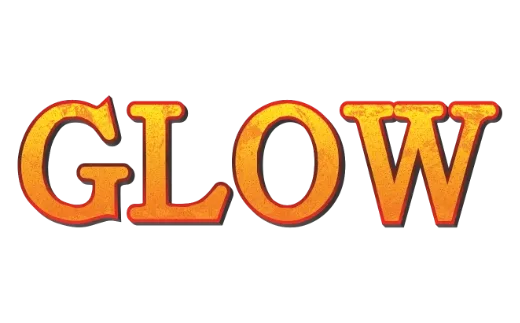
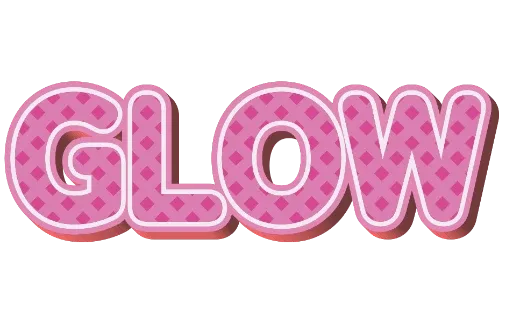
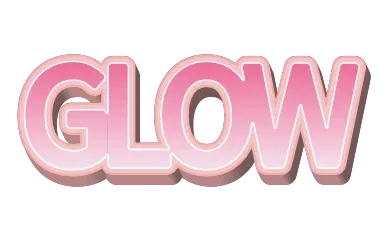
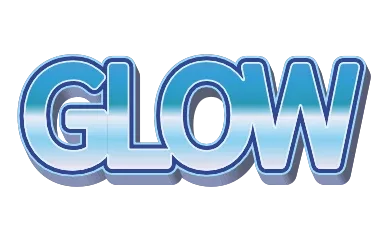
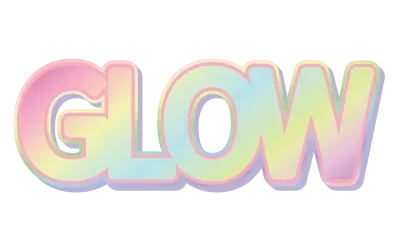
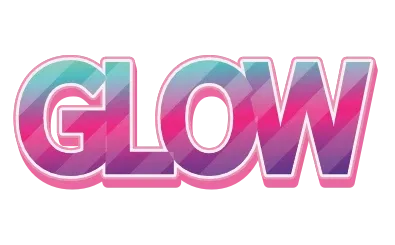
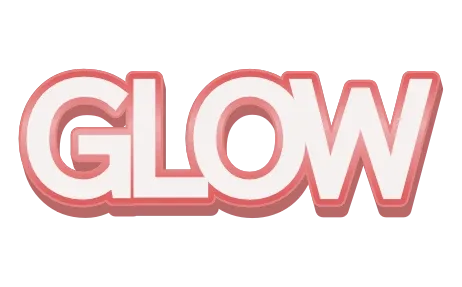
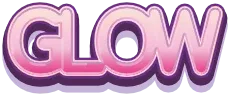
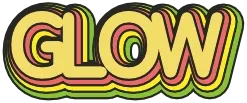
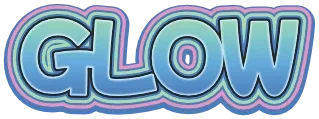
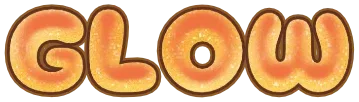
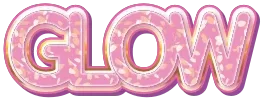
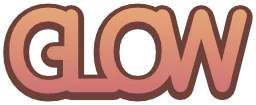
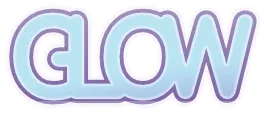
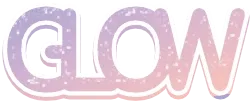
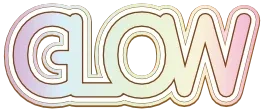
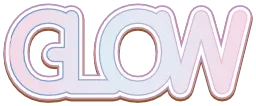
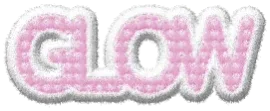
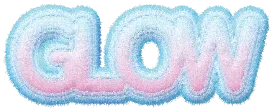
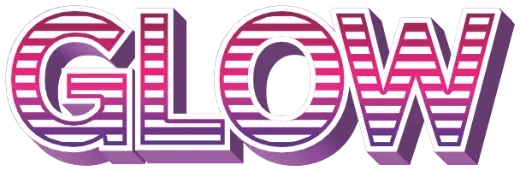
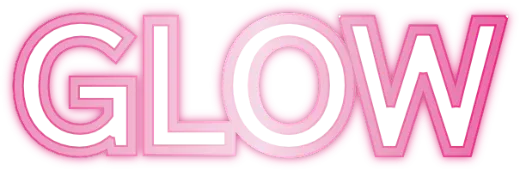
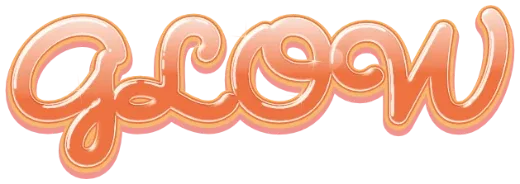
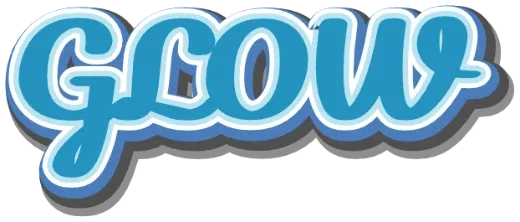
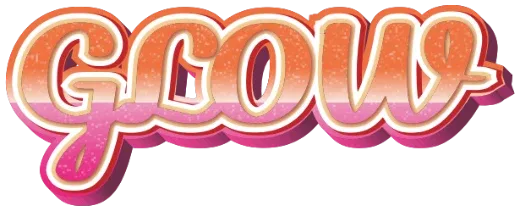
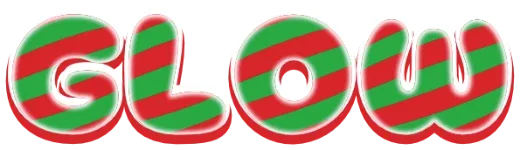
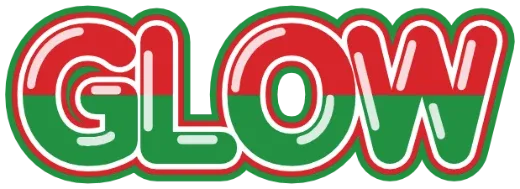
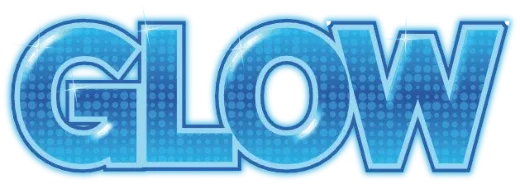
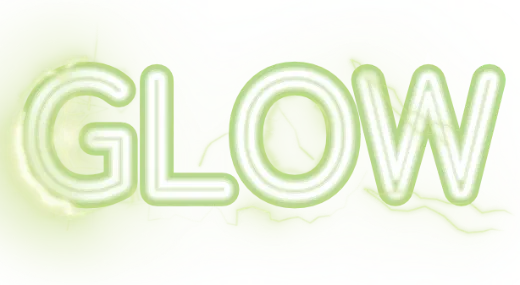
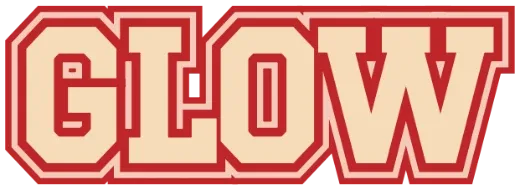
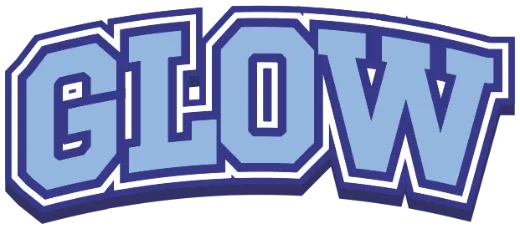
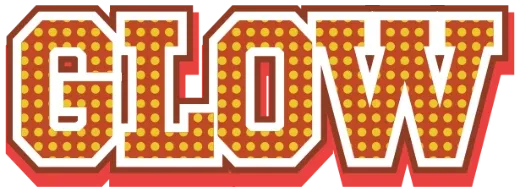
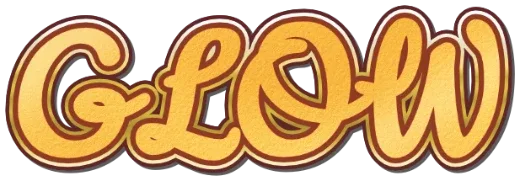
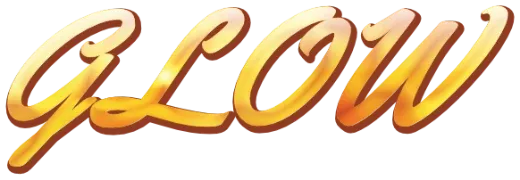
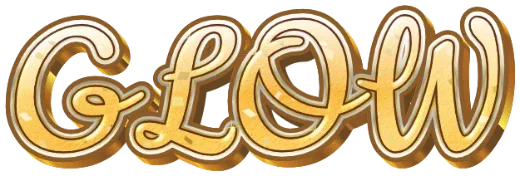
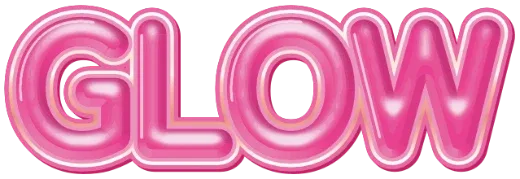
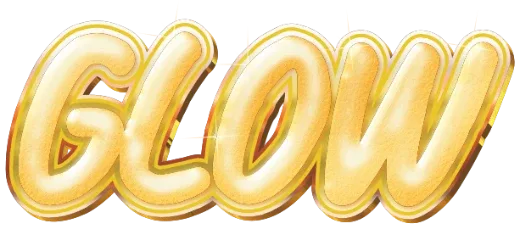
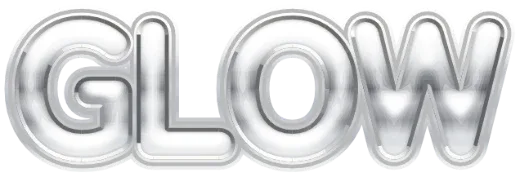
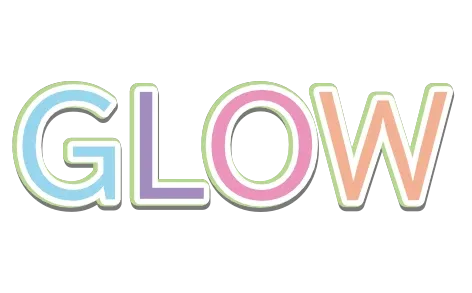
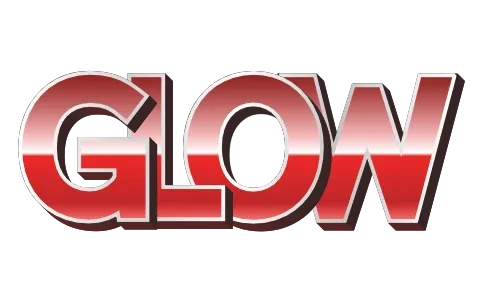
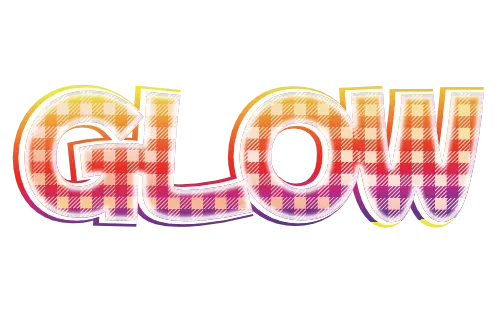
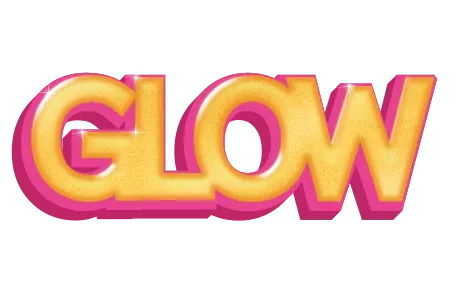
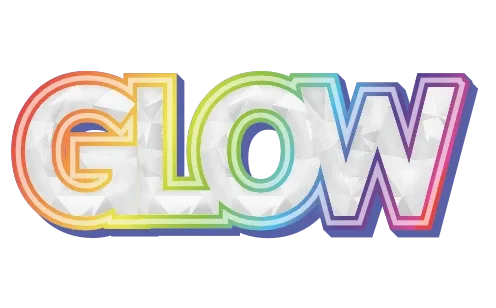
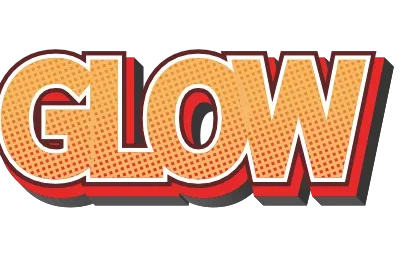
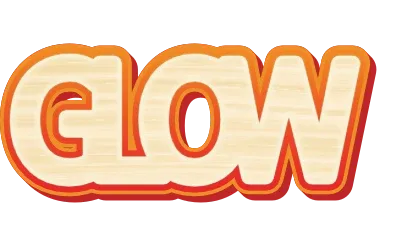
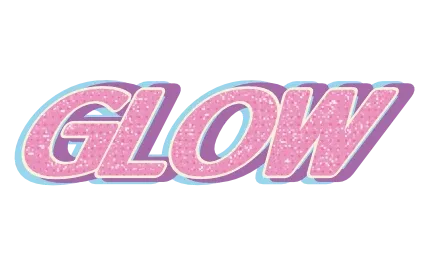
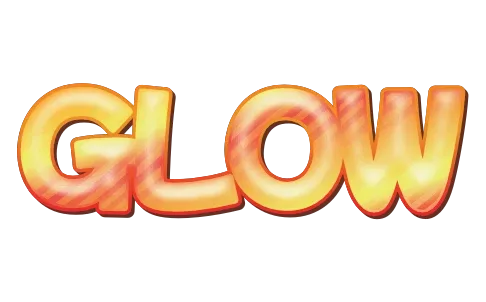
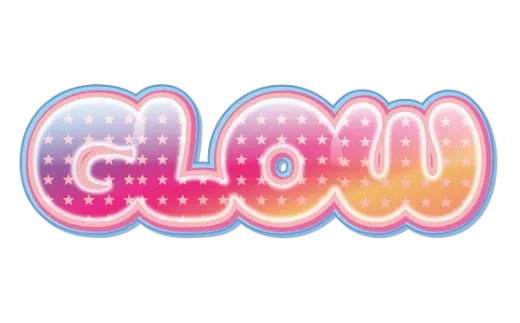
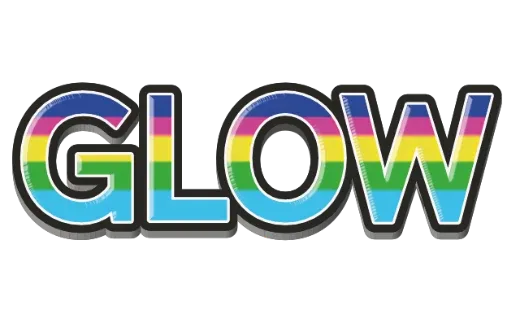
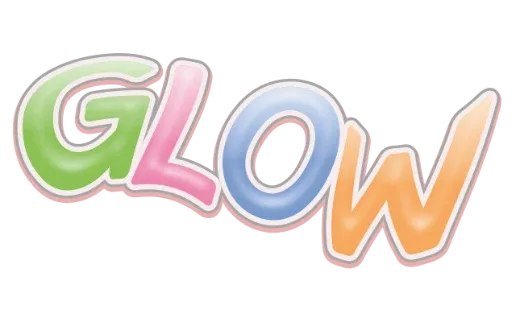
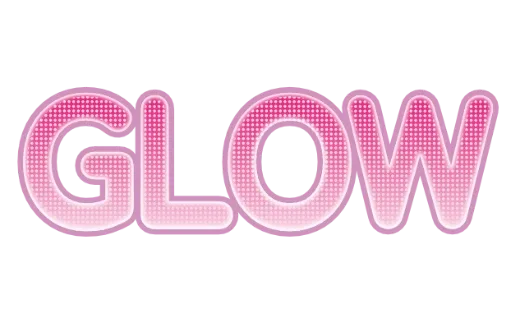
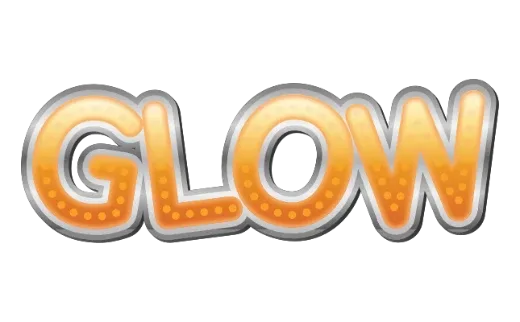
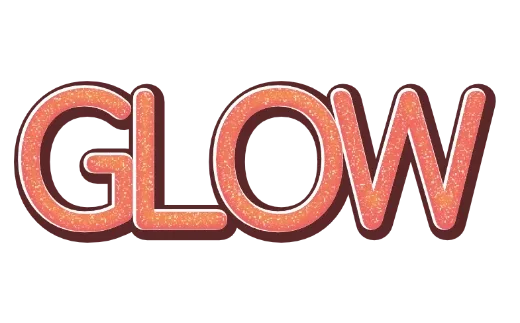
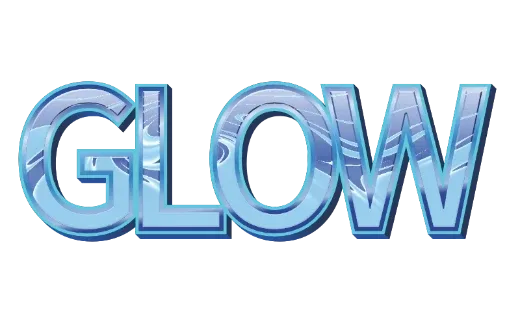
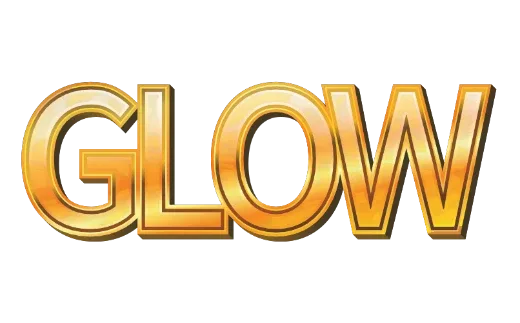
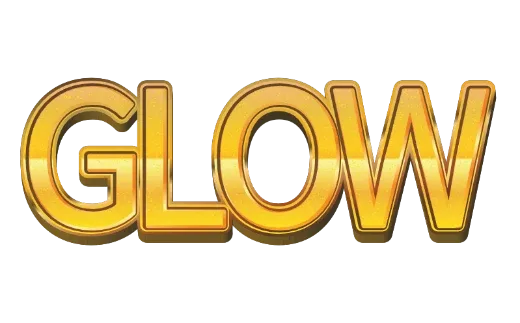
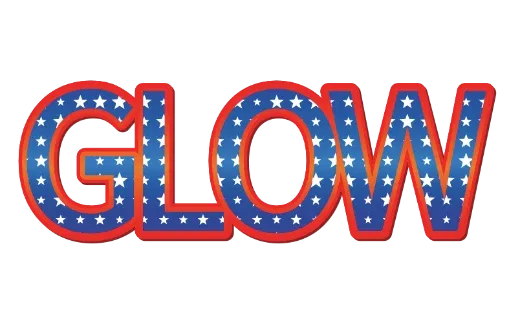
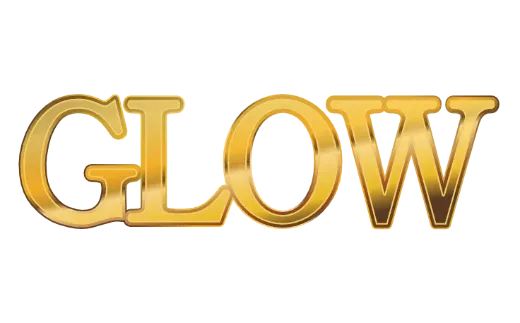
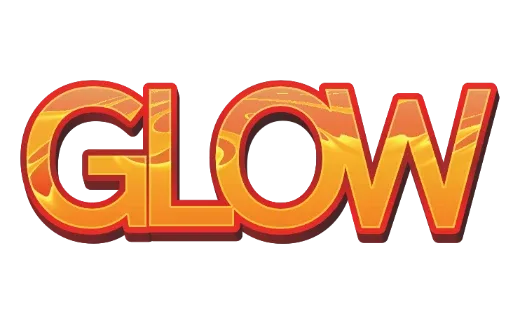
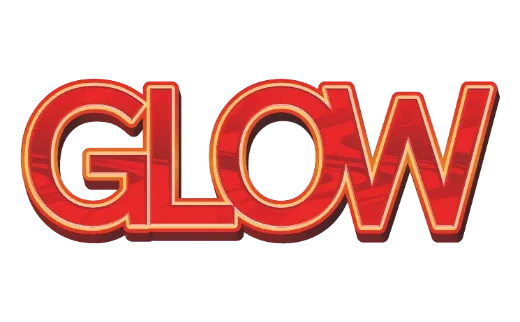
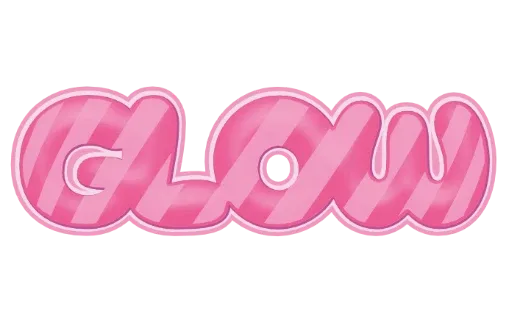
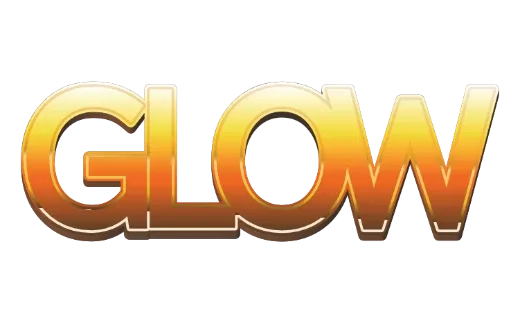
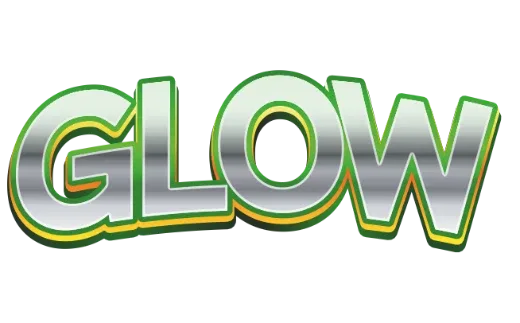
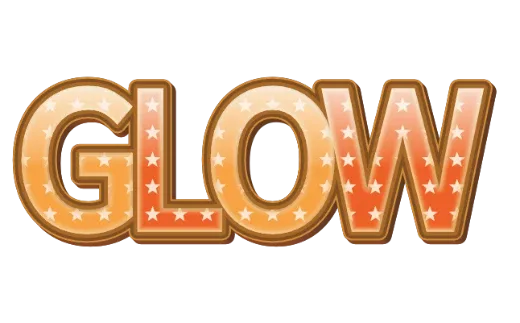
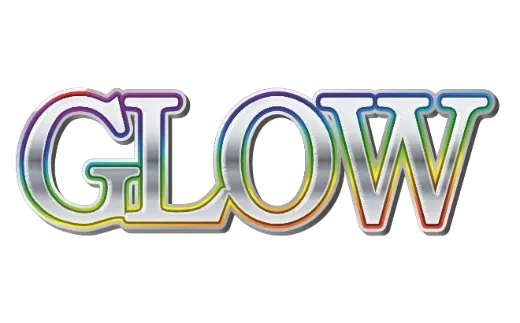
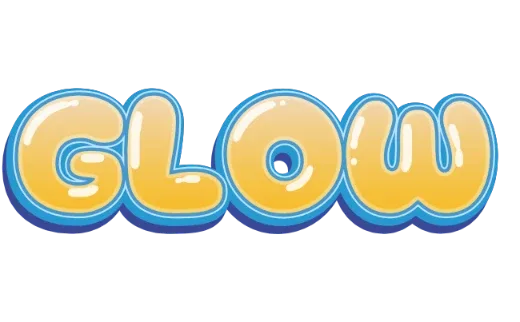
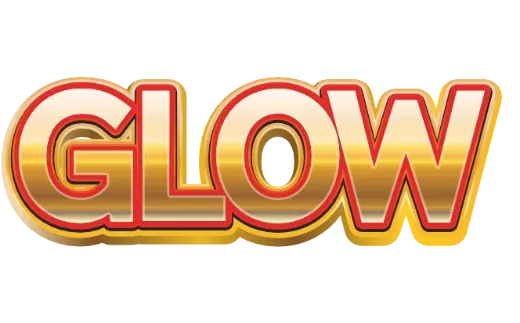
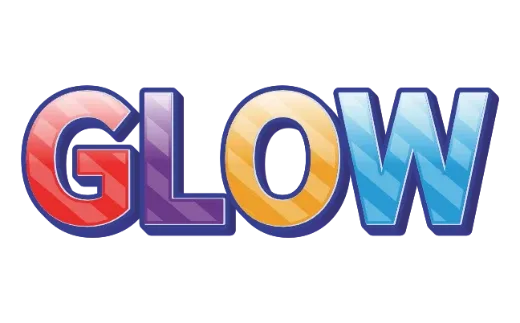
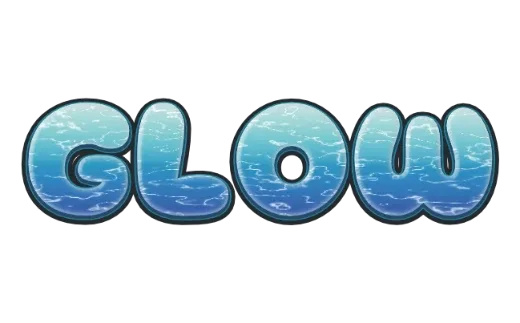
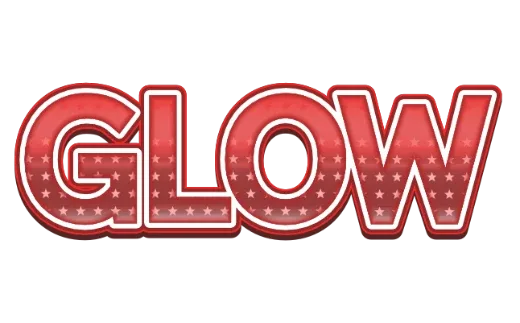
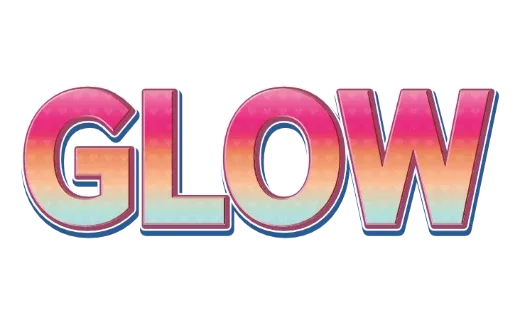
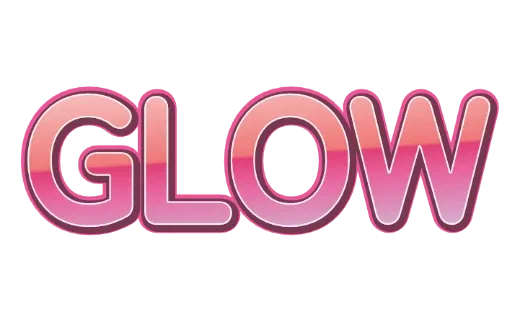
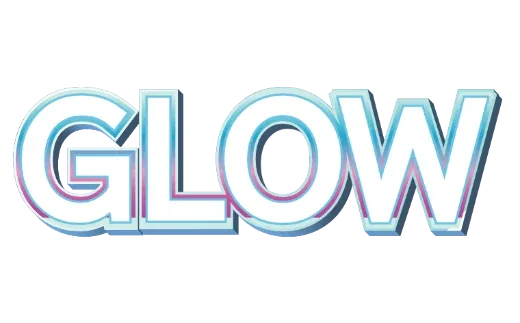
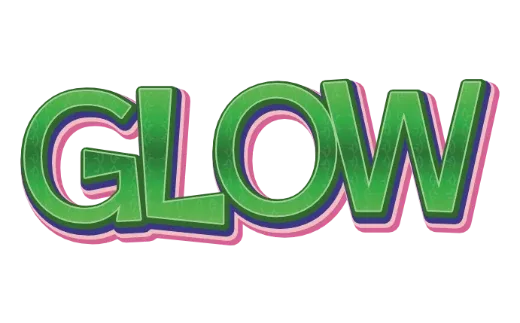
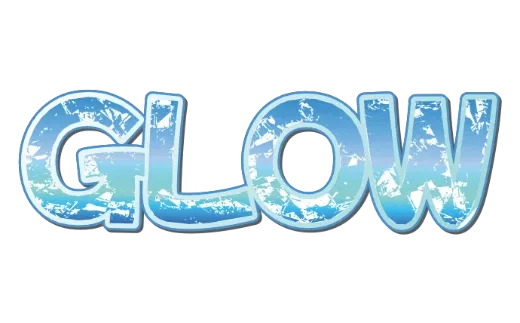
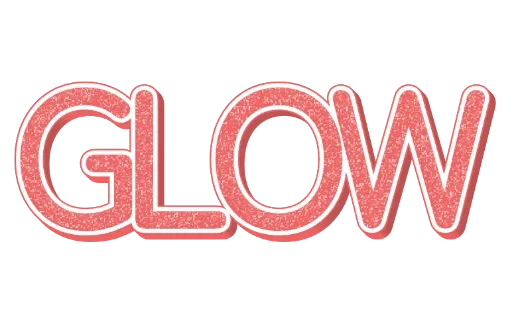
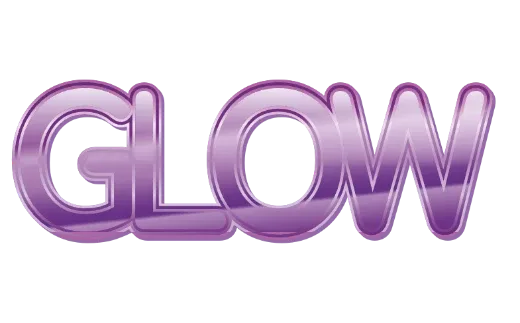
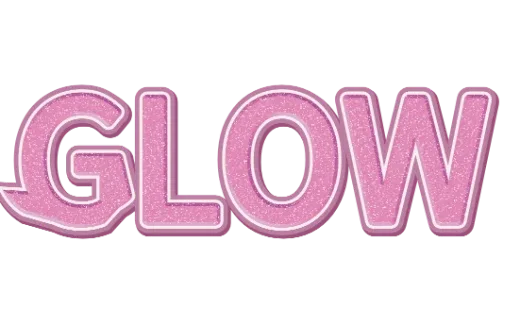
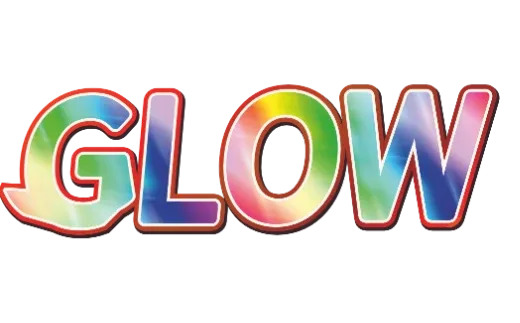
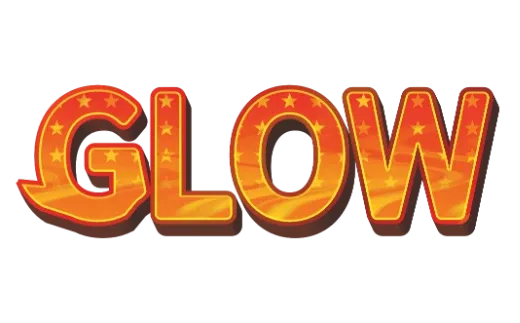
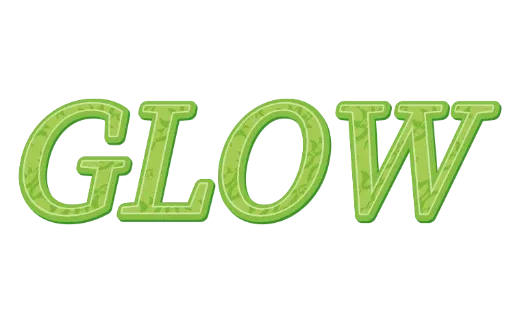
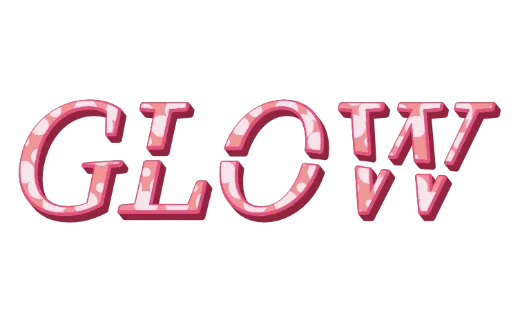
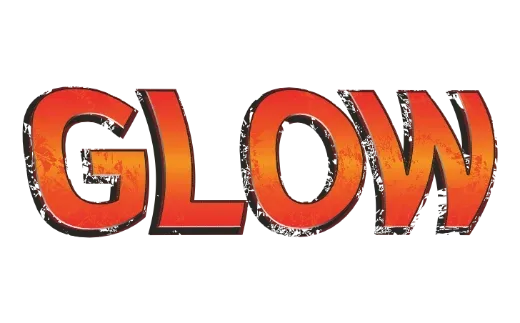
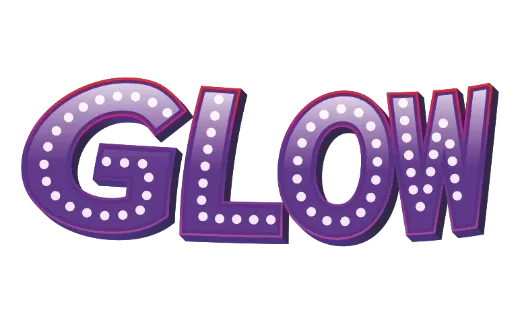
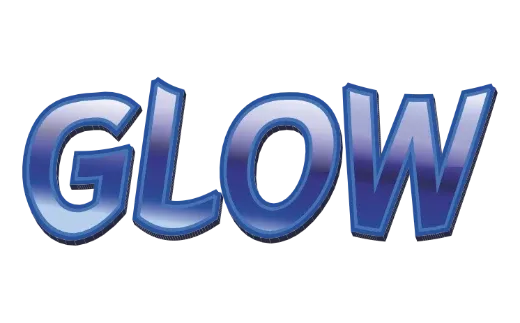
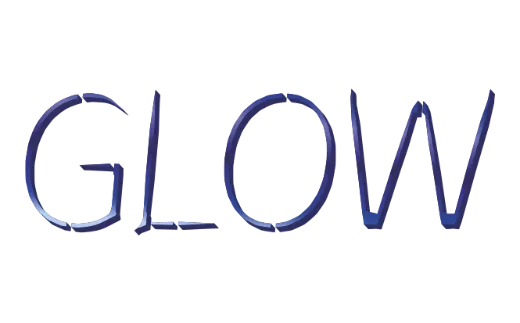
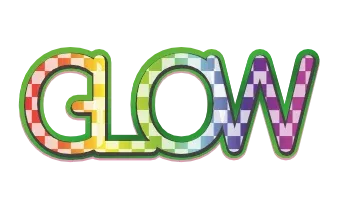
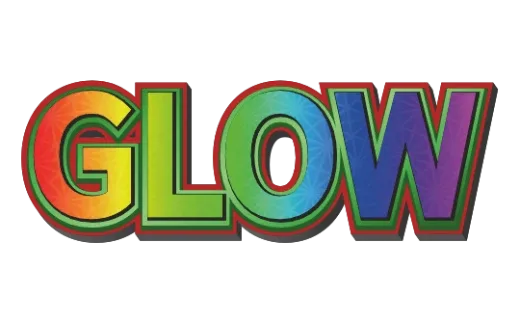
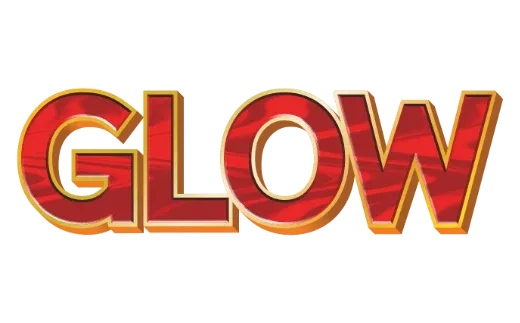
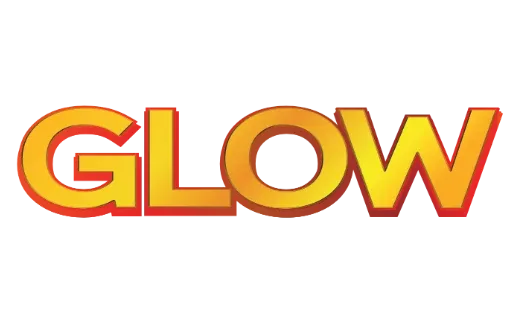
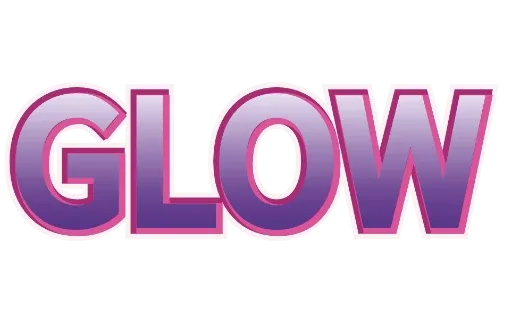
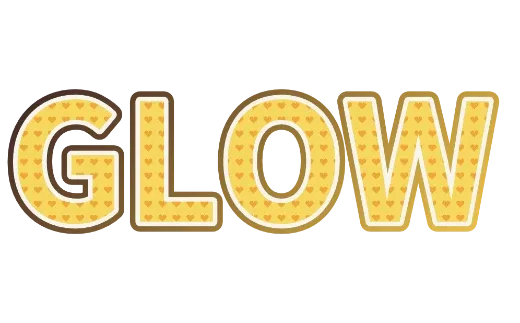
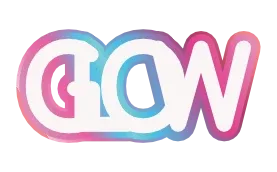
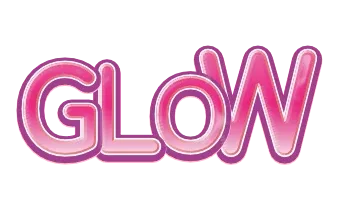
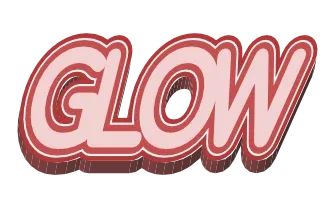
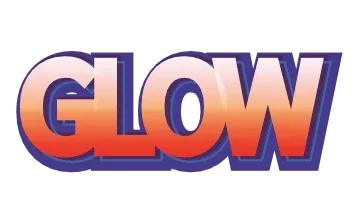
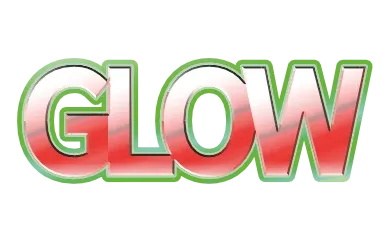
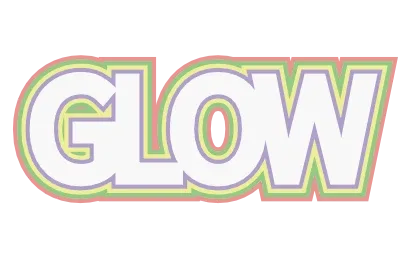
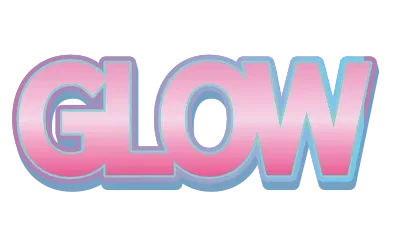
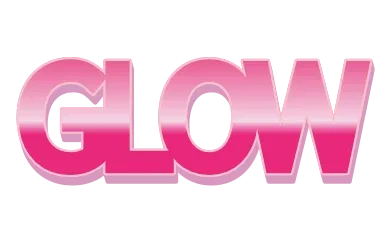
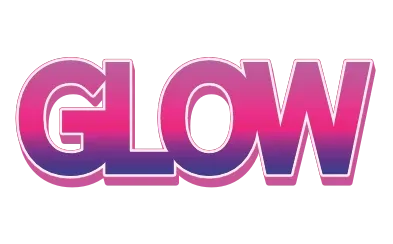
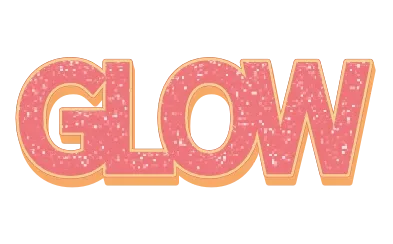
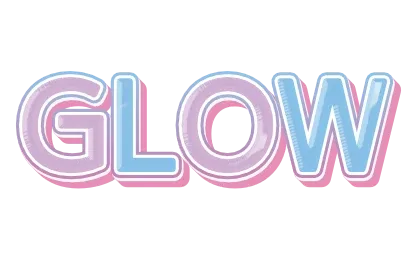
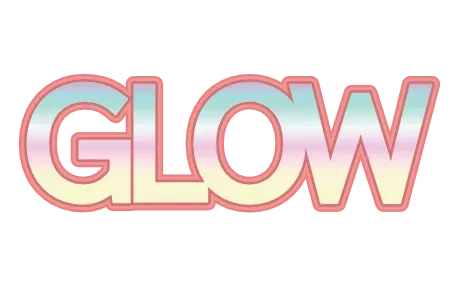
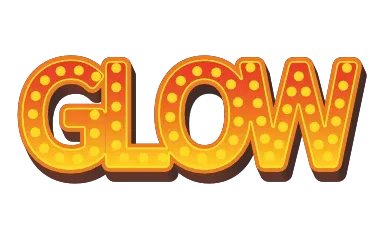
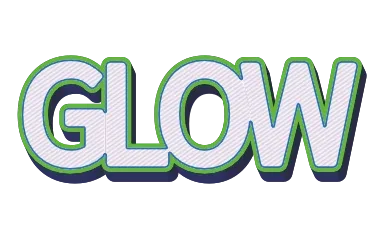
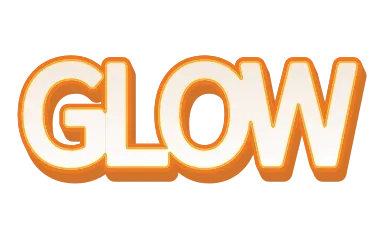
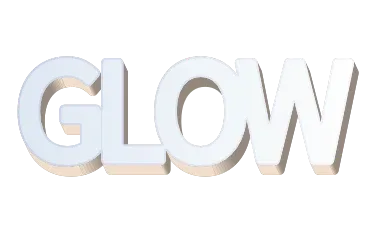
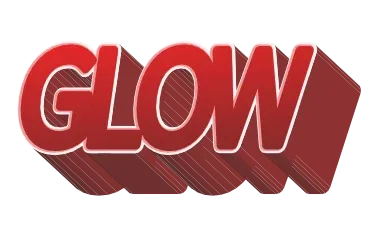
This font does not have those characters.
Some characters are missing from this font, so a substitute font was used.
Download
For print files (PDF), use Customize more to open the editor.
What you can make with these text effects
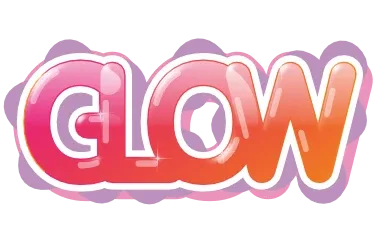
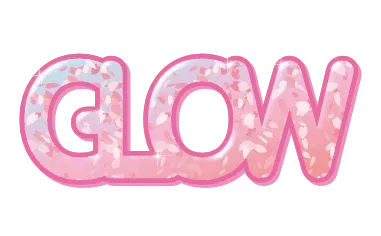
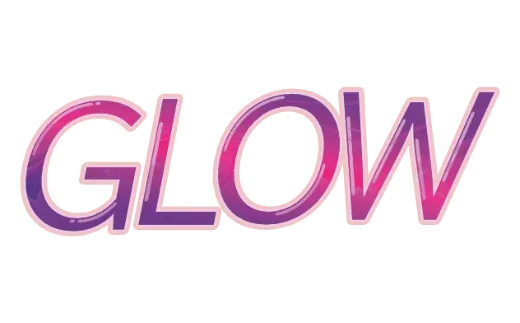
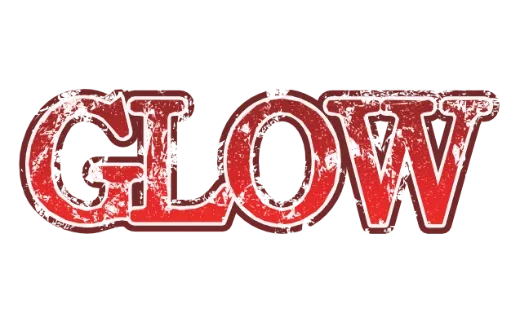
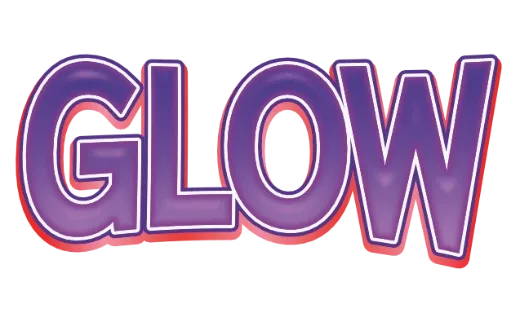
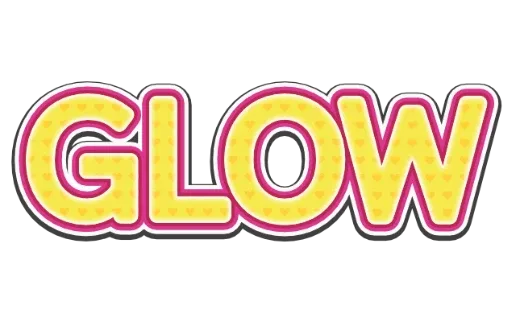
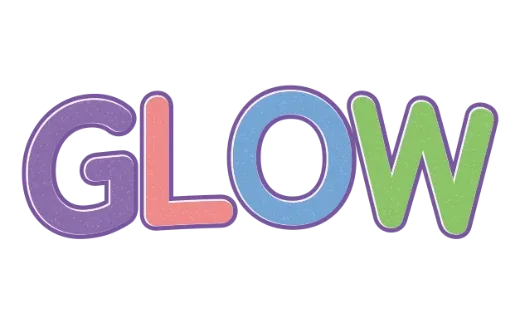
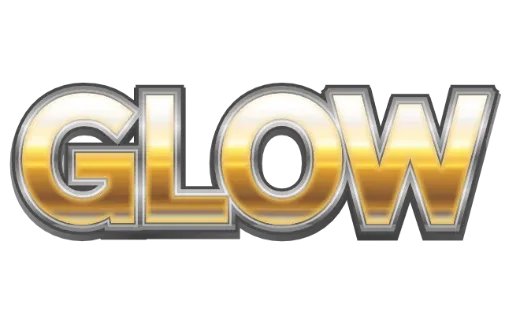
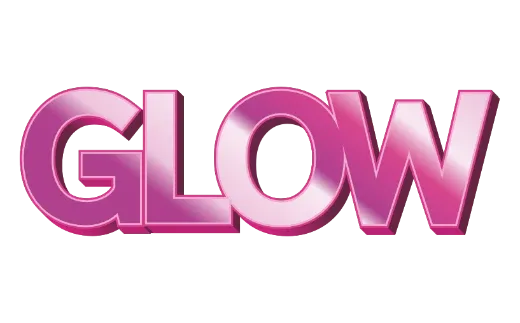
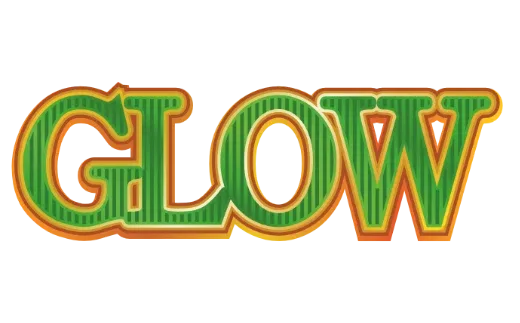
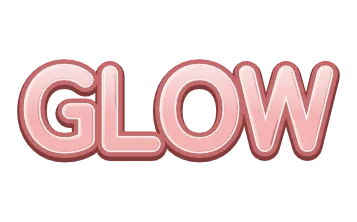
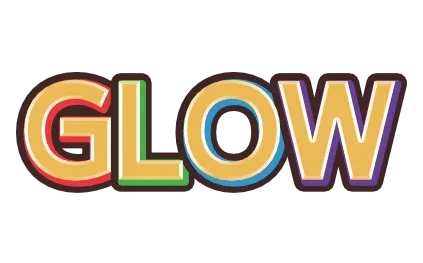
Type a name or a word in the box at the top and all 161 text effects switch to your words at once — layered outlines, bubble letters, 3D, gold and chrome, glitter, neon and retro styles. Pick the one you like and it is ready to use.
- Logos and shop names: a transparent PNG or vector SVG you can drop anywhere (Logo Text Maker).
- YouTube thumbnails and social posts: bold text that still reads on a phone.
- Stickers, T-shirts and decals: layered cut files for Cricut and Silhouette (Text SVG for Cricut).
- Party signs, birthdays and team names: the same design with any name, as many times as you like.
- Two- and three-line logos: press Enter in the box and every style redraws on two or three lines (Stacked Text Generator).
Real vector text, not a picture of text
Every template is built from the letters you type, so the letters, the outlines and the 3D sides stay vector. They stay sharp when you scale them up for a poster or a banner.
| Transparent PNG | No background — put it over photos, videos and slides |
|---|---|
| SVG | Vector that stays sharp at any size. Keep editing in Illustrator, Inkscape or Canva |
| JPG | For sharing on social media and messages |
| Print PDF | CMYK with bleed and crop marks, for print shops (from Customize more) |
| Cut file | Layered SVG for Cricut Design Space and Silhouette Studio (from Customize more) |
Soft shadows and some gloss and textures are stored inside the file as images. Every file you download also carries its edit data, so you can open it again later and retype the words.
How to use it
- Type your words and press Apply: every template switches to your text.
- Tap a design you like: its page opens. Zoom in, or spin it around in 3D.
- Fine-tune it: the icons below the picture change the colour, outline, gloss, pattern, light, thickness, 3D depth and letter and line spacing. Each tap redraws right away.
- Download (free): save as PNG, JPG or SVG. No sign-up.
- Customize more: opens the editor — change the font, warp the letters, add outlines, set the paper size, and make print PDFs and cut files.
Use Category to browse by mood (cute, pop, retro, elegant, graffiti, Japanese) and Tag to narrow down to layered outlines, gold, chrome, glitter, 3D, patterns and more.
Frequently asked questions
Is it free? Do I need an account?
No account and no sign-up. Everything, including PNG, JPG and SVG downloads, is free while the tool is in beta, and what you make during the beta is yours to keep using.
Do I need to install an app? Does it work on a phone?
No install. Open this page in Safari or Chrome on an iPhone or Android phone, or on a computer, and it works the same way.
What can I type?
Up to 24 characters of letters, numbers and symbols. Press Enter to make a two- or three-line logo (line breaks do not count). Accented letters and other alphabets work too: if a style's font does not have your letters, the text is drawn in a similar font that does.
Can I change the font?
Yes. Pick a design, then press Customize more to open the editor and switch fonts. The outlines and 3D follow the new letter shapes.
Can I make cut files for Cricut or Silhouette?
Yes. Press Customize more and export a cut file: outlined paths instead of fonts, overlaps welded, one layer per colour, at real size. Effects without a real edge, such as gloss and soft shadows, are left out of the cut file.
Can I use what I make commercially?
We do not claim copyright on the designs you export — they are yours (see the Terms). The templates themselves can be picked by anyone, so if you plan to register a trademark, talk to a professional.