Stacked Text Generator
Type two or three lines — a name over a date, OPEN over NOW, a shop name over a tagline — and every style in the gallery is rebuilt around your lines as you go: outlines, 3D sides, glitter, neon and gloss follow each line. No text boxes to line up by hand. Download a transparent PNG or an SVG. Free, with no sign-up.
Free while in beta · No sign-up · Transparent PNG, SVG, JPG and print-ready PDF
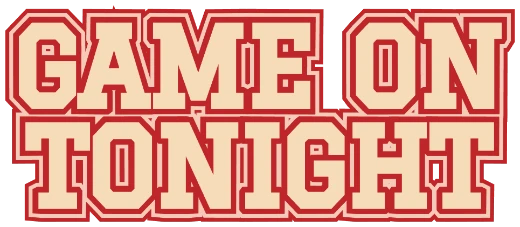
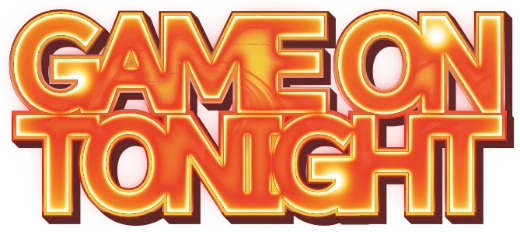
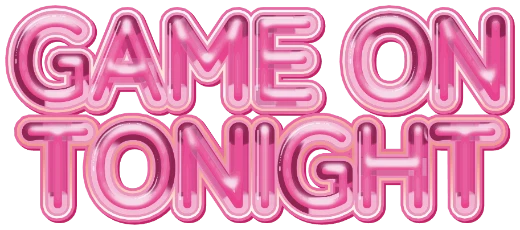
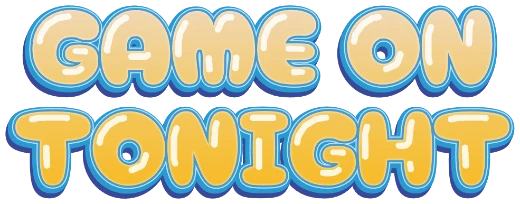
Styles that stack
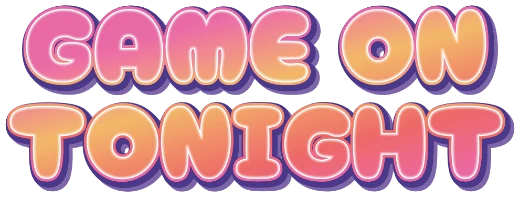
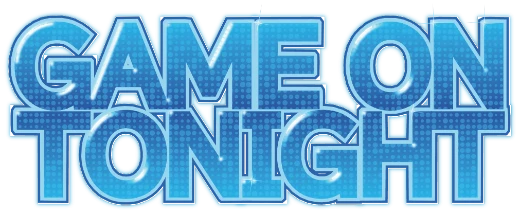
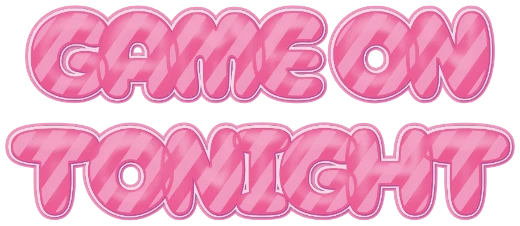
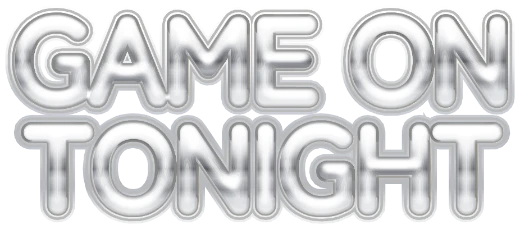
Every example below is a real style in the tool. Tap one to open it, then change the word.
How it works
-
1Type up to three lines
Press Enter for a new line. Up to 24 letters in all (line breaks don't count).

-
2Watch every style rebuild
Each card in the gallery is redrawn with your own lines, centered and stacked.

-
3Tune and download
Open a style to set the alignment (left, center, right) and the line gap, then download a transparent PNG or SVG.

Two and three line text, live
Most text effect tools style one line at a time, so a two-line logo means two separate pictures you line up yourself. Here you type the line break and the whole gallery redraws with your stacked words — each style keeps its outlines, 3D and shine around every line.
Ideas for stacked text
| Use | Example | Download |
|---|---|---|
| Square social posts and stories | NEW / DROP | Transparent PNG |
| Birthdays and events | EMMA / 21 | Transparent PNG or print PDF |
| Shop signs and labels | BAKERY / since 2026 | SVG or print PDF |
| Team shirts and stickers | TIGERS / 2026 | Cut file from the editor |
Tips
- Put the short word on its own line — it comes out bigger and bolder.
- Lower the line gap for a tight logo; raise it for a sign that reads from far away.
- Left alignment suits sporty and handwritten styles; center suits badges and stickers.
More text styles
- Logo Text MakerEvery style in one place
- 3D Text GeneratorDepth, sides and gloss
- Retro Text GeneratorMarquee bulbs, stacked outlines, 70s and 80s
- Game Logo Text GeneratorChrome, gold, grunge and fire
- Bubble Letter GeneratorPuffy, rounded letters with thick outlines
- Outline Text GeneratorStacked outlines and sticker edges
- Glitter Text GeneratorPink, coral and gold sparkle
- Cute Text GeneratorKawaii pastel, puffy and patterned
- Graffiti Text GeneratorGrunge, chrome and street-style 3D
- Text SVG for Cricut & SilhouetteLayered, welded cut files
- Vector Text GeneratorEditable SVG text and logos
- Varsity Letter GeneratorCollege and athletic lettering
- Neon Text GeneratorGlowing neon-sign lettering
- Gold Text GeneratorGold script for weddings and logos
- Christmas Text GeneratorCandy cane and holiday lettering
- Balloon Text GeneratorPink, gold and silver balloon letters
- Birthday Text GeneratorName banners, cake toppers and party signs
- YouTube Thumbnail TextBold title text that reads small
- T-Shirt Text GeneratorIron-on, DTF and team shirts
- Name Decal MakerTumblers, bottles and lockers
- Team Name Logo MakerSports and esports team names
- Cool Text alternativeHow it compares
- Canva text effects alternativeStacked outlines, 3D and glitter for Canva designs
- GuidesPrinting, cutting and lettering how-tos
FAQ
QWhat is stacked text?
QDo the effects follow each line?
QCan I change the alignment and the line spacing?
QHow many lines and letters can I use?
QIs it really free? Do I need to sign up?
QCan I get a transparent PNG?
Make your stacked text
No sign-up. Free while in beta. · Browse all styles