Graffiti Text Generator
A free graffiti text generator: type your name or tag and get street-style lettering — bold stacked outlines, grunge and spray texture, chrome and comic 3D — ready to download as a transparent PNG or a vector SVG. No sign-up. Best for names, shirts, stickers, thumbnails and posters.
Free while in beta · No sign-up · Transparent PNG, SVG, JPG and print-ready PDF
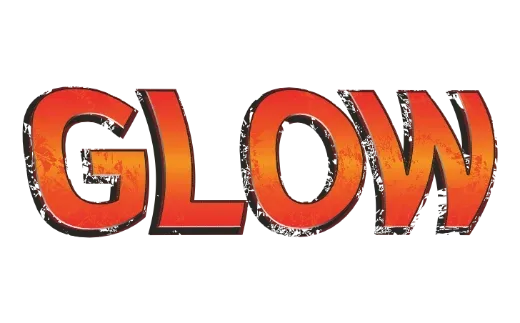
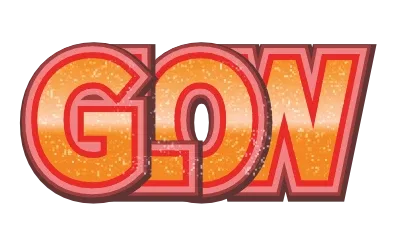
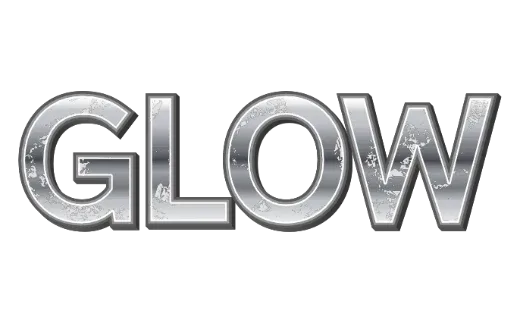
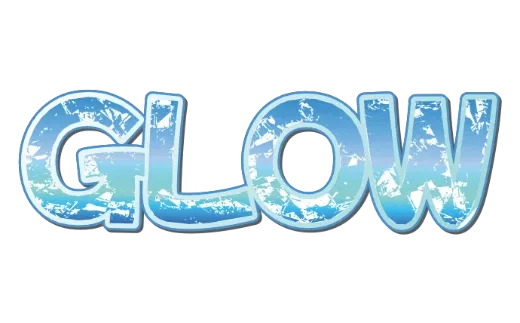
Graffiti text styles
Every example below is a real style in the tool. Tap one to open it, then change the word.
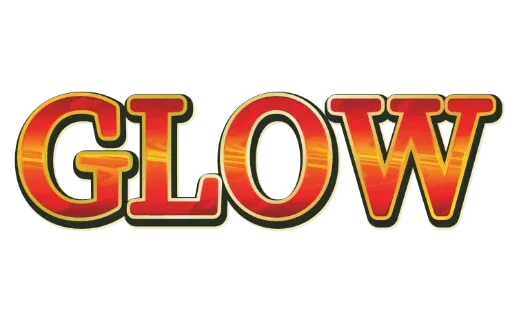
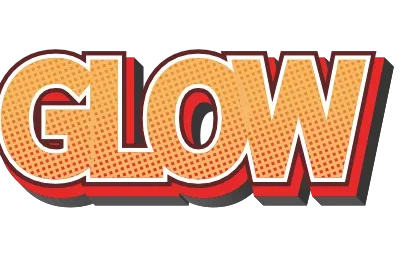
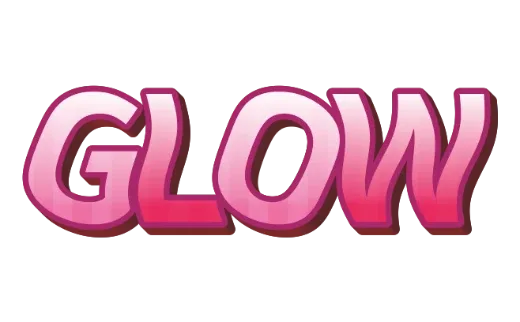
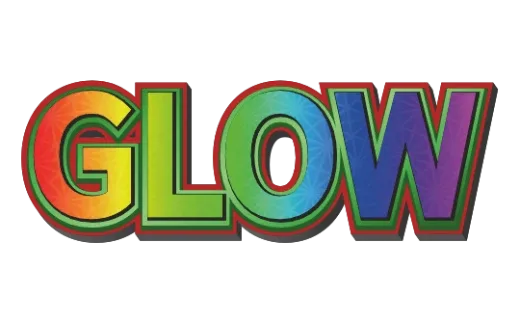
How it works
-
1Type your name or tag
Short names work best. Up to 24 characters.

-
2Pick a street style
Grunge, chrome, comic 3D, stacked outlines. Every card shows your own word.

-
3Download
Transparent PNG for thumbnails and posts, SVG for shirts and stickers, PDF for print. No account.

Street-style lettering on your name
Graffiti lettering is about weight and attitude: fat letters, a hard outline, a second outline around that, and a surface that looks sprayed, scratched or polished. The styles here put that on the words you type, so you get a finished, sharp file instead of a screenshot.
Street styles you can pick
- Grunge — rough, worn edges, like spray paint on a wall.
- Chrome — polished metal fill, classic for throw-ups and hip-hop titles.
- Comic 3D — bold outlines shifted to one side, like a cartoon cover.
- Stacked outlines — three or four colored layers around the letters.
Tips
- Short names hit harder. Three to six letters is the sweet spot.
- Use the heaviest font you can find; graffiti letters are thick.
- Contrast the fill and outline — bright on dark, or chrome on black.
More text styles
- Logo Text MakerEvery style in one place
- 3D Text GeneratorDepth, sides and gloss
- Retro Text GeneratorMarquee bulbs, stacked outlines, 70s and 80s
- Game Logo Text GeneratorChrome, gold, grunge and fire
- Bubble Letter GeneratorPuffy, rounded letters with thick outlines
- Outline Text GeneratorStacked outlines and sticker edges
- Glitter Text GeneratorPink, coral and gold sparkle
- Cute Text GeneratorKawaii pastel, puffy and patterned
- Text SVG for Cricut & SilhouetteLayered, welded cut files
- Vector Text GeneratorEditable SVG text and logos
- Varsity Letter GeneratorCollege and athletic lettering
- Neon Text GeneratorGlowing neon-sign lettering
- Gold Text GeneratorGold script for weddings and logos
- Christmas Text GeneratorCandy cane and holiday lettering
- Balloon Text GeneratorPink, gold and silver balloon letters
- Stacked Text GeneratorTwo and three line text logos, live
- Birthday Text GeneratorName banners, cake toppers and party signs
- YouTube Thumbnail TextBold title text that reads small
- T-Shirt Text GeneratorIron-on, DTF and team shirts
- Name Decal MakerTumblers, bottles and lockers
- Team Name Logo MakerSports and esports team names
- Cool Text alternativeHow it compares
- Canva text effects alternativeStacked outlines, 3D and glitter for Canva designs
- GuidesPrinting, cutting and lettering how-tos
FAQ
QIs this hand-drawn graffiti?
QCan I put graffiti text on a shirt?
QHow is this different from an AI logo generator?
QIs it really free? Do I need to sign up?
QCan I get a transparent PNG?
QCan I use what I make commercially?
Make your name street-style
No sign-up. Free while in beta. · Browse all styles