Game Logo Text Generator
A free game logo text generator: type your title and get it in chrome, gold, fire, grunge and comic 3D styles, ready to download as a transparent PNG or a vector SVG. No sign-up. Best for game logos, YouTube and stream titles, team names and esports graphics.
Free while in beta · No sign-up · Transparent PNG, SVG, JPG and print-ready PDF
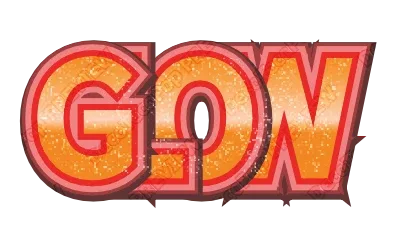
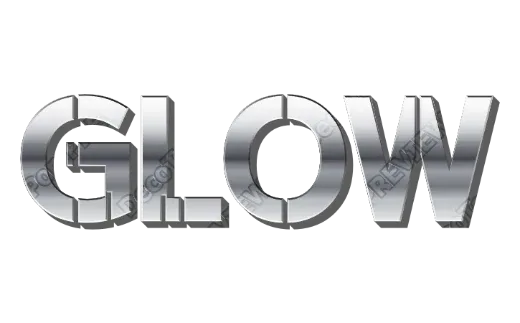
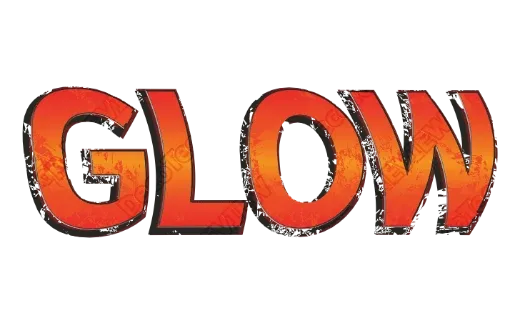
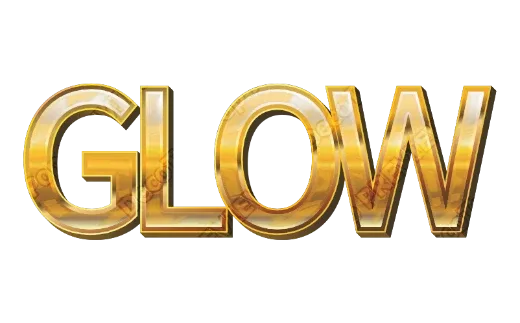
Game logo text styles
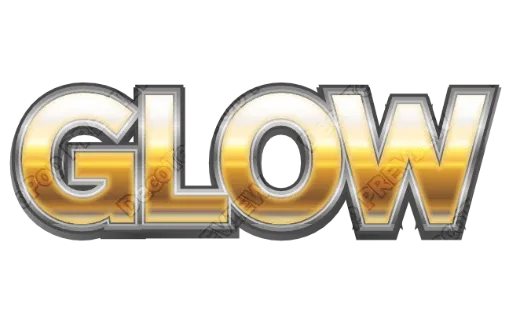
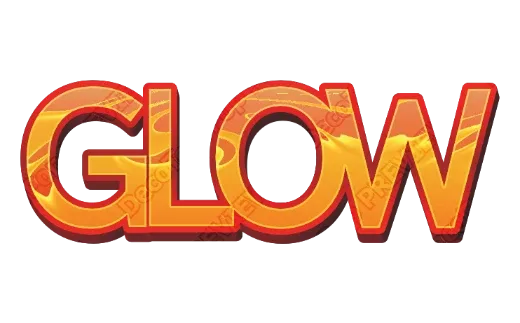
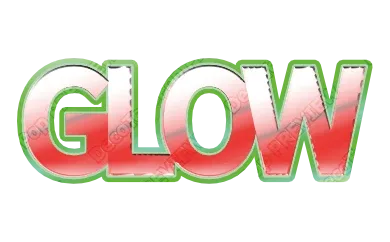
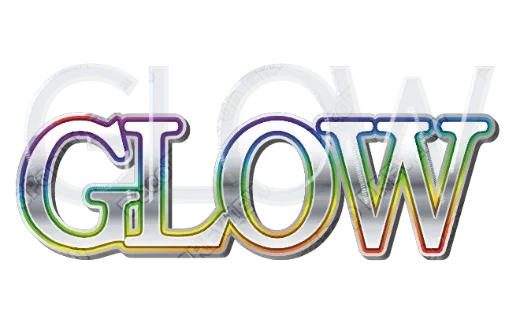
Every example below is a real style in the tool. Tap one to open it, then change the word.
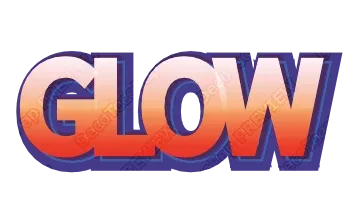
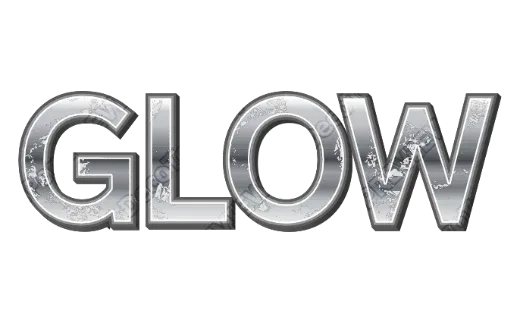
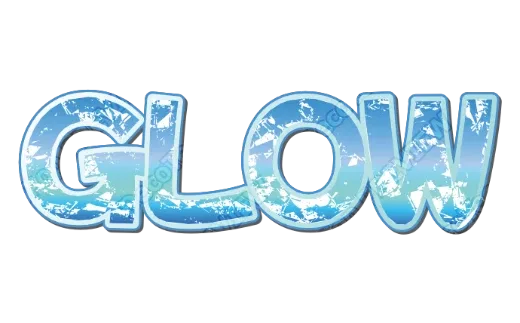
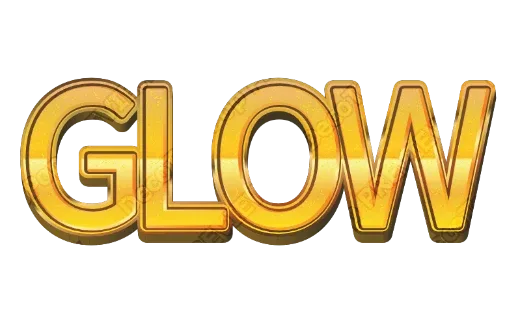
How it works
-
1Type your title
A game name, a channel, a team, a level name. Up to 24 characters.
-
2Pick a title style
Chrome, gold, fire, grunge, comic 3D. Every card shows your own title.

-
3Download
Transparent PNG to drop into an engine, a thumbnail or an overlay; SVG to resize; PDF for printed merch.

Title text that looks finished
A game or channel title is the first thing people read, often at the size of a thumbnail. The styles here are built for that: thick letters, strong outlines and surfaces with a lot of contrast, so the title holds up from a phone screen to a banner.
Title styles you can pick
- Chrome and silver — mirror-like metal with sharp highlights, for racing, sci-fi and action.
- Gold — warm metal with bevels, for fantasy, rewards and anything “legendary”.
- Fire and flame gradients — hot orange to yellow, for fighting and arcade games.
- Grunge — scratched, worn metal and rough edges, for horror, survival and shooters.
- Comic 3D and graffiti — bold outlines and shifted shadows, for party, casual and street styles.
Making a title that reads at any size
- Short beats clever. Two or three words; put the subtitle in plain text underneath.
- One strong outline separates the title from busy game art better than many thin ones.
- Contrast the fill and the outline — light metal on a dark outline, or the reverse.
- Test it as a thumbnail. Shrink the PNG to the size of a video thumbnail; if it still reads, you are done.
Getting it into your project
Download a transparent PNG to drop into a game engine, a video editor or a stream overlay. Download the SVG if you want to scale it without losing sharpness or keep editing it in a vector program. For printed merch — stickers, posters, shirts — the PDF is set up in print colors with bleed and crop marks.
FAQ
QCan I use the title in my game or on my channel?
QWhat size should I export for a game or a thumbnail?
QWhich styles read best at thumbnail size?
QIs it really free? Do I need to sign up?
QCan I get a transparent PNG?
QDoes it work on my phone?
Make your game logo
No sign-up. Free while in beta. · Browse all styles