3D Text Generator
A free 3D text generator: type a word and get it back with real depth — extruded sides, outlines and gloss — ready to download as a transparent PNG or a vector SVG. No sign-up. Best for game titles, thumbnails, stickers and signs.
Free while in beta · No sign-up · Transparent PNG, SVG, JPG and print-ready PDF
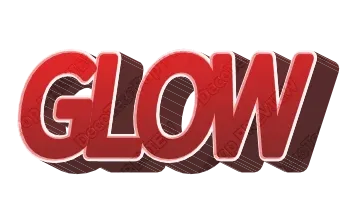
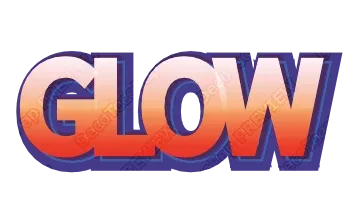
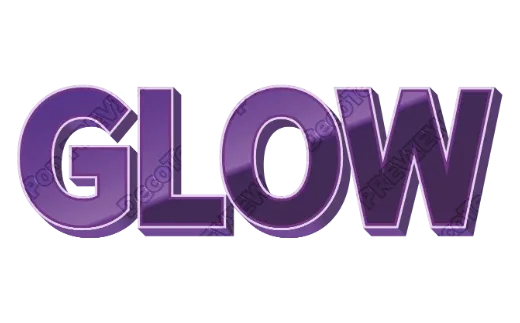
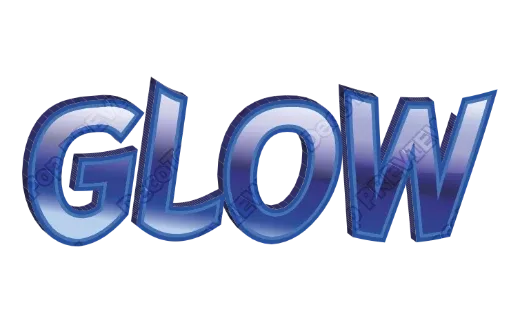
3D text styles
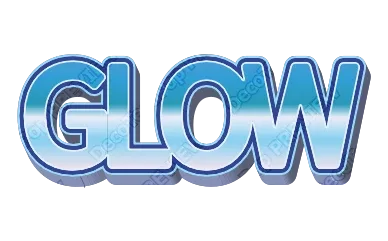
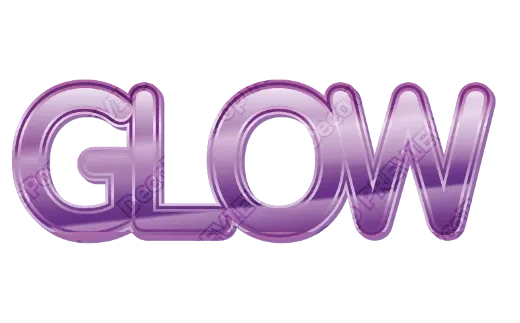
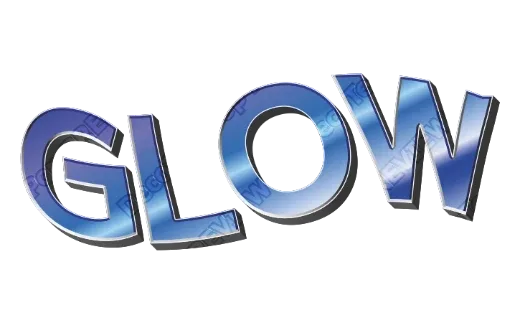
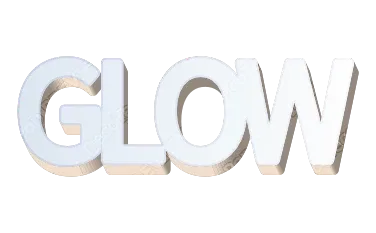
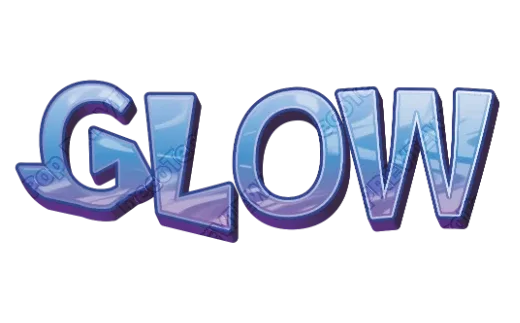
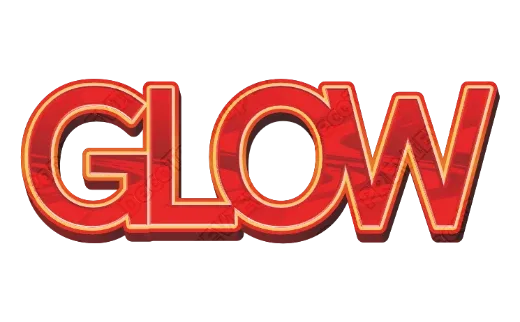
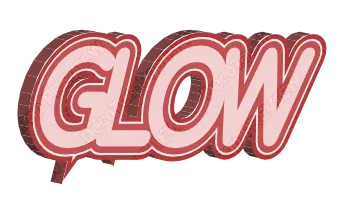
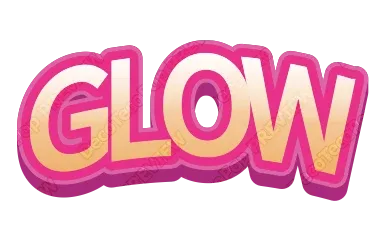
Every example below is a real style in the tool. Tap one to open it, then change the word.
How it works
-
1Type your word
Short words and names look best in 3D. Up to 24 characters.

-
2Pick a 3D style
Every card already shows your word in 3D — block, comic, glossy, woodgrain, ice. Open one to change the depth, the direction or the colors.

-
3Download
Transparent PNG for videos and posts, SVG for resizing and cutting, PDF for print. No account.

Real 3D, built from your letters
A lot of “3D text” online is a flat picture of someone else's word. Here the depth is built from the shape of your letters: the sides, the outline around them and the highlight on top are worked out from the word you type. Change one letter and the 3D follows.
Kinds of 3D you can choose
- Block 3D — solid, deep sides in one color. Strong and easy to read; good for titles and team names.
- Comic 3D — a bold outline plus a shifted shadow layer, like a cartoon cover.
- Glossy 3D — rounded highlights that look like candy or plastic; great for kids' events and cafés.
- Textured 3D — wood grain, marble or ice on the face of the letters.
Getting 3D text to look right
- Use a heavy font. Thin letters disappear behind their own sides.
- Keep the depth moderate for long words — deep sides on many letters start to touch and blur together.
- Make the sides darker than the face. The contrast is what makes the eye read depth.
- Add an outline when the text sits on a photo; it separates the 3D from a busy background.
Where people use 3D text
YouTube thumbnails and stream overlays, game and app titles, birthday and party signs, shop window lettering, stickers and T-shirts. For anything printed, download the PDF — it is set up in print colors (CMYK) with bleed and crop marks, which most print shops ask for.
FAQ
QIs the 3D text a vector or just a picture?
QCan I change the depth and the direction of the 3D?
QCan I get a transparent background?
QIs it really free? Do I need to sign up?
QCan I use what I make commercially?
QDoes it work on my phone?
Turn your word into 3D text
No sign-up. Free while in beta. · Browse all styles