Retro Text Generator
A free retro text generator: put your own words into marquee light bulbs, stacked 70s outlines, wood grain and worn textures, then download a transparent PNG or a vector SVG. No sign-up. Best for café signs, event posters, merch and vintage-style logos.
Free while in beta · No sign-up · Transparent PNG, SVG, JPG and print-ready PDF
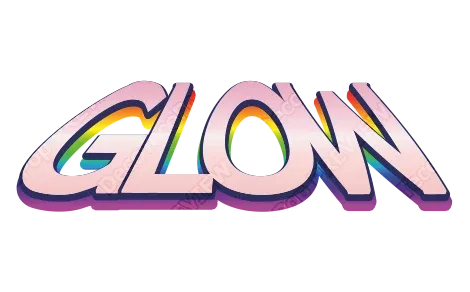
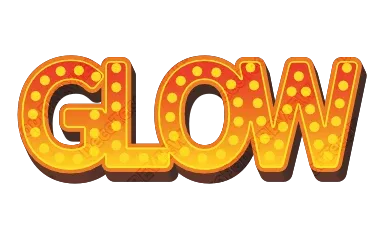
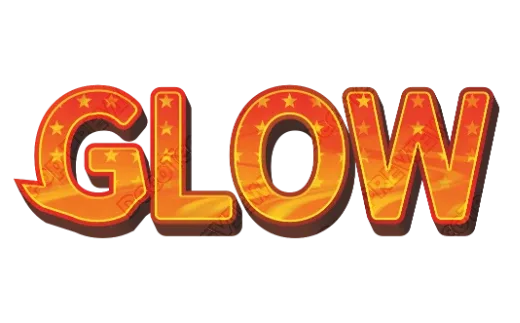
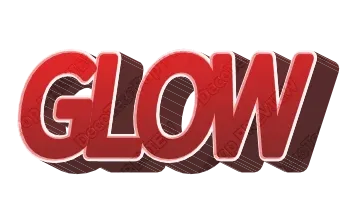
Retro text styles
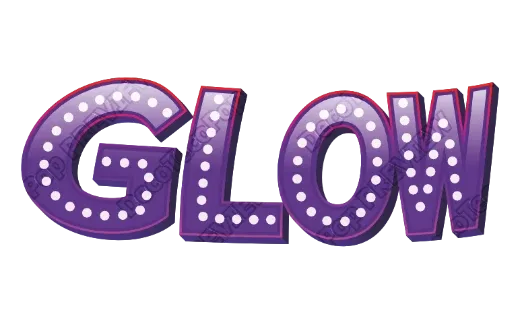
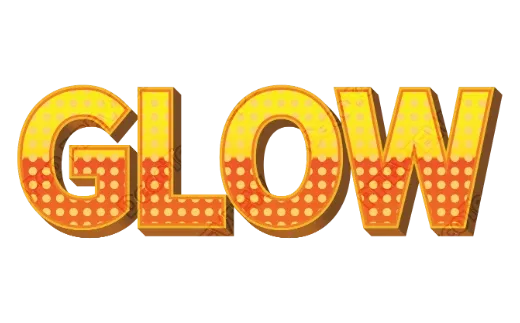
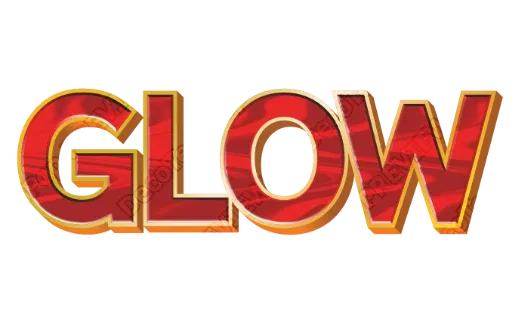
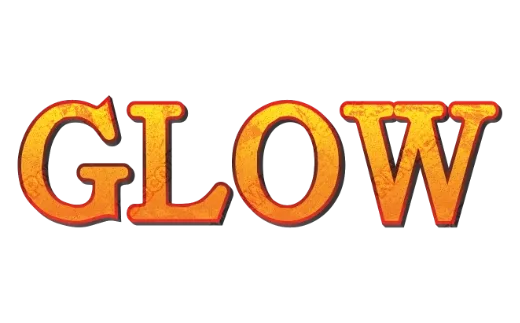
Every example below is a real style in the tool. Tap one to open it, then change the word.
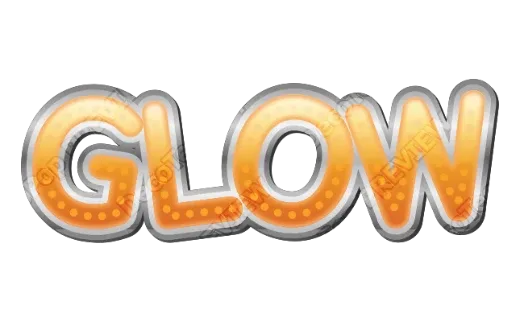
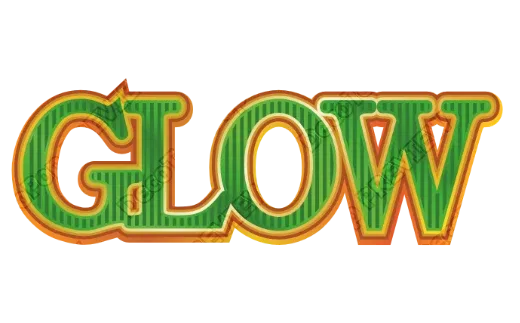
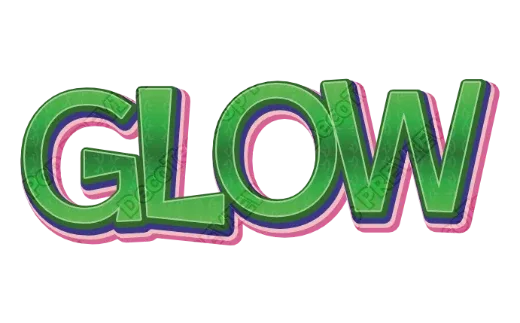
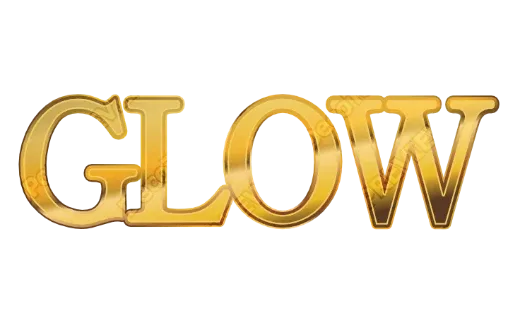
How it works
-
1Type your words
A café name, an event title, a band. Retro styles love short, bold words.

-
2Pick a retro look
Marquee bulbs, stacked outlines, wood grain, worn print. Every card shows your own words.

-
3Download
Transparent PNG for posts and videos, SVG for resizing and cutting, PDF for print. No account.

Retro lettering without the old-school workflow
Retro lettering was traditionally painted by hand or built up layer by layer in a design program: an outline, then a bigger outline, then a drop shadow, then a texture, then all of it again when the client changes one word. Here those layers are already part of the style, and they rebuild themselves around whatever you type.
Retro looks you can pick
- Marquee bulbs — rows of light dots inside the letters, like a theater or carnival sign.
- Stacked 70s outlines — two or three outlines in warm oranges, creams and browns, often slanted.
- Wood grain and marble — a natural surface on deep 3D letters, for diners, craft beer and workshops.
- Worn print — rough edges and grain, like an old screen-printed tee.
- Polka dots and stripes — 50s and 60s patterns framed by a metallic trim.
Tips for a convincing retro look
- Stay in a warm palette. Mustard, burnt orange, cream, teal and brown read as vintage instantly.
- Use fewer, thicker outlines rather than many thin ones — they survive printing and small sizes.
- Add texture last and keep it subtle; too much grain hurts legibility.
- A slight slant gives 70s energy without bending the letters out of shape.
Where retro text works
Café and bar signs, menus, event and concert posters, vintage-style shop logos, merch and stickers, and title cards for videos. For physical signs and stickers, the PDF download is ready for a print shop.
FAQ
QWhat counts as a “retro” text style?
QCan I change the colors to match my brand?
QWill the worn texture print well?
QIs it really free? Do I need to sign up?
QCan I get a transparent PNG?
QCan I use what I make commercially?
Give your words a retro look
No sign-up. Free while in beta. · Browse all styles