Birthday Text Generator
A free birthday text generator: type a name or “Happy Birthday” and see it in glitter, glossy balloon-style, pastel and 3D lettering. Download a transparent PNG for invitations and posts, an SVG for cake toppers and cut banners, or a print-ready PDF for a party sign. No sign-up.
Free while in beta · No sign-up · Transparent PNG, SVG, JPG and print-ready PDF
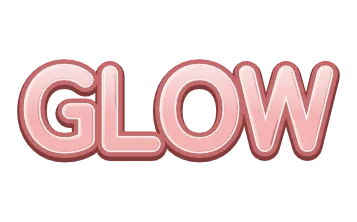
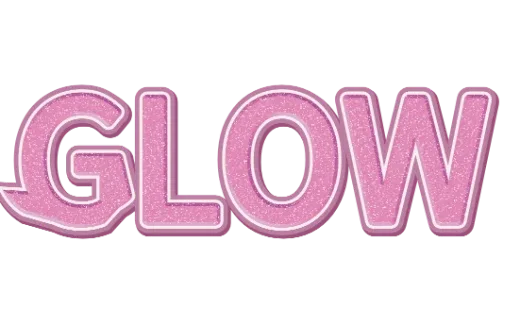
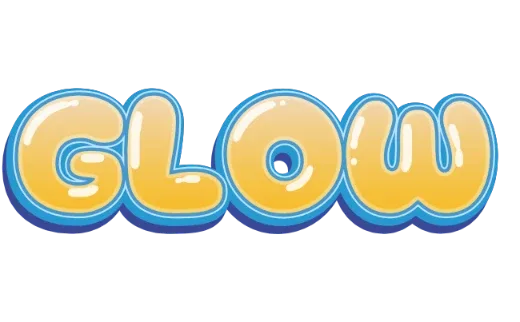
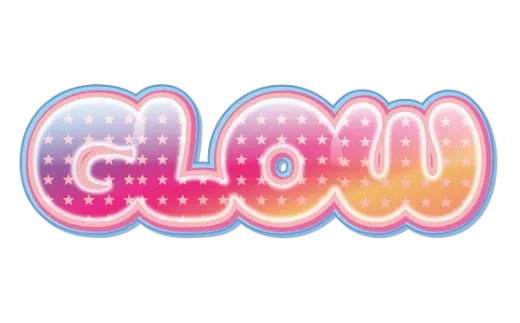
Birthday lettering styles
Every example below is a real style in the tool. Tap one to open it, then change the word.
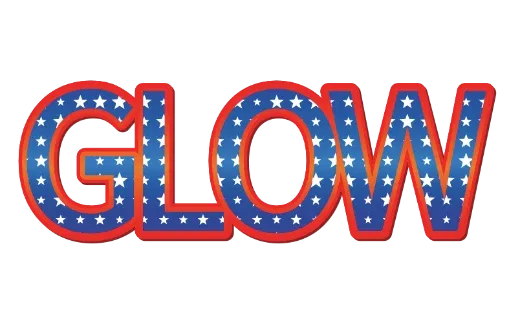
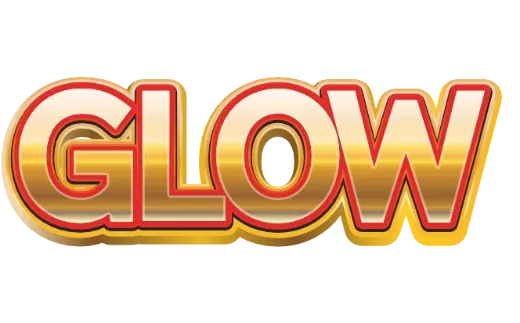
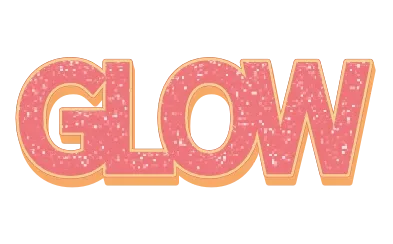
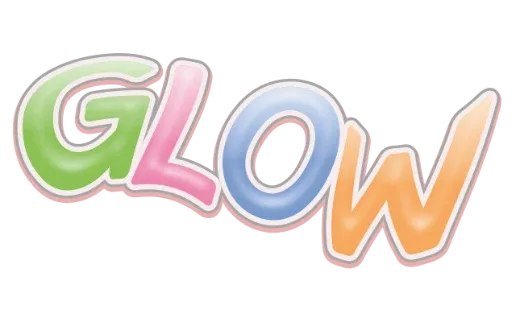
How it works
-
1Type the name
A name, an age, or Happy Birthday. Short words look biggest. Up to 24 characters.

-
2Pick a party style
Glitter, glossy balloon letters, pastel layers, 3D. Every card shows your own words.

-
3Download
Transparent PNG or SVG right away. For a print-ready PDF or a cut file, tap Customize more to open the editor.

Birthday lettering for every part of the party
The name is the star of a birthday: it goes on the banner, the cake, the invitation and the photo backdrop. Here you type it once and see it in party styles side by side — sparkly glitter, glossy balloon-like letters, soft pastel layers and bold 3D — then download the file each job needs.
Where birthday text goes
| Use | Style that works | Download |
|---|---|---|
| Name banner | Bold 3D or layered outlines that read from across the room | PDF for print |
| Cake topper | A solid style with one strong outline | Cut file (cardstock) |
| Invitation header | Pastel or glitter | Transparent PNG |
| Backdrop or balloon wall | Glossy balloon letters | PDF, printed large |
| Favor tags and labels | Cute, small and simple | PDF or PNG |
| Birthday post or story | Glitter or holographic | Transparent PNG |
Tips
- Match the party colors. Open a style and change the fill and outline colors to the theme.
- Short and big. A name alone reads better on a banner than a full sentence.
- Plan the toppers early. Cutting tiny letters is fiddly; a heavier style cuts cleanly.
Guides: glitter text on screen, printed or in glitter vinyl · bubble letters to print or cut
More text styles
- Logo Text MakerEvery style in one place
- 3D Text GeneratorDepth, sides and gloss
- Retro Text GeneratorMarquee bulbs, stacked outlines, 70s and 80s
- Game Logo Text GeneratorChrome, gold, grunge and fire
- Bubble Letter GeneratorPuffy, rounded letters with thick outlines
- Outline Text GeneratorStacked outlines and sticker edges
- Glitter Text GeneratorPink, coral and gold sparkle
- Cute Text GeneratorKawaii pastel, puffy and patterned
- Graffiti Text GeneratorGrunge, chrome and street-style 3D
- Text SVG for Cricut & SilhouetteLayered, welded cut files
- Vector Text GeneratorEditable SVG text and logos
- Varsity Letter GeneratorCollege and athletic lettering
- Neon Text GeneratorGlowing neon-sign lettering
- Gold Text GeneratorGold script for weddings and logos
- Christmas Text GeneratorCandy cane and holiday lettering
- Balloon Text GeneratorPink, gold and silver balloon letters
- Stacked Text GeneratorTwo and three line text logos, live
- YouTube Thumbnail TextBold title text that reads small
- T-Shirt Text GeneratorIron-on, DTF and team shirts
- Name Decal MakerTumblers, bottles and lockers
- Team Name Logo MakerSports and esports team names
- Cool Text alternativeHow it compares
- Canva text effects alternativeStacked outlines, 3D and glitter for Canva designs
- GuidesPrinting, cutting and lettering how-tos
FAQ
QWhat can I make with birthday text?
QCan I make a cake topper?
QWhat size should a birthday banner be?
QCan I change the name for each child or guest?
QIs it really free? Do I need to sign up?
QCan I get a transparent PNG?
Make the birthday name
No sign-up. Free while in beta. · Browse all styles