Outline Text Generator
A free outline text generator: type your words and stack one, two or as many as six outlines around them — the white-edged sticker look, colored layers, or a thin rim of gold. Download a transparent PNG or a vector SVG, or make a layered cut file in the editor. No sign-up. Best for stickers, vinyl, shirts, thumbnails and signs.
Free while in beta · No sign-up · Transparent PNG, SVG, JPG and print-ready PDF
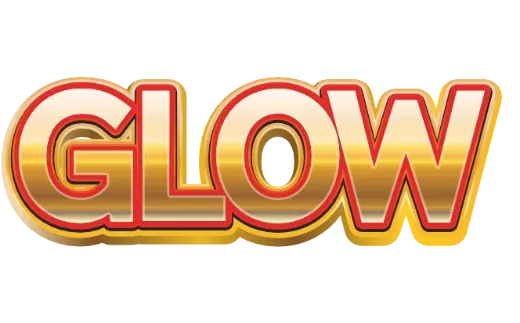
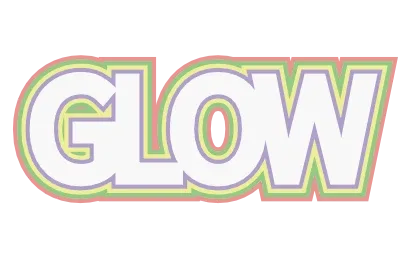
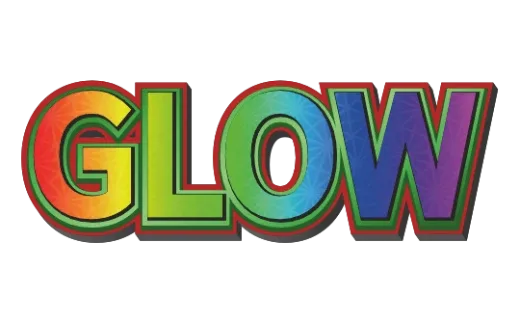
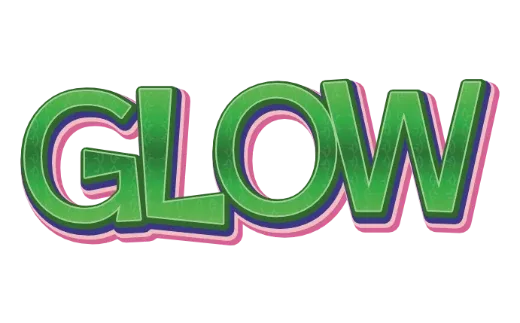
Outline text styles
Every example below is a real style in the tool. Tap one to open it, then change the word.
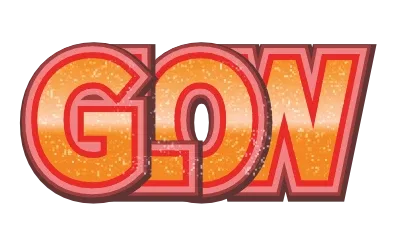
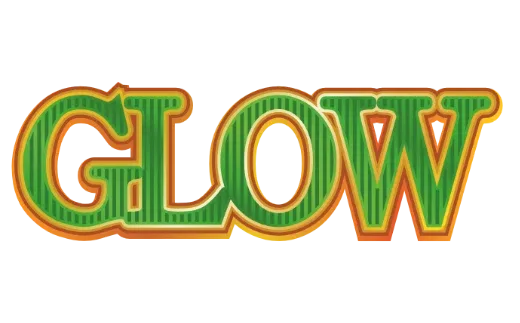
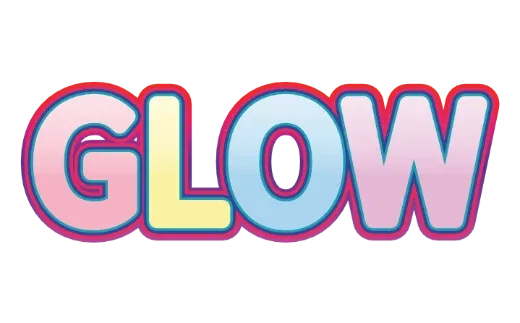
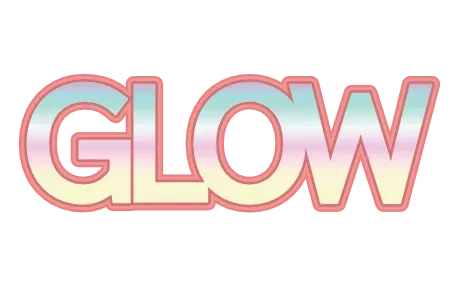
How it works
-
1Type your words
A name, a shop, a title. Up to 24 characters.

-
2Pick an outline style
Every card already shows your words with its outlines — a single border, a white sticker edge, or many colored layers. Open one to change each outline’s color and thickness.

-
3Download
Transparent PNG or SVG. For a print-ready PDF or a layered cut file, tap Customize more to open the editor. No account.

Outlines that follow every letter
Most outline text tools draw one stroke around the letters. Here you can stack several: a dark line next to the letters, a white band, then a colored rim — the look of a die-cut sticker or a layered vinyl decal. Every outline is worked out from the shape of your letters, so the corners stay sharp and the spacing stays even, even with six layers.
Outline looks you can make
- Single outline — clean and easy to read on any background.
- Sticker edge — a white band around everything, like a die-cut sticker.
- Multi-color layers — three to six colored outlines stacked, popular for party and retro lettering.
- Metal rim — a thin gold or silver outline for a premium look.
For vinyl, iron-on and stickers
Export a cut file from the editor and the colors are split into layers, with the outlines turned into solid shapes and overlapping letters welded together — what a cutting machine needs for layered vinyl. Glitter, gloss and shadows can’t be cut, so they are left out of the cut file. For printed stickers, export the PDF from the editor: it comes in print colors with bleed and crop marks.
Tips for outline text
- Contrast neighboring outlines — dark next to light — or the layers blur into one.
- Make the outer outline the thickest when the text sits on a photo.
- Fewer outlines for long words. Many thick layers on many letters start to merge.
More text styles
- Logo Text MakerEvery style in one place
- 3D Text GeneratorDepth, sides and gloss
- Retro Text GeneratorMarquee bulbs, stacked outlines, 70s and 80s
- Game Logo Text GeneratorChrome, gold, grunge and fire
- Bubble Letter GeneratorPuffy, rounded letters with thick outlines
- Glitter Text GeneratorPink, coral and gold sparkle
- Cute Text GeneratorKawaii pastel, puffy and patterned
- Graffiti Text GeneratorGrunge, chrome and street-style 3D
- Text SVG for Cricut & SilhouetteLayered, welded cut files
- Vector Text GeneratorEditable SVG text and logos
- Varsity Letter GeneratorCollege and athletic lettering
- Neon Text GeneratorGlowing neon-sign lettering
- Gold Text GeneratorGold script for weddings and logos
- Christmas Text GeneratorCandy cane and holiday lettering
- Balloon Text GeneratorPink, gold and silver balloon letters
- Stacked Text GeneratorTwo and three line text logos, live
- Birthday Text GeneratorName banners, cake toppers and party signs
- YouTube Thumbnail TextBold title text that reads small
- T-Shirt Text GeneratorIron-on, DTF and team shirts
- Name Decal MakerTumblers, bottles and lockers
- Team Name Logo MakerSports and esports team names
- Cool Text alternativeHow it compares
- Canva text effects alternativeStacked outlines, 3D and glitter for Canva designs
- GuidesPrinting, cutting and lettering how-tos
FAQ
QHow many outlines can I add?
QHow do I get the white sticker edge?
QDo the outlines stay separate in the SVG?
QWhy do the holes in letters like O or A close up?
QIs it really free? Do I need to sign up?
QCan I get a transparent PNG?
QCan I use what I make commercially?
Add outlines to your words
No sign-up. Free while in beta. · Browse all styles