Glitter Text Generator
A free glitter text generator: type your words and get them in sparkly glitter — pink, coral, gold, amber or red — with outlines, gloss and 3D. Download a transparent PNG, an SVG or a print-ready PDF. No sign-up. Best for birthdays, party signs, social posts, stickers and shirts.
Free while in beta · No sign-up · Transparent PNG, SVG, JPG and print-ready PDF
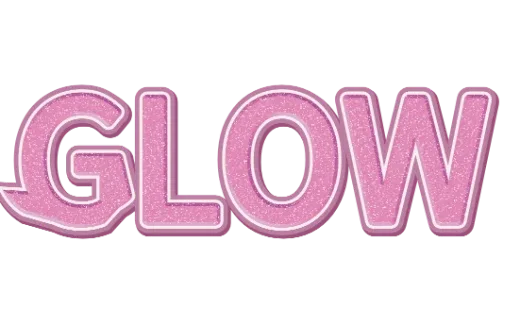
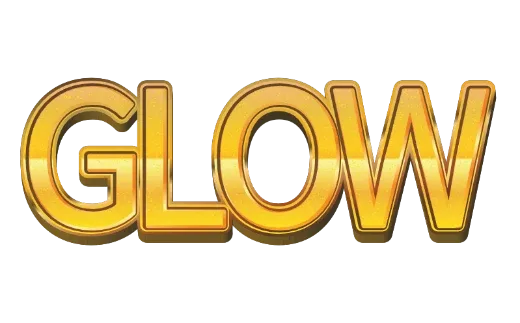
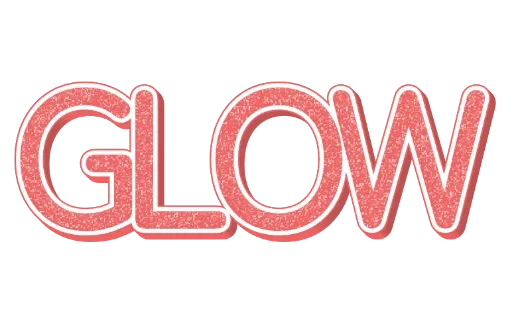
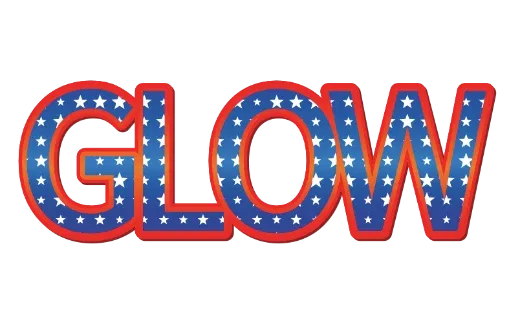
Glitter text styles
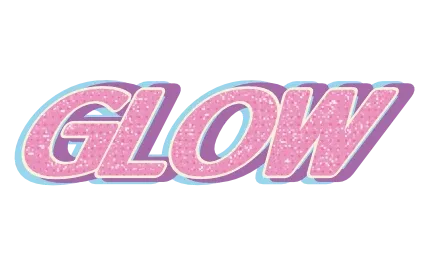
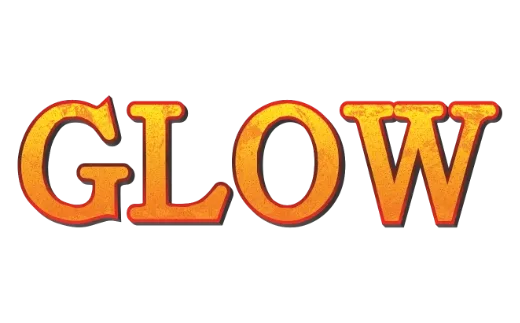
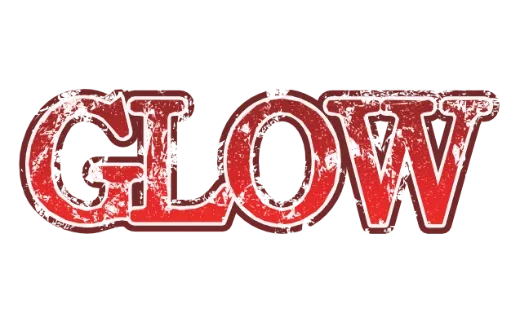
Every example below is a real style in the tool. Tap one to open it, then change the word.
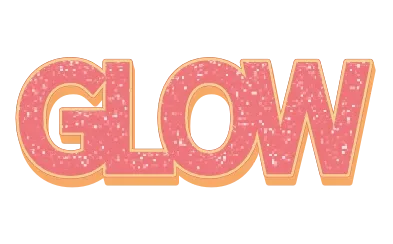
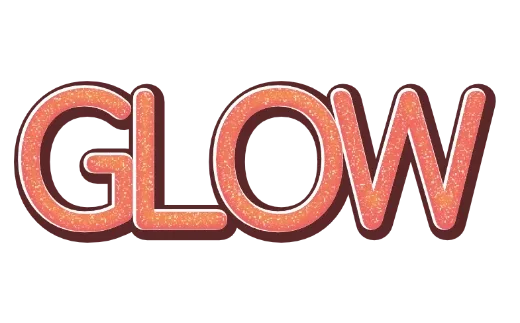
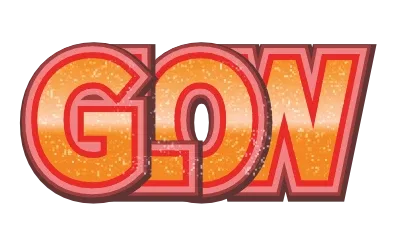
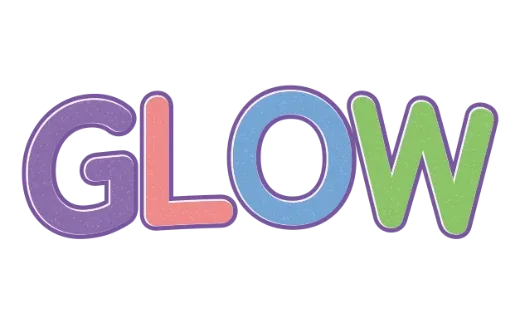
How it works
-
1Type your words
A name, a greeting, a title. Up to 24 characters.

-
2Pick a glitter style
Every card already shows your words in glitter — pink, coral, gold, amber, red. Open one to change the colors, outlines and depth.

-
3Download
Transparent PNG for posts and videos, SVG for resizing, PDF for print. No account.

Glitter on your own words
Glitter text usually means finding a picture of someone else’s word, or masking a glitter photo by hand in an editing app. Here you type your words and the sparkle is laid inside the letters for you, with outlines and depth around it. Change the word and the glitter follows the new letters.
Glitter looks you can choose
- Pink and coral glitter — for birthdays, baby showers and cute stickers.
- Gold and amber glitter — for celebrations, New Year and anything “VIP”.
- Pastel and stars — multicolor glitter and star-spangled letters for parties and kids.
- Glitter with 3D — sparkly letters with a deep side, for titles and thumbnails.
Tips for glitter text
- Add a solid outline. Glitter is busy; a plain outline keeps the letters readable.
- Go big. Glitter reads best on short words at a large size.
- Dark backgrounds make glitter pop; on white, use a darker outline.
Guide: Glitter text on screen, printed, or in real glitter vinyl
More text styles
- Logo Text MakerEvery style in one place
- 3D Text GeneratorDepth, sides and gloss
- Retro Text GeneratorMarquee bulbs, stacked outlines, 70s and 80s
- Game Logo Text GeneratorChrome, gold, grunge and fire
- Bubble Letter GeneratorPuffy, rounded letters with thick outlines
- Outline Text GeneratorStacked outlines and sticker edges
- Cute Text GeneratorKawaii pastel, puffy and patterned
- Graffiti Text GeneratorGrunge, chrome and street-style 3D
- Text SVG for Cricut & SilhouetteLayered, welded cut files
- Vector Text GeneratorEditable SVG text and logos
- Varsity Letter GeneratorCollege and athletic lettering
- Neon Text GeneratorGlowing neon-sign lettering
- Gold Text GeneratorGold script for weddings and logos
- Christmas Text GeneratorCandy cane and holiday lettering
- Balloon Text GeneratorPink, gold and silver balloon letters
- Stacked Text GeneratorTwo and three line text logos, live
- Birthday Text GeneratorName banners, cake toppers and party signs
- YouTube Thumbnail TextBold title text that reads small
- T-Shirt Text GeneratorIron-on, DTF and team shirts
- Name Decal MakerTumblers, bottles and lockers
- Team Name Logo MakerSports and esports team names
- Cool Text alternativeHow it compares
- Canva text effects alternativeStacked outlines, 3D and glitter for Canva designs
- GuidesPrinting, cutting and lettering how-tos
FAQ
QIs the glitter a real texture or just a flat color?
QDoes glitter come out in the SVG?
QWhich colors of glitter can I choose?
QCan I print glitter text?
QIs it really free? Do I need to sign up?
QCan I get a transparent PNG?
QDoes it work on my phone?
Make your words sparkle
No sign-up. Free while in beta. · Browse all styles