Cute Text Generator
A free cute text generator: type your words and get kawaii lettering — pastel colors, puffy letters, gloss, polka dots and gingham — ready to download as a transparent PNG or a vector SVG, or as a cut file from the editor. No sign-up. Best for names, stickers, party signs, planners and social posts.
Free while in beta · No sign-up · Transparent PNG, SVG, JPG and print-ready PDF
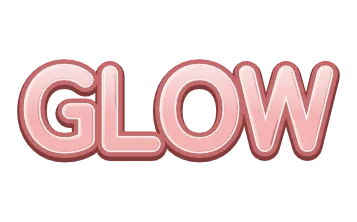
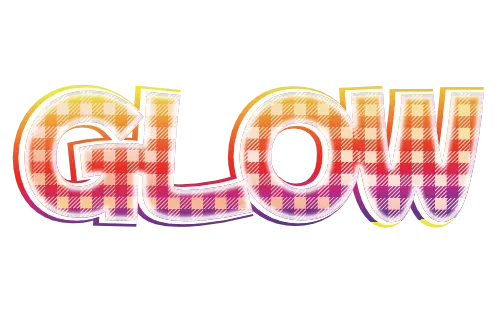
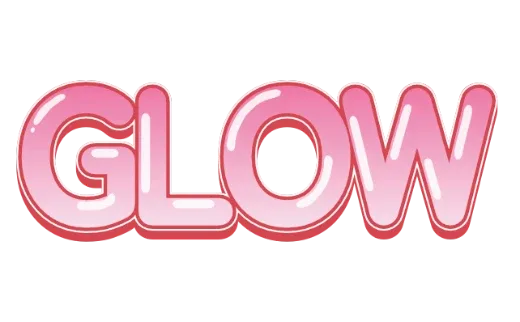
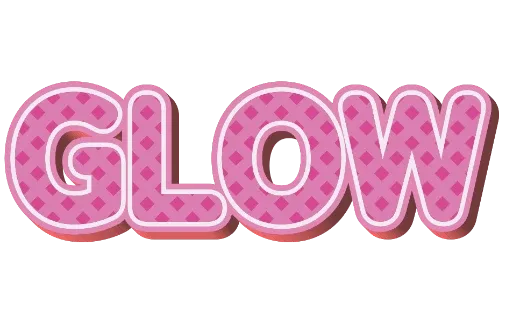
Cute text styles
Every example below is a real style in the tool. Tap one to open it, then change the word.
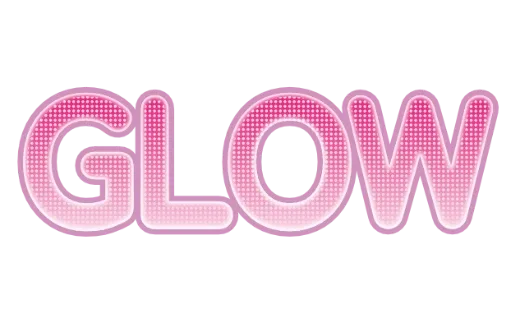
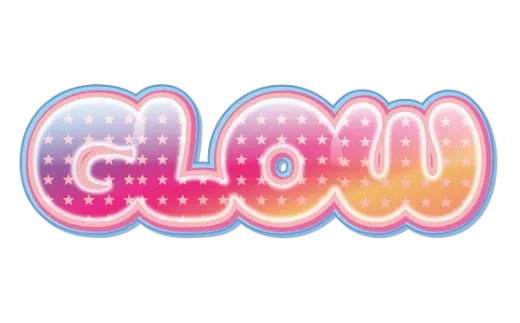
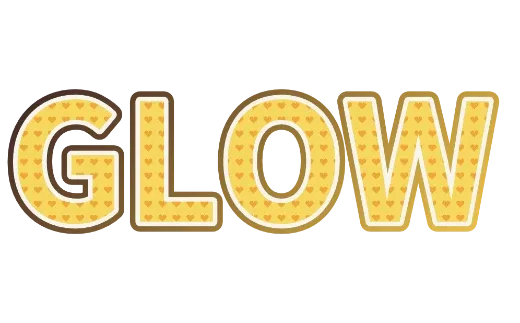
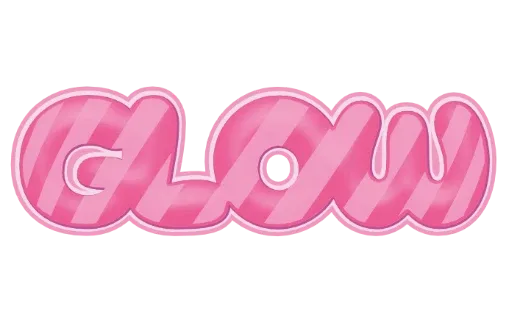
How it works
-
1Type your words
A name, a nickname, a greeting. Up to 24 characters.

-
2Pick a cute style
Every card already shows your words in a kawaii style — pastel, puffy, glossy, dotted, checked. Open one to change the colors.

-
3Download
Transparent PNG or SVG. For a print-ready PDF or a cut file for Cricut or Silhouette, tap Customize more to open the editor. No account.

Kawaii lettering, made from your words
Cute text is more than a pink font. It is the puffy shape of the letters, the pastel layers around them, a soft shine and a tiny pattern inside. Each style here puts all of that on the words you type — so your name or your shop comes out looking like a finished sticker, not a font preview.
Cute styles you can pick
- Pastel layers — soft colors with a white outline, like a sticker.
- Glossy candy — rounded letters with a shine, like jelly or gummies.
- Patterned — polka dots, stripes, gingham and stars inside the letters.
- Glitter — pink and coral sparkle inside puffy letters.
Where people use cute text
Name stickers and labels, birthday and baby shower signs, planner and journal headers, social posts and stories, shop logos for small handmade brands, and iron-on shirts for kids. Download a transparent PNG to place it anywhere, or the PDF to print.
More text styles
- Logo Text MakerEvery style in one place
- 3D Text GeneratorDepth, sides and gloss
- Retro Text GeneratorMarquee bulbs, stacked outlines, 70s and 80s
- Game Logo Text GeneratorChrome, gold, grunge and fire
- Bubble Letter GeneratorPuffy, rounded letters with thick outlines
- Outline Text GeneratorStacked outlines and sticker edges
- Glitter Text GeneratorPink, coral and gold sparkle
- Graffiti Text GeneratorGrunge, chrome and street-style 3D
- Text SVG for Cricut & SilhouetteLayered, welded cut files
- Vector Text GeneratorEditable SVG text and logos
- Varsity Letter GeneratorCollege and athletic lettering
- Neon Text GeneratorGlowing neon-sign lettering
- Gold Text GeneratorGold script for weddings and logos
- Christmas Text GeneratorCandy cane and holiday lettering
- Balloon Text GeneratorPink, gold and silver balloon letters
- Stacked Text GeneratorTwo and three line text logos, live
- Birthday Text GeneratorName banners, cake toppers and party signs
- YouTube Thumbnail TextBold title text that reads small
- T-Shirt Text GeneratorIron-on, DTF and team shirts
- Name Decal MakerTumblers, bottles and lockers
- Team Name Logo MakerSports and esports team names
- Cool Text alternativeHow it compares
- Canva text effects alternativeStacked outlines, 3D and glitter for Canva designs
- GuidesPrinting, cutting and lettering how-tos
FAQ
QWhat makes text look kawaii?
QIs this a cute font or a text image?
QCan I use the cute text on stickers I sell?
QIs it really free? Do I need to sign up?
QCan I get a transparent PNG?
QDoes it work on my phone?
QCan I change the words later?
Make your words cute
No sign-up. Free while in beta. · Browse all styles