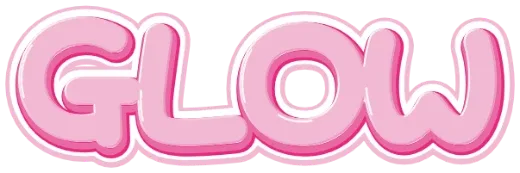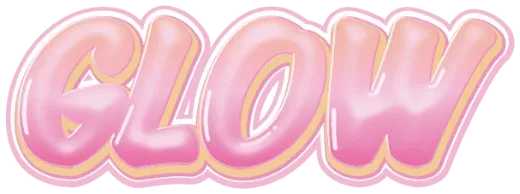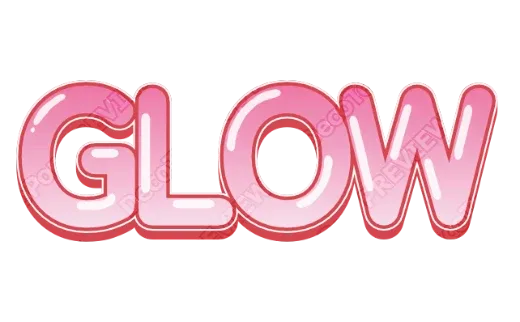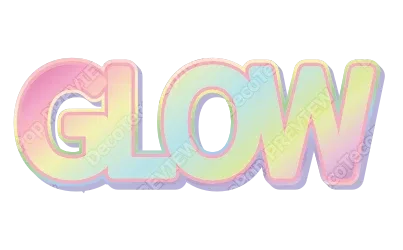
The short answer
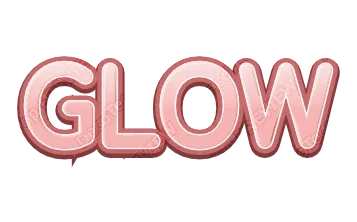
Type a name or a word into the Cute Text Generator and every style shows it as kawaii lettering — pastel, puffy, glossy, polka-dot or gingham. Open the one you like to change the colors, then download a transparent PNG or an SVG — or tap Customize more to open the editor for a print-ready PDF or a cut file. No sign-up, free while in beta.
The five ingredients of kawaii text
Cute text is not one font. It is a few small choices stacked together:
- Round, puffy letters. Soft corners and swollen strokes, like the letters are inflated. Sharp serifs read as serious; round shapes read as friendly.
- Pastel colors. Pink, mint, lavender, peach and baby blue. Low contrast inside the letters, higher contrast at the edge.
- A white or light outline. It separates the letters from the background and gives the “sticker” look.
- A little shine. A soft highlight on top makes letters look like candy, jelly or plastic toys.
- A tiny pattern. Polka dots, stripes, gingham, stars or hearts inside the letters.
Two or three of these are enough. All five at once can look busy on a long word.
Color pairings that work
| Letters | Outline | Feel |
|---|---|---|
| Pink | White, then deep pink | Classic kawaii |
| Mint | White, then teal | Fresh, clean |
| Lavender | White, then purple | Dreamy |
| Peach gradient | Cream, then coral | Warm, café |
| Pastel rainbow | White | Party, kids |
The darker outer outline is what keeps pastel text readable on a white page.
Where kawaii text works
- Name stickers and labels — school supplies, lunch boxes, water bottles.
- Planner and journal headers — month names, habit trackers.
- Small-shop logos — handmade, bakery, crafts. See stickers to sell on Etsy.
- Party signs — birthdays and baby showers.
- Social posts and stories — a transparent PNG drops onto any photo.
Which file to download
- Transparent PNG — for posts, slides and anything on screen.
- PDF for print — for printed stickers and signs; it comes with bleed and crop marks. White sticker edges and bleed are explained in sticker white edges and bleed.
- Cut file — for vinyl and iron-on on a Cricut or Silhouette (tap Customize more to open the style in the editor, then export the SVG as a cut file). Shine and glitter are left out (they can’t be cut); the letters and outlines stay, with the colors split into layers.
Try it
Open the Cute Text Generator. For extra-puffy letters, try the Bubble Letter Generator; for sparkle, the Glitter Text Generator.