The short answer
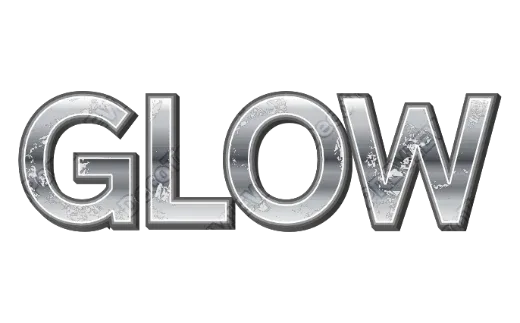
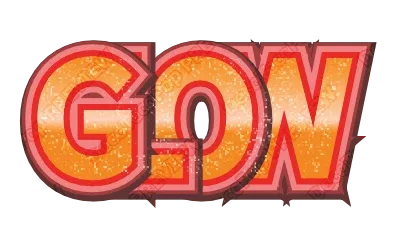
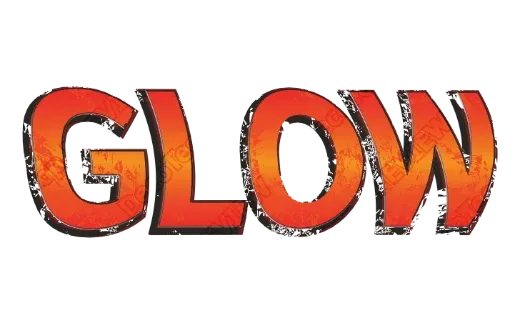
Type the name into the Graffiti Text Generator, pick a street style — grunge, chrome, comic 3D or stacked outlines — and save:
- PDF (from the editor) for a printed shirt, poster or sticker,
- Cut file (from the editor) for iron-on or vinyl on a Cricut or Silhouette,
- Transparent PNG for posts, thumbnails and mockups.
No sign-up, free while in beta.
What a generator can (and can’t) do
Real graffiti letters are drawn by hand. Writers bend, stretch and lock letters into each other — “wildstyle” — in ways no font does. A text generator won’t do that.
What it can do well is the rest of the look, on your own name, in seconds:
- Fat letters with a heavy font.
- Hard outlines, often two or three stacked.
- Surfaces: grunge and spray texture, polished chrome, bright gradients.
- Depth: 3D sides, or outlines shifted to one side like a cartoon cover.
For a shirt, a sticker or a channel name, that is usually exactly what you want: clean, readable, and easy to change if you spell something wrong.
Making it look right
- Short names hit harder. Three to six letters is the sweet spot.
- Use the heaviest font. Graffiti letters are thick; thin letters look like a font demo.
- Contrast the fill and the outline — bright on dark, or chrome on black.
- One rough effect is enough. Grunge plus glitter plus 3D on a long word becomes noise.
Putting it on a shirt
There are two ways, and they need different files.
Printed (DTF, sublimation or a print shop). Download the PDF or a large transparent PNG. Everything prints, including grunge texture and chrome shine.
Cut iron-on (HTV). Open the style in the editor (Customize more) and export a cut file. Shine, glitter and shadows are left out — a blade can only cut shapes — and the letters and outlines are kept, with the colors split into layers. Rough grunge edges are part of the letter shape, so they are cut as they look; for small text, pick a cleaner style. Cut each color from a different vinyl and press them in order, largest layer first. See HTV layering order.
For stickers: printed stickers use the PDF (with bleed and crop marks); vinyl decals use the cut file — both are exported from the editor. Thin details tear when weeding, so pick a heavier style for small decals — more in best fonts for vinyl decals.
Try it
Open the Graffiti Text Generator and type a name. For more outline layers, try the Outline Text Generator; for metal, the Game Logo Text Generator.