The short answer
Type your words into the Glitter Text Generator, pick a color — pink, coral, gold, amber or red — and download the file that matches where the text is going:
| Where it goes | Download |
|---|---|
| Social posts, videos, slides | Transparent PNG |
| A printed sign, card or sticker | PDF for print |
| A shirt, tumbler or decal in real glitter | Cut file, cut from glitter vinyl |
No sign-up, free while in beta, in the browser on a phone or a computer.
On screen: a sparkle texture inside the letters
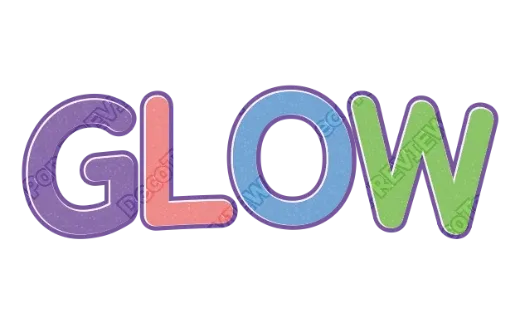
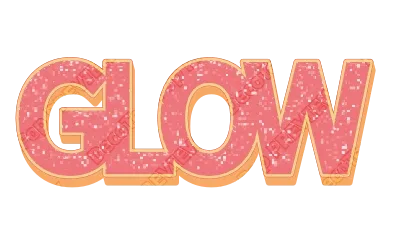
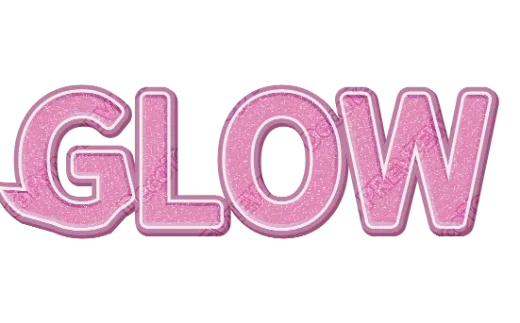
For a post, a story or a video title, you want glitter you can see on a screen. The styles here lay a sparkle texture inside your letters and keep a solid outline around it.
That outline matters more than the glitter. Glitter is busy — hundreds of tiny bright and dark points — and on its own it makes letters hard to read, especially small. A plain outline gives the eye an edge to follow.
Tips:
- Short words, big size. Glitter reads best on one to three words.
- Dark backgrounds make glitter pop. On white, use a darker outline.
- Download a transparent PNG so you can drop the text onto any photo.
Printed: looks sparkly, feels flat
Printed glitter text is a picture of glitter. It looks great on a birthday sign or a card, but it won’t catch the light the way real glitter does.
Download the PDF: it is set up in print colors (CMYK) with bleed and crop marks, which print shops ask for. Gold glitter prints a little darker than they look on a bright phone screen, because ink can’t glow — pick a slightly lighter style if your sign will be in dim light.
Real glitter: cut it from glitter vinyl
For a shirt, a tumbler or a car decal, the sparkle should be real. That means glitter vinyl or glitter iron-on, cut on a Cricut or Silhouette.
Here the glitter texture doesn’t belong in the file at all — the material provides it. What the cutting machine needs is the shape:
- Pick a glitter style you like (the shape and outlines are what you are choosing).
- Tap Customize more to open it in the editor and export the SVG as a cut file. Glitter, gloss and shadows are left out automatically because they can’t be cut; the letters and outlines stay, with the colors split into layers.
- Cut the letters from glitter vinyl and the outline from a solid color, then layer them.
More on layering: HTV layering order and layered vinyl text. For text on cups: curved text for tumblers.
Which glitter color for what
- Pink and coral — birthdays, baby showers, cute stickers.
- Gold and amber — weddings, New Year, anything “VIP”.
- Red and stars — sports, holidays, the Fourth of July.
- Pastel multicolor — kawaii and kids’ party designs.
Try it
Open the Glitter Text Generator and type your words. For a softer sparkly look, the Cute Text Generator has pastel and pink glitter styles too.