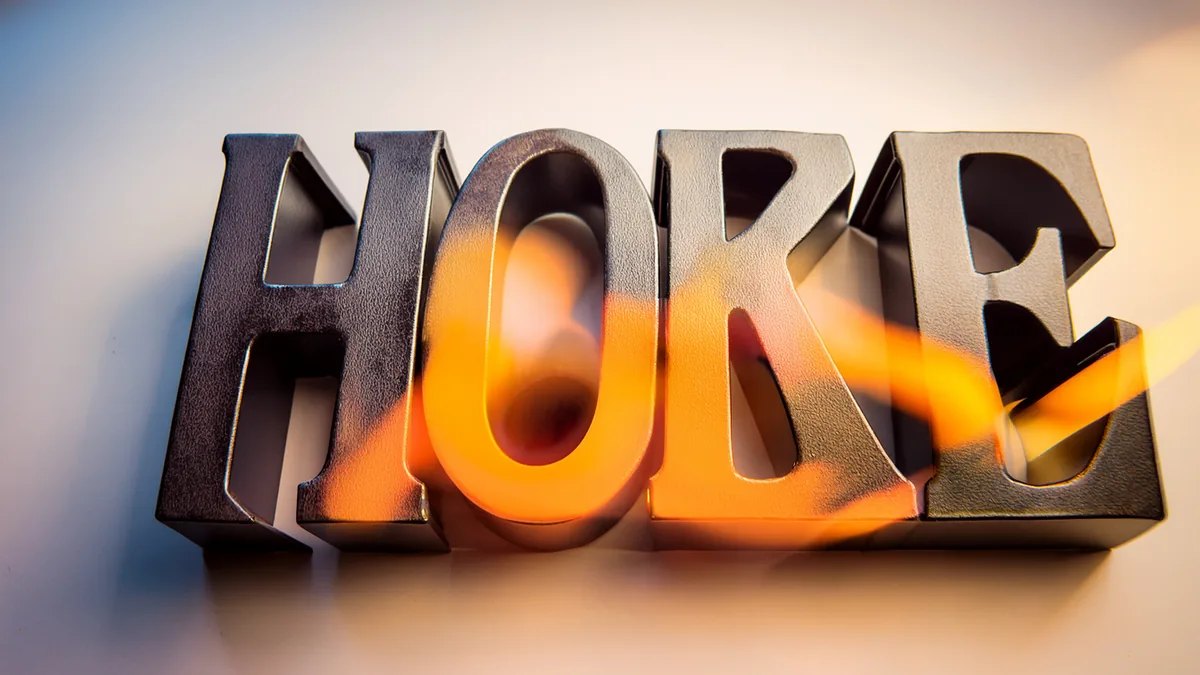
The short answer
Type your word, pick a 3D style, adjust the depth and colours, and download it as a transparent PNG (to place on a photo, video or thumbnail) or an SVG (to resize without blur, or to keep editing). You can do this for free, with no sign-up, in the 3D Text Generator — on a phone or a computer.
One thing to know first: this is 3D-looking lettering — a flat image or vector with drawn depth. It does not produce a 3D model (STL, OBJ or GLB) for 3D printing or game engines. If that is what you need, look for a 3D modelling tool instead.
Step by step
1. Type the words
Short words read best in 3D: a name, a title, a shop name, one or two words. Every extra letter adds another set of sides, and long words start to look busy.
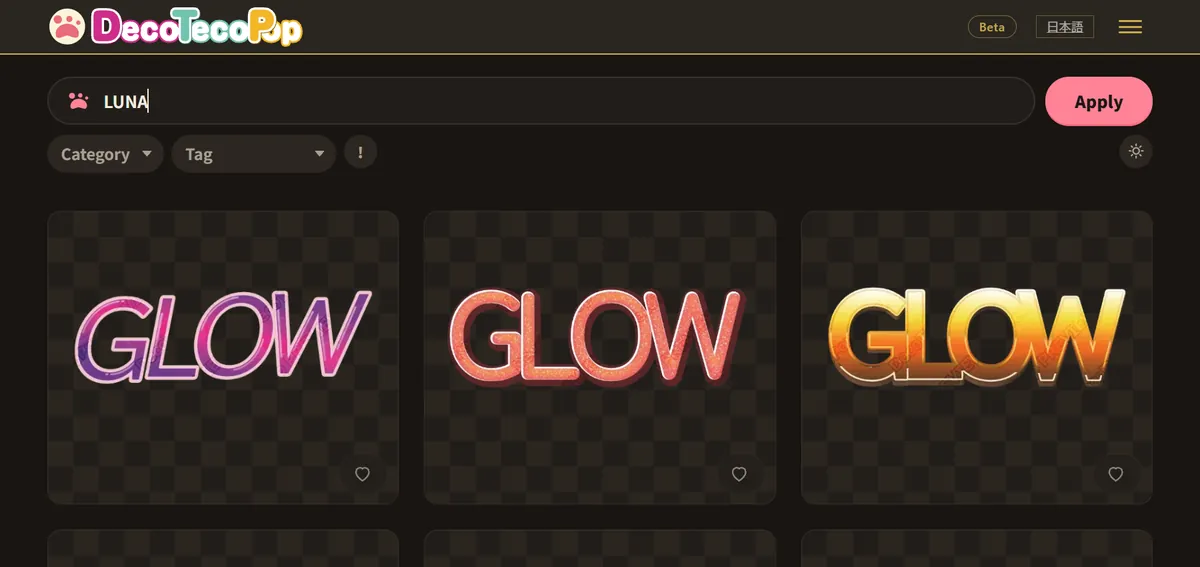
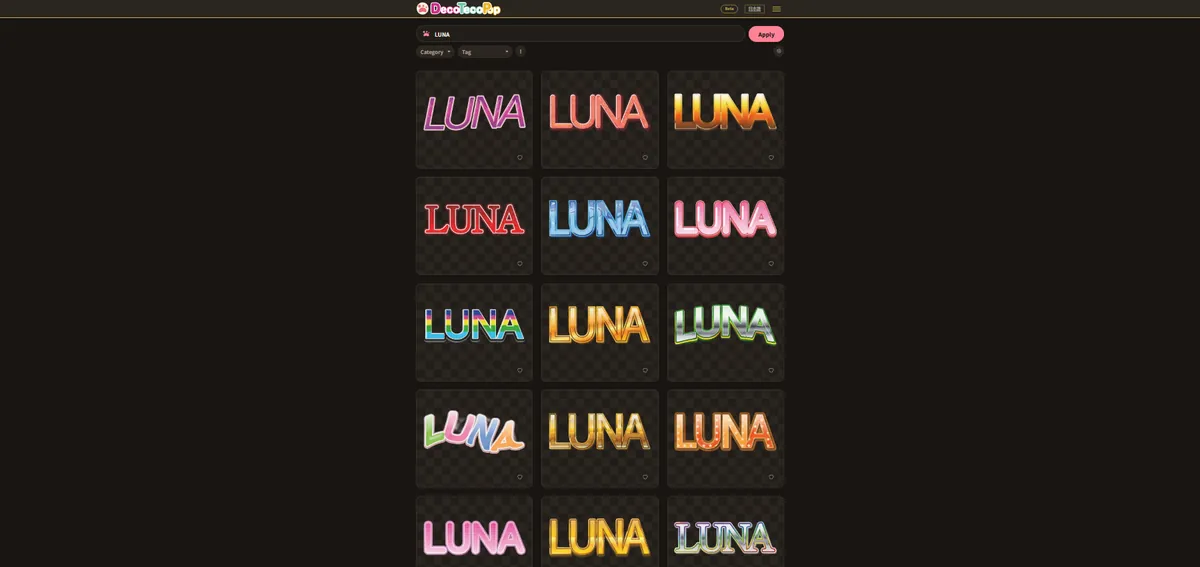
2. Pick a 3D style
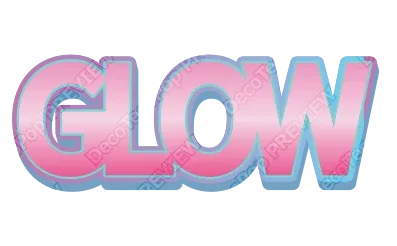
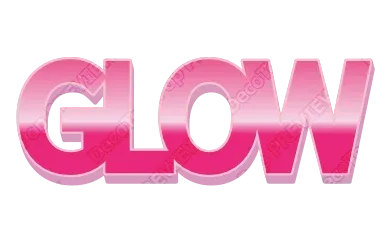
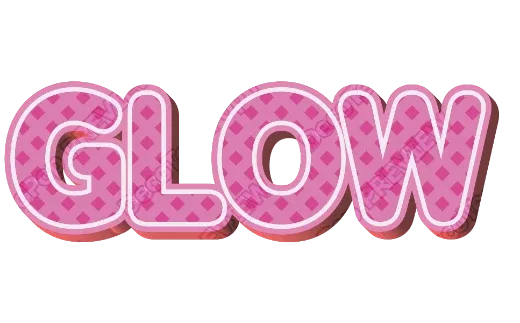
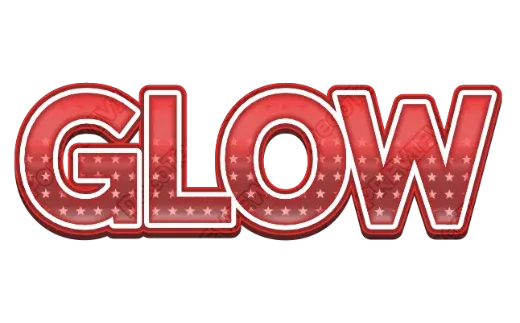
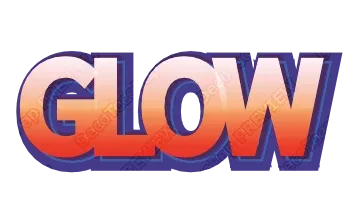
You see your own words in every 3D style at once — solid block letters, comic letters with a shifted shadow, glossy candy-like letters, wood grain, ice. Tap the one closest to what you want. It is easier to adjust a finished style than to build 3D from nothing.
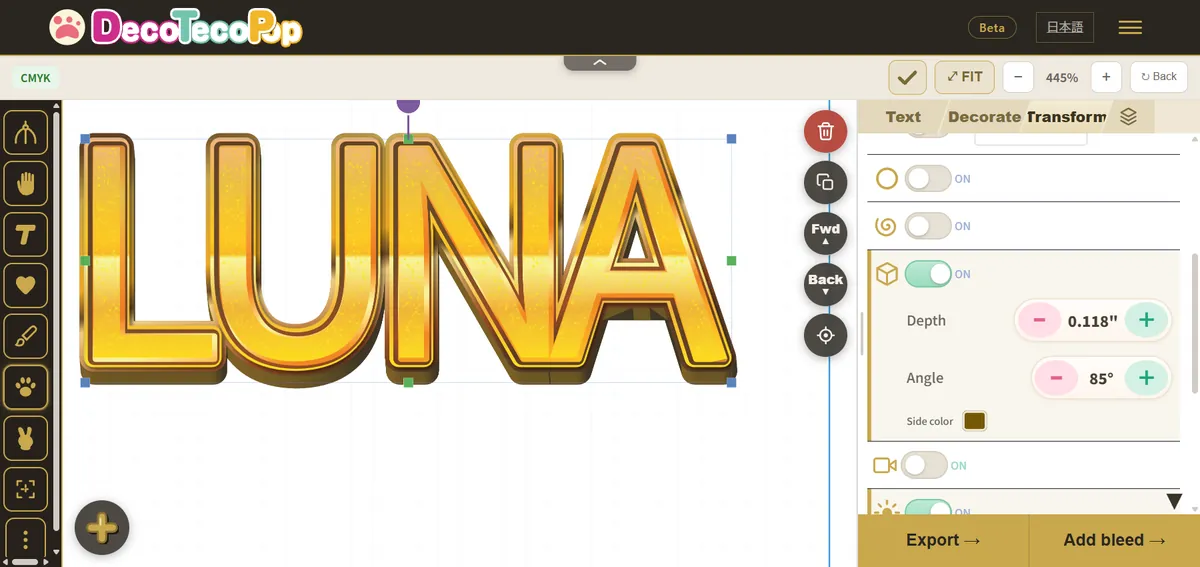
3. Adjust depth, direction and colours
Open the style in the editor. You can change how deep the sides go, which way they point, and the colours of the face, the sides and the outlines. The sides are built from the shape of each letter, so changing the word or the font keeps the 3D intact.
4. Download
- Transparent PNG — everything around the letters is see-through. Drop it on a photo, a video, a slide or a stream overlay.
- SVG — a vector file. The letters, outlines and sides stay sharp at any size, and the file opens in Illustrator, Inkscape, Canva and cutting-machine software. Soft effects such as blurred shadows and some glossy textures are placed inside the file as images.
- PDF for print — for stickers, signs or T-shirts from a print shop, set up in print colours (CMYK) with bleed and crop marks.
What makes 3D text readable
3D text fails in a predictable way: the depth swallows the letters. A few rules keep it readable.
Use a heavy font. Thin strokes disappear behind their own sides. Bold, wide letters give the face enough area to stay visible.
Make the sides darker than the face. The eye reads depth from contrast. A light face with a mid-tone or dark side looks solid; two similar colours look flat and muddy.
Keep the depth moderate on long words. Deep sides on many letters start to touch each other. If the sides of one letter run into the next, reduce the depth or add a little letter spacing.
Point the depth down and to one side. Depth going down-right or down-left reads as “standing on a surface”. Depth going up tends to look like the letters are falling backwards.
Add an outline when the background is busy. On a photo or game screenshot, one dark outline around the whole 3D shape separates it from the background far better than more depth.
Common mistakes
| Mistake | What happens | Fix |
|---|---|---|
| Thin script font with deep 3D | Letters turn into blobs | Switch to a bold font, or reduce depth |
| Face and side in similar colours | Looks flat | Darken the side or lighten the face |
| Exporting a small PNG for a big banner | Blurry edges | Export the SVG, or a larger PNG |
| Gloss everywhere | Hard to read at small sizes | Keep gloss on the face only |
| Long sentence in 3D | Unreadable texture | Put only the key word in 3D, the rest flat |
Where 3D text works
- YouTube thumbnails and stream overlays. One or two words in thick 3D with an outline stay readable at thumbnail size.
- Game and app titles. Pair a 3D title with a flat subtitle underneath.
- Party signs and birthday banners. Glossy, colourful 3D reads as festive.
- Stickers and T-shirts. Use the print PDF so the colours are prepared for printing.
FAQ
Is it free? Yes, while the tool is in beta, with no sign-up and no watermark.
Can I get a transparent background? Yes — export a PNG without a background.
Can I change the words later? Yes. Downloaded files keep the editing data. Open the PNG, SVG, JPG or PDF in the tool again and change the words, colours or style.
Can I use it for 3D printing? No. It makes 3D-looking text as images and vector files, not a 3D model.
Ready to try? Open the 3D Text Generator, or browse every style in the Logo Text Maker.