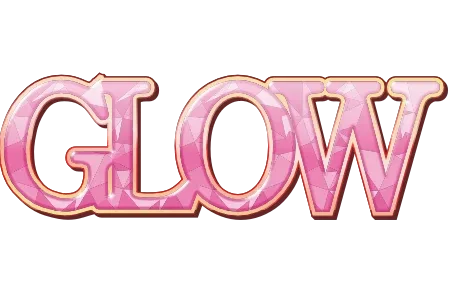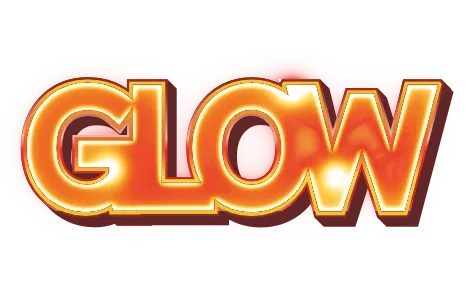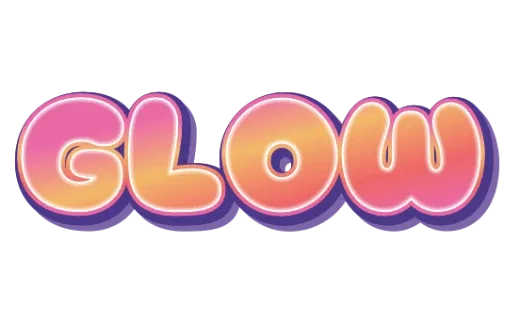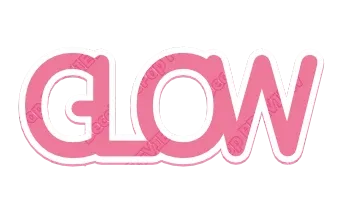
The short answer
“Fancy text” is two different things:
| Copy-and-paste fancy text | Fancy lettering (this article) | |
|---|---|---|
| What it looks like | 𝓕𝓪𝓷𝓬𝔂 or 𝐁𝐨𝐥𝐝 style symbols | Outlines, 3D, glitter, gradients, patterns |
| Where it goes | Bios, usernames, captions | Signs, stickers, shirts, thumbnails, invitations |
| What it is | Special characters you paste | An image or vector file you save |
| How far you can style it | Only the symbol sets that exist | Any color, any number of outlines |
To be upfront: DecoTecoPop makes the right-hand column. It does not turn your words into pasteable symbols. If you want lettering that sits on a poster, a cake topper, a T-shirt or a video thumbnail, keep reading.
Why pasted fancy fonts sometimes break
Copy-and-paste generators don’t change the font. They swap each letter for a look-alike character from another part of Unicode (mostly the math symbol blocks). That has side effects:
- Search can miss them. A word spelled in look-alike symbols isn’t the same string as the normal word.
- Screen readers struggle. Some read each symbol by its long technical name, others skip it (a good explanation).
- Some fonts and apps can’t show them and fall back to empty boxes.
They’re fine as a small accent in a bio. For anything people need to read — a name on a sign, a shop title, a party banner — use real lettering.
Make fancy lettering in three steps
1. Type your word and pick a style
Open the text effects page and type your word. It shows up in 160+ finished styles at the same time — outlined, puffy, glitter, metallic, retro, 3D — so you compare them on your own word instead of on a sample. Tap the one you like.
Prefer to start from one look? There are focused pages too: outline text, bubble letters, glitter text, gold text, neon text and 3D text.
2. Adjust it (optional)
Open the style in the editor to change colors, add or remove outlines, thicken a border, or curve the word. The text stays live, so you can retype it and the styling follows the new word.
3. Download the right file
| Use | File |
|---|---|
| On top of a photo, a video or a slide | Transparent PNG |
| Social posts, websites | JPG |
| Large signs, other design apps | SVG (stays sharp at any size) |
| A print shop | Print-ready PDF with bleed and crop marks, in print colors |
| Vinyl or iron-on on a Cricut or Silhouette | Layered cut file |
For cut files, remember to turn on Mirror in Design Space for iron-on (HTV), and see HTV layering order for which color goes down first.
Tips for fancy lettering people can actually read
- One dark outline, then a white one outside it is the most readable combination on a busy photo. More on that in how to add a white border around text.
- Chunky, rounded fonts take thick outlines best. Thin script fonts lose their fine strokes under heavy borders — keep those to one thin outline.
- Watch the holes. If the insides of
e,aandofill in, drop an outline or make it thinner. - Fewer effects on long words. Glitter plus 3D plus three outlines works on a four-letter name; on a sentence it turns into a blob.
Where fancy lettering gets used
- Yard signs, birthday banners and party signs
- Name decals for tumblers and water bottles — try the name decal maker
- Shirt text and team names
- Thumbnail and stream titles
- Small-business logos and shop signs — try the logo text maker
If you want the deeper version on printing — why phone-made lettering often goes blurry on paper and how vector lettering avoids it — read print-quality decorated text.
FAQ
What is fancy text?
Either copy-and-paste text built from special Unicode symbols, or decorated lettering saved as an image or vector file. Bios use the first; signs, stickers and shirts use the second.
Can DecoTecoPop make copy-and-paste fancy fonts?
No. It makes decorated lettering you download as a PNG, JPG, SVG, print-ready PDF or cut file.
Why do copy-and-paste fancy fonts cause problems?
They are different characters, not a different font, so search may not match them and screen readers may read them as symbol names or skip them.
What’s the fastest way to make fancy lettering for a sign?
Type your word into the text effects page, pick one of the 160+ styles, and download.