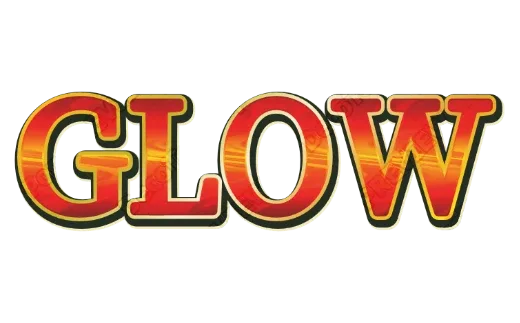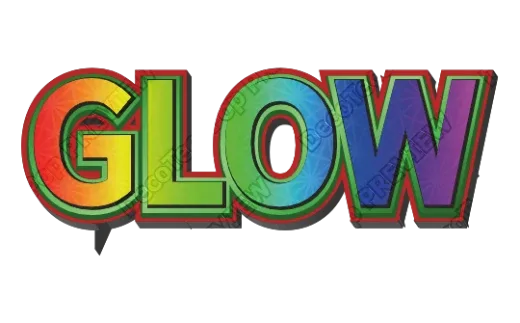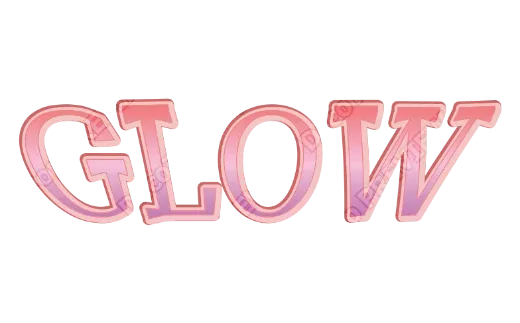
Does your decorated text turn blurry the moment you print it?

Fan signs for a concert, price tags for a flea market, POP signage for a shop, self-made goods printed at a convenience store — there are far more moments where you want to print decorated text than most people realize. And yet: you make something cute on your phone, you print it, and it comes out blurry, muddy, and duller than it looked on screen. Sound familiar?
Here’s the thing. That isn’t your taste or your skill failing you. Most decorated-text apps are built to be looked at on a screen, not to be printed. That’s the whole story.
In this article, a working designer who prepares print submission data every day explains why prints go wrong, and how to make print-quality decorated text for free — in plain language, with no jargon left unexplained. By the end, your fan signs and convenience-store prints will come out sharp, clean, and unmistakably yours.
First, here’s what separates an ordinary decorated-text app from one built for print.
| Ordinary decorated-text app | Print-ready decorated text (DecoTecoPop) | |
|---|---|---|
| How the text is stored | An image (pixels) | Vector (shape data) |
| Printed large | Jagged and blurry | Smooth at any size |
| Fan sign (A3) | Softens when enlarged | Crisp edges even at A3 or A2 |
| Print color | Screen color (comes out dull) | Auto-converted to print color (CMYK) |
| Editing later | Decorate once, text is locked | Retype any time |
| Price | Partly paid, watermarks | Editing is free, no sign-up |
5 things to check when choosing a decorated text maker
Search for “decorated text maker” and you’ll find plenty of apps and sites. If you only want to look at the result on screen, any of them will do. But if you plan to print it, check these five things first and you’ll avoid most disappointments.
- Is the text made as vectors, not as an image? Apps that build text as pixels go blurry when you scale it up to an A3 fan sign or a poster. Look for PDF or SVG export, or a note saying it stays sharp when enlarged.
- Can it export in print colors (CMYK)? For a print shop, screen colors (RGB) come out dull. Check whether it exports with CMYK conversion, bleed and crop marks. For a convenience-store printer, PNG is enough.
- Can you retype the text after decorating it? In some apps the text freezes into a picture the moment you decorate it, so a typo means starting over. Being able to retype while keeping the decoration matters a lot for print.
- Is there a watermark, or do you need to sign up? Some free versions add a watermark. For fan signs or goods, make sure you can export without a watermark.
- Can you use the fonts commercially? If you’ll sell or hand out what you make, the font license decides it (see the commercial-use section below).
DecoTecoPop is built to meet all five: it works in vectors, exports PDFs with CMYK, bleed and crop marks, lets you retype while keeping the decoration, and has no watermark and no sign-up.
What is “decorated text,” and when do you print it?

Decorated text means letters made to stand out with outlines, 3D depth, gradients, and patterns. You can do it by hand, but these days most people build it on a phone or a computer.
And printing that decorated text has become far more common. The usual suspects:
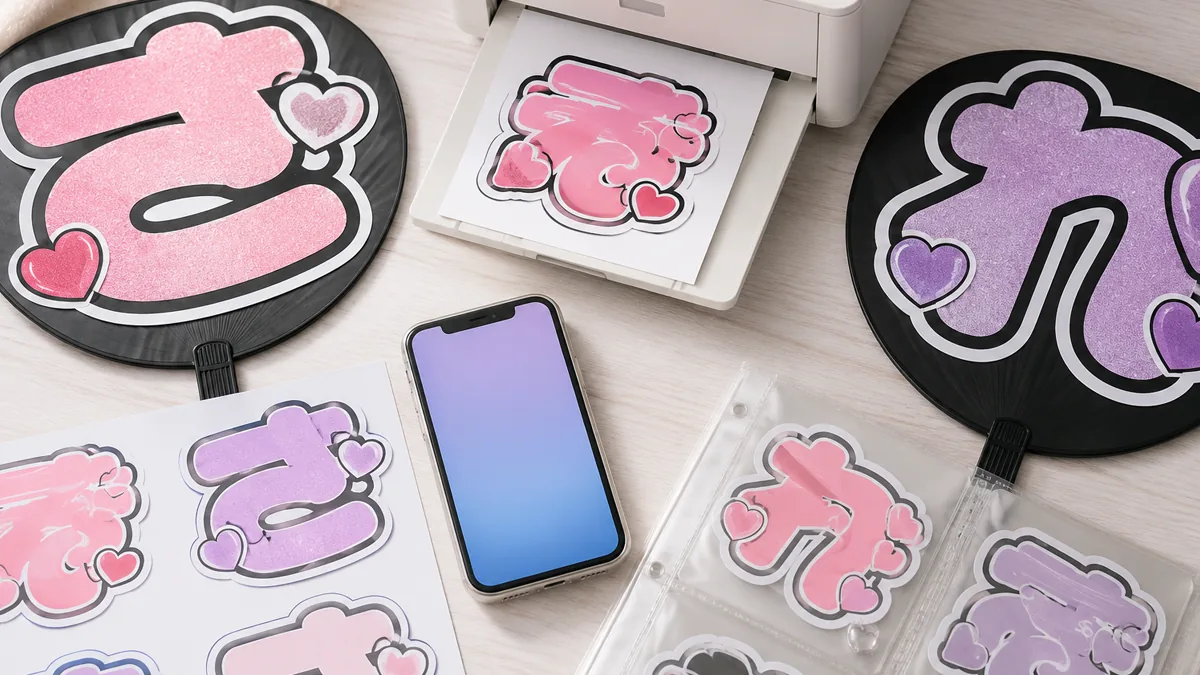
- Fan signs: the hand-held signs you hold up at a concert so your favorite performer spots you from a distance. A3 is the standard size.
- Convenience-store printing: upload an image from your phone, print it on the shop’s multi-copier. Great for trading-card-style goods, name tags, and stickers.
- Lettering stickers and decals: sticker paper at the convenience store, or label sheets in a home printer.
- Shop POP, price tags, and menus: product logos and price cards for market stalls and handmade shops.
What they all share is that the design doesn’t stop at the screen — it goes onto paper. Use decorated text that wasn’t made for print, and a good design falls apart at the last step.
For the basics of making decorated text on a phone alone, see No PC Needed! Decorated Text in About a Minute on Your Phone.
Why ordinary apps go blurry in print
There’s exactly one cause: most apps build your letters as an image made of pixels.
An image is a grid of tiny colored dots. On a phone screen that’s plenty sharp. But stretch it up to print size and those dots start to show — jagged, soft edges. That is precisely why a fan sign blows up badly when you scale it to A3.
Print-ready decorated text stores letters as vectors — shape data. A vector says “draw this line from here to here,” so it stays perfectly smooth no matter how far you enlarge it. That’s why logos and signage are drawn as vectors.
There’s a second reason prints disappoint: color works differently on screen and on paper. Your phone mixes light (RGB); a press mixes ink (CMYK). Send an unconverted file to a print shop or a copier and the colors that glowed on screen come out darker and duller on paper. Print-ready decorated text handles that conversion for you.
For avoiding trouble with print margins, see How to solve Canva’s “no bleed” problem.
How to make print-quality decorated text for free
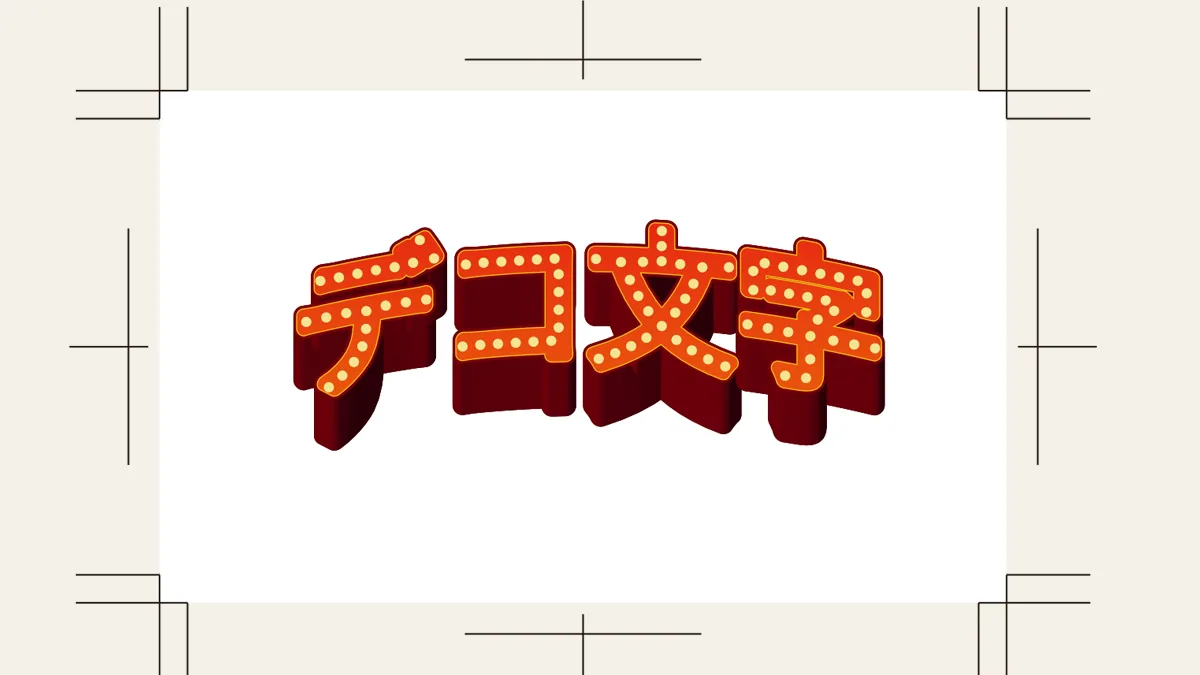
Let’s actually make some. With DecoTecoPop there’s no app to install and no account to create — just open the page in your phone’s browser. The steps are simple.
- Type your text. A phrase for a fan sign, “SALE” for a price tag — whatever you want on paper.
- Pick a font. With DecoTecoPop you don’t have to hunt for a heavy font. Thickening or thinning the letters is a single slider away.
- Add decoration. Outlines, 3D depth, gradients, patterns — adjust with sliders and buttons. Stack as many outlines as you like, one tap each.
- Choose colors. Your favorite member’s color, or whatever pops. Strong contrast between the letter and its outline prints beautifully.
- Export. PNG for convenience-store printing and social posts, or a print-ready PDF for a print shop.
The key is that every decoration is generated as vector data. Pile on as much as you like and enlarge it as far as you want — it never softens. And because editing is fully non-destructive, you can reopen the file and retype a single character or change a color at any moment. Last-minute tweaks before printing stop being scary.
For more on the decoration options and how retyping works, see Decorated text on your phone, exactly as you imagined.
Not sure what to make? Start from Select Pop
If building a decoration from scratch feels like a lot, Select Pop is the shortcut. Type your own words and a wall of decorated samples appears in your words. Tap the one you like and the editor opens with that decoration.
The samples are just a starting point. After opening, you can change the colors, outline thickness, 3D depth and pattern freely. Even just switching a sample to your favorite member’s color makes it your own fan-sign text.
Decorated text recipes you can copy
If you’re not sure how to make it look right, here are combinations that also look great in print. Each one can be made on your phone with just buttons and sliders.
| The look you want | Combination | Good for |
|---|---|---|
| Readable from far away | Bold letters + white outline + a dark outer outline (2-3 layers) | Fan signs, concert boards |
| Puffy like candy | Thicken the letters + 3D + glossy shine | Planner stickers, shop POP |
| Sparkly favorite color | Your favorite color + glitter texture + white outline | Fan signs, name tags, trading-card style cards |
| Luxurious | Metal (gold) + a thin dark outline | Shop cards, price tags, logos |
| Hand-drawn feel | Brush texture + slightly tapered shapes | Sign-style POP, menus |
| Fun and lively | A different color per letter + multiple outlines + shadow | Birthday decorations, name stickers |
The trick when copying a recipe is to decide the outline last. Set the letter color and texture first, then add an outline in a color that stands out against the paper or fan behind it, and it will print crisply.
Printing a fan sign at A3 without softening
A3 is the classic size for a fan sign: it fills the board nicely. But A3 is also big enough that pixel-based decorated text starts to fall apart when scaled up. This is where vectors earn their keep.
Three tips for print-quality fan signs:
- Heavy font plus stacked outlines, so it stays readable from across a hall.
- Push the contrast between the letter color and the outline color. On a black board, neon yellow or neon pink letters with a white outline is the standard.
- Export at A3. DecoTecoPop lets you set the output size, and the vectors scale to A3 without the edges breaking down.
Print it on a home printer (tiling A4 sheets) or on an A3 machine at a convenience store. Because stacked outlines are generated automatically and never drift out of register, you never have to copy and nudge layers into alignment by hand. The single most tedious part of making a fan sign simply disappears.
For stacking outlines in as many colors as you like, see Print “magic outline text” with as many layers as you want.
Sending it straight to a convenience-store printer

Convenience-store printing lets you upload an image from your phone and print it on the shop’s multi-copier. It starts around 30 yen a sheet, and you can print on photo paper and sticker paper, not just plain paper — which is why it has become a staple for making your own fan goods.
For decorated text, export as PNG (transparent or on a white background); it’s the easiest format to work with. Name boards, trading-card-style cards, phone-back decorations — anything where the lettering is the star.
The two things that decide whether it prints cleanly are resolution and margins. Pixel-built text softens when enlarged; vector-built text exported at a generous size stays crisp at any common photo size. If you plan to cut the piece out, leave a little space around the outline — it makes cutting much easier.
With DecoTecoPop you can do all of this, right down to exporting at a size and margin that suit convenience-store printing, on your phone. Nothing breaks the chain between making it and printing it.
Making your own lettering stickers and decals
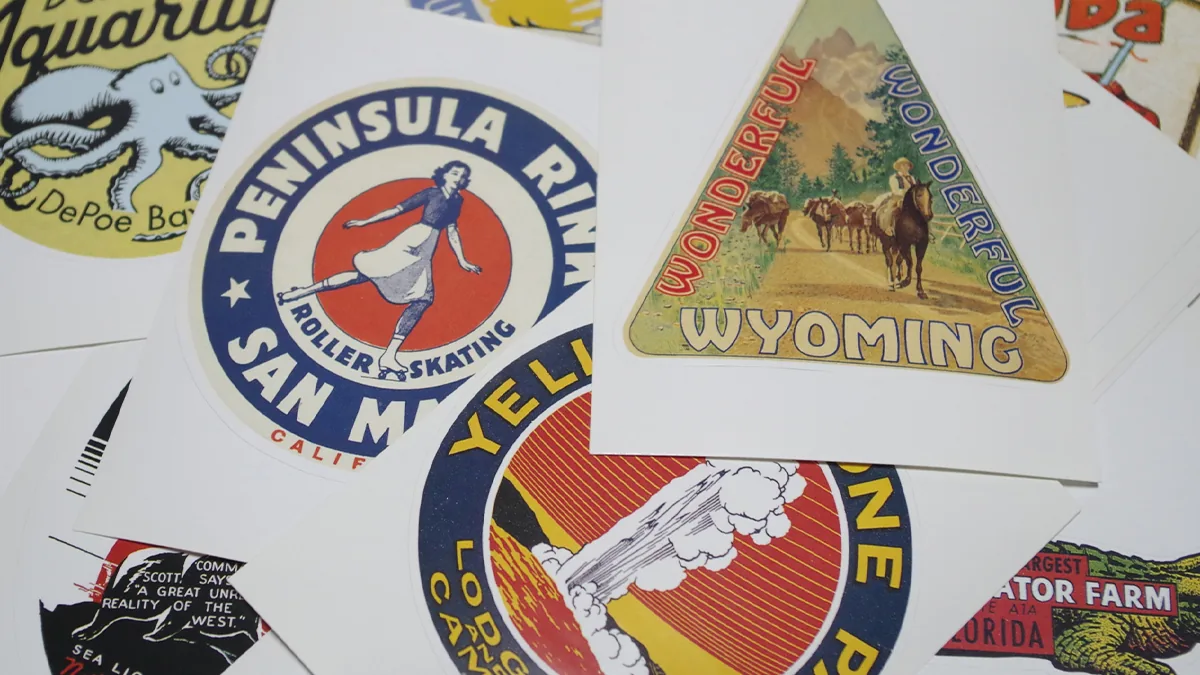
Decorated text and stickers are a natural fit. Sticker paper at a convenience store, or a home printer plus label sheets, and you have lettering stickers nobody else has.
Planner decoration, phone cases and pencil cases, thank-you stickers for flea-market shipments, brand-logo stickers for handmade goods — the uses keep coming. Vectors matter here too: small stickers need crisp detail, and smooth vector edges hold up where pixels fall apart.
One tip for stickers: make the outline a little thicker than you think you need. Cutting is never perfectly accurate, and a generous outline reads as a deliberate white border rather than a mistake. In DecoTecoPop the outline width stays editable, so if you print one, cut it, and decide it’s too thin, you just reopen the file and add width.
Combine with photos: remove the background and layer text
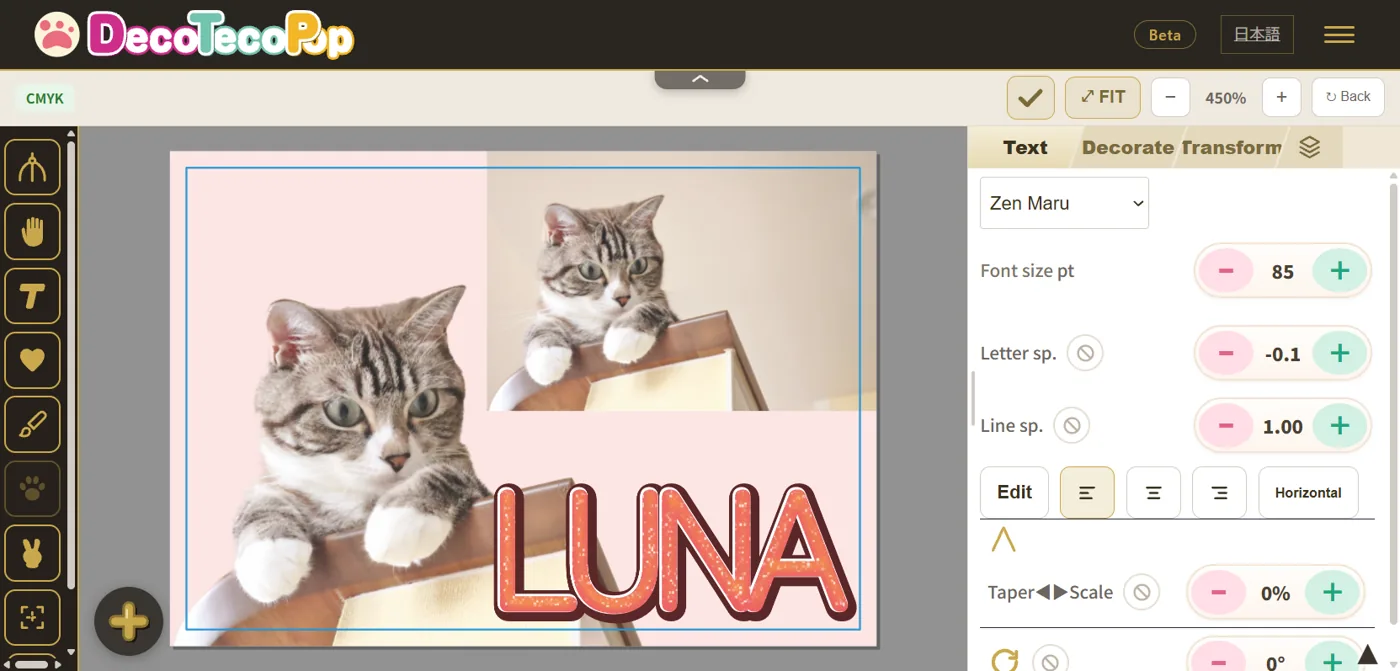
Many people want to combine decorated text with a photo of their favorite idol or their pet. In the DecoTecoPop editor you can remove a photo’s background with one button. Cut out just the person or object, layer decorated text on or beside it, and you can make name tags, stickers or shop cards on your phone alone.
Cut-out photos export to print-ready PDF together with the text. Photo colors are converted to print colors (CMYK) too, so you won’t end up with vivid text next to a dull photo.
For why photos look blurry when printed, see Why AI Images Look Blurry When Printed—and How to Fix It.
Flip it for iron-on transfers and mirror text
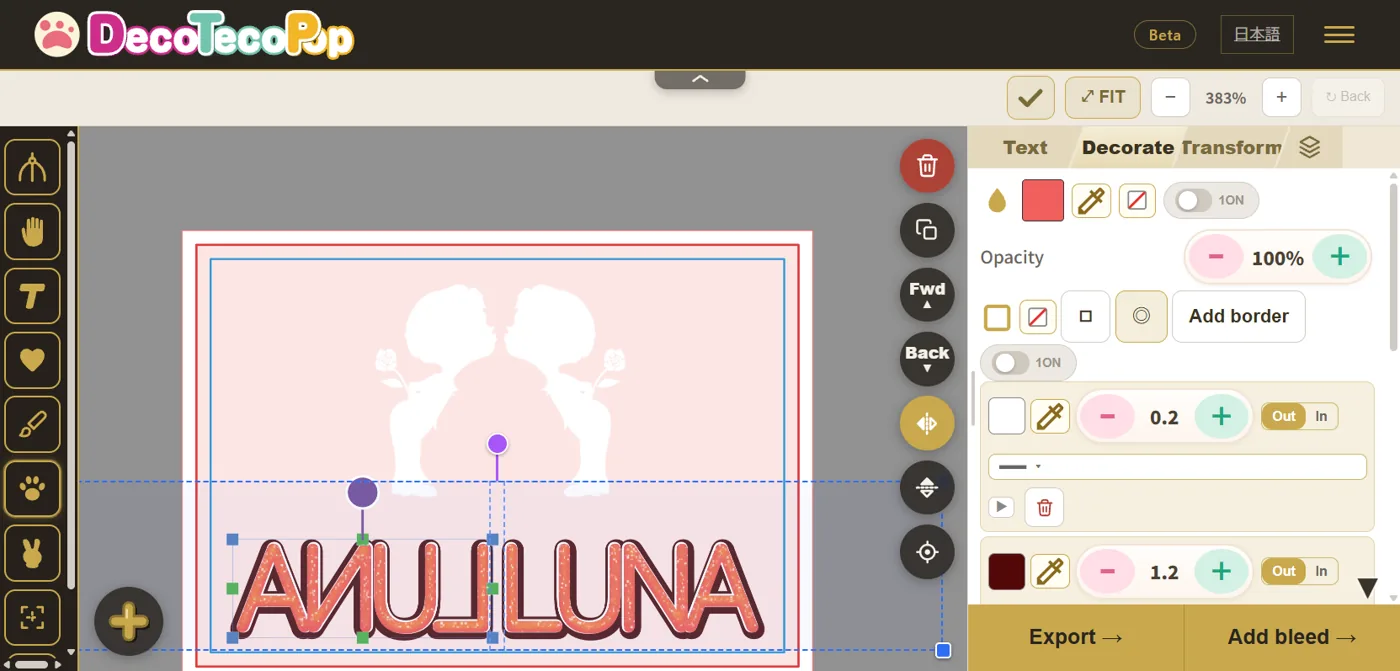
Iron-on transfer sheets need the design printed mirrored, or the text comes out backwards on the fabric. In DecoTecoPop you can flip text, shapes and photos horizontally or vertically with one button. The decoration stays as it is, and you can export the flipped design for print.
It’s also handy for mirror-writing effects or symmetrical designs.
Common mistakes and how to fix them
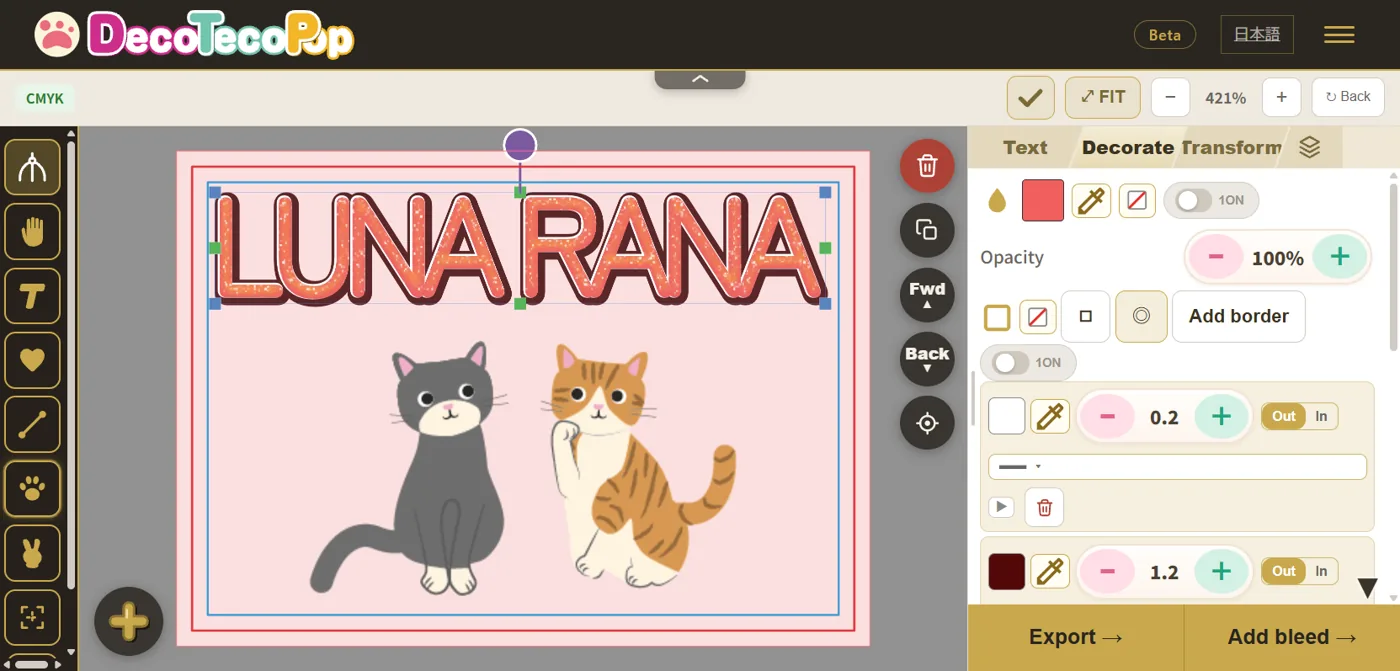
Here are the mistakes that most often show up only after printing, with causes and fixes.
| Mistake | Common cause | Fix |
|---|---|---|
| Blurry or jagged text | Made as an image and scaled up | Export as vectors at print size |
| Text cut off at the edge | Text sat right at the paper’s edge | Keep it at least 3 mm (1/8 inch) inside the trim line |
| Thin outlines vanished or faded | The outline was too thin to survive printing | Make outlines thicker (especially on small stickers) |
| Dull colors | Printed in screen colors (RGB) | Convert to CMYK and check the converted colors before exporting |
| White gaps at the edges | The background didn’t reach the paper’s edge | Export with bleed (3 mm) |
| Found a typo | - | Retype just the text, keeping the decoration |
Text cut off at the edge and white gaps are especially common when ordering from a print shop. For how trim lines and bleed work, see How to Add Bleed in Canva’s Free Plan.
Keeping your colors from shifting in print (the CMYK part)
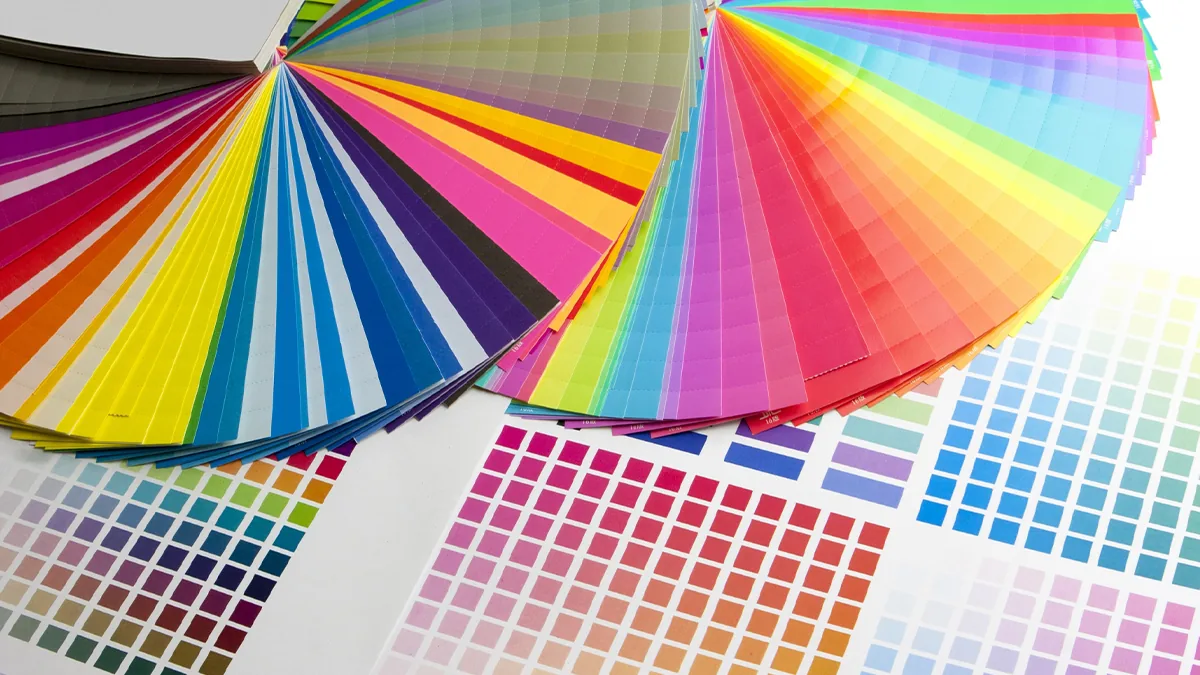
“It looked so vivid on screen, and the print came out dull.” This is the single most common disappointment in printing. As above, the cause is that screens make color from light (RGB) while presses make it from ink (CMYK).
Vivid cyans, yellow-greens, oranges, and anything neon are the classic colors that sink in print. Simply knowing that neon won’t reproduce exactly as you see it on screen will save you a lot of grief on a fan sign.
DecoTecoPop converts to CMYK automatically and exports in a format print shops accept as-is (PDF/X-4). So you never have to wonder how to build submission data, or what CMYK even means, and what you get on paper stays close to what you saw on screen. The wall that sits in front of design — the printing part — is carried by the tool.
For carrying melted and glossy textures all the way into print, see Like chocolate? “Melted and glossy” text, made on your phone.
Can you sell what you make? Commercial use and font licenses

Selling on a flea-market app, using your lettering as a handmade brand logo, distributing convenience-store prints for a fee — commercial use comes up more and more. The thing people miss is the license of the font you used.
Every font ships with a license that defines how you may use it. Plenty of fonts allow personal use but forbid commercial use. Whether you may sell your decorated text is decided not by what the design looks like, but by the license of the font inside it — and that surprises a lot of people.
The fonts available in DecoTecoPop are, as a rule, licensed for commercial use (open fonts such as the OFL), so you can print and sell what you make with confidence. (You are still responsible for the rights to any image you upload, and for anything that counts as derivative work.) Being designed from the start for people who want to make things and sell them is another reason it holds up for print.
For how decoration stays separate from the text underneath, see Retype even the most heavily styled text.
Works on your phone too, no sign-up, retype any time — so the moment before printing isn’t scary

The strength that matters most for print is this: it is fully non-destructive. Retype as often as you like.
Most apps freeze your letters into a picture the moment you decorate them, and after that you can’t fix a single character. Notice a typo after you’ve printed the fan sign, and you start over from scratch — genuinely demoralizing.
DecoTecoPop layers decoration on top like clothing. Add depth, stack outlines, do whatever you want: the words underneath stay editable. Mass-produce the same design with a different name each time. Fix one character after the first print. The kinds of do-overs that only printing demands are all covered.
And it runs on your phone too, with no sign-up, for free. Think of a phrase for your fan sign on the train, make it right there, and send it to a print shop when you get home. From “I’ve got an idea” to “it’s printed,” on the phone in your hand.
→ Make print-quality decorated text for free (no sign-up, just a browser)
Frequently asked questions
Q. Is it really free?
Yes. Editing decorated text — decorating and deforming it — is free. Exporting print data (saving a PDF and so on) is free while we’re in beta; that will become a paid feature later. No account and no app install.
Q. Can I really make print-quality decorated text on a phone alone?
You can. Open the page in Safari on iPhone or Chrome on Android. No PC required. Export a PNG for convenience-store printing, or a print-ready PDF for a print shop.
Q. Can I print a fan sign at A3?
Yes. DecoTecoPop builds letters as vectors, so enlarging to A3 or A2 doesn’t soften the edges. For fan signs, use a heavy font, stacked outlines, and strong contrast.
Q. Can I use it directly for convenience-store printing?
Yes. Export a PNG and register it with the multi-copier or the network print service. It prints on photo paper and sticker paper too, which is ideal for name tags and trading-card-style goods.
Q. I’m worried my colors will go dull in print.
DecoTecoPop converts from screen color (RGB) to print color (CMYK) automatically. Neon shades and vivid cyans do sink in print, so choosing colors with that in mind will spare you the disappointment.
Q. Which decorated text maker should I choose?
For on-screen use, pick whatever is easiest for you. For print, check five things: vectors, CMYK export, retyping after decorating, no watermark, and commercially usable fonts.
Q. Can I use it on a computer?
Yes. The same features work on phones and computers. Use a computer for fine adjustments and your phone for quick fixes on the go.
Q. Can I save with a transparent background?
Yes. When exporting PNG you can make the background transparent, so you can layer it in other apps or documents.
Q. Can I make vertical decorated text?
Yes. Outlines, 3D, patterns and other decorations work the same in vertical text. It’s handy for stacking fan-sign letters vertically.
Q. Can I put decorated text on a photo?
Yes. Add a photo and layer decorated text on top. You can also remove the photo’s background to cut out just the person or object.
Q. May I sell the decorated text I make?
The fonts in DecoTecoPop are, as a rule, licensed for commercial use, so printing and selling your work is fine. You remain responsible for the rights to any image you upload and for anything that counts as derivative work.
Summary
- Prints go blurry because most apps build letters as images made of pixels
- Build them as vectors and a fan sign stays smooth all the way up to A3
- Auto-converting screen color (RGB) to print color (CMYK) keeps prints from going dull
- Fan signs, convenience-store prints, lettering stickers, shop POP — all print-ready as-is
- Works on your phone too, no sign-up, fully non-destructive — so retyping right before printing is painless
“The decorated text I made falls apart when I print it.” Change the tool, and that problem goes away. Your own lettering, at print quality. Start with a single character and see for yourself.