The short answer
Banner Pop is a free banner maker that runs in your phone’s browser. For an Instagram post:
- Choose Square banner (1080×1080) or Portrait banner (3:4, 1080×1440). Both are labeled Instagram post in the size list.
- Open the sample with Edit as is and retype the words.
- Add a text style, a background and your product photo.
- Export a JPEG or PNG, save it to Photos, and post it.
For a general walkthrough of the editor (using a YouTube-size banner), see Free banner maker on your iPhone. This guide is about posts for a small business or event: sales, new products, openings, pop-ups — and what to write on them so people actually read it.
Square or portrait?
| Size | Good for |
|---|---|
| Square banner, 1080×1080 | A logo, one short line, a single new product |
| Portrait banner (3:4), 1080×1440 | Sales with dates and details, a photo on top and text below |
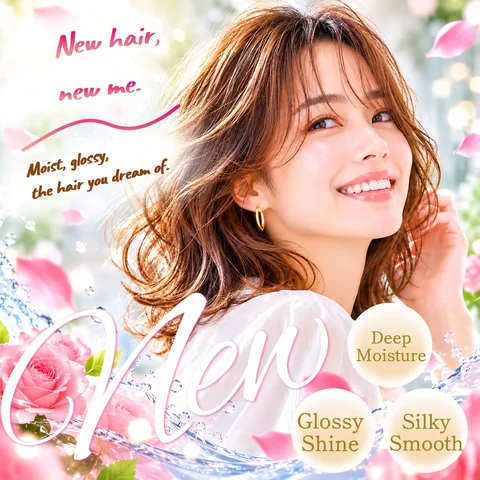
A portrait image fills more of the phone screen as people scroll, so text-heavy posts read better tall. For any other shape, scroll to the bottom of the list and use Make a custom size (50–4000 px per side).
Instagram may crop the edges in some places, such as the grid on your profile. Keep the store name, dates and prices a little away from the edges, and check Instagram’s preview before posting.
Making the post, step by step
1. Pick the size and open the sample
Open Banner Pop and tap a size. When asked How do you want to use this sample?:
- Edit as is keeps the sample’s text and stickers. Just retype.
- Background only keeps the background photo and clears the rest.
2. Retype the words
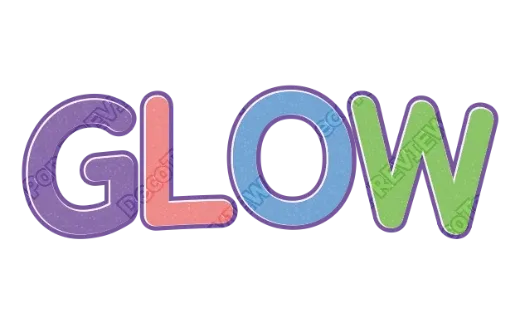
Tap Text in the bottom bar, tap the sample text, and type your own. Pick a Font: bold display fonts, script fonts, rounded fonts and more.
3. Style only the headline
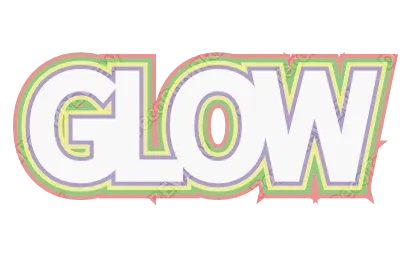
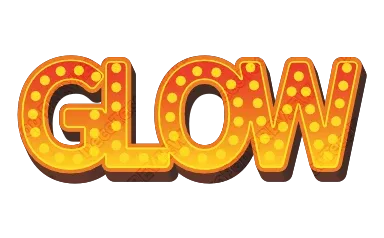
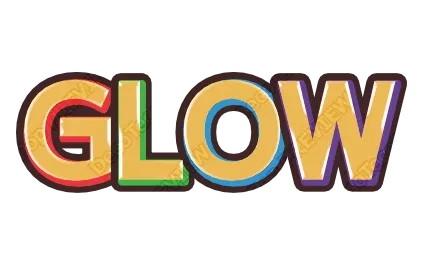
Tap Style inside the Text panel to see finished looks — stacked outlines, 3D, metallic, glitter. Tap one to apply it.
- Style “SALE”, “NEW” or “GRAND OPENING” and leave the details plain. Plain text is what stays readable on a small screen.
- Use Per-letter color & size to make the “20%” or the price bigger or a different color.
4. Background, photo, stickers
- Background: glitter, fire, wood grain, cherry blossoms and more in one tap, or your own photo.
- Photos (under Style in the bottom bar → Add a photo): crop to a square or circle, or tap Remove background (product only) so only the product shows.
- Stickers: ribbons, badges, speech bubbles, frames, in any color.
If your text sits on a busy photo, add an outline or a shadow so it stays readable.
5. Export and post
Open Export, choose JPEG (photos, small file) or PNG (sharp), and tap Export. On a phone the share sheet opens: save the image to Photos, then pick it in Instagram.
What to put on a promo image: three things
The post is seen in a second. Put three things on the image, big:
- The offer: “20% off everything”, “New fall menu”, “Grand opening”
- Until when: “Through Sat, Nov 30” — date and day
- How to get it: store name, “Show this post at checkout”, “Link in bio”
Fine print — exclusions, limits, terms — goes in the caption, where people who care will read it. Double-check prices, dates and terms before you post.
Reusing one design every week
Weekly specials, a daily menu, a multi-image post: often the design stays and only the words change.
- Export one image, then retype the words and photo and export again. Repeat for each image (it’s one at a time).
- Every JPEG or PNG you export carries its editing data. Next month, tap Re-edit a file on the first screen, choose it, and update it.
Related
- Just the styled words, on your own photo: make them in the Logo Text Maker and export a transparent PNG (how transparent text logos work).
- The same promo as a printed sign: use the editor with Letter or Tabloid paper for a print-ready PDF.
- An AI image as the background: erase the AI’s text in MOJIKUI, then tap Use as banner to start Banner Pop with it.
- A shop banner for Etsy: Etsy shop banner size.
FAQ
Can I make an Instagram post image on my phone for free?
Yes. Banner Pop runs in the browser with no app and no account. Pick a size, retype the sample, export, and post.
What size should an Instagram post image be?
In Banner Pop, the Instagram post sizes are Square (1080×1080) and Portrait 3:4 (1080×1440). Use Make a custom size for anything else, keep key words away from the edges, and check Instagram’s preview.
What should a sale or promo post say?
The offer, until when, and how to get it. Fine print goes in the caption.
Can I reuse the same design for next week’s post?
Yes. Retype and export again, or reopen an exported file with Re-edit a file.
→ Make your Instagram post with Banner Pop (no sign-up, just your browser)