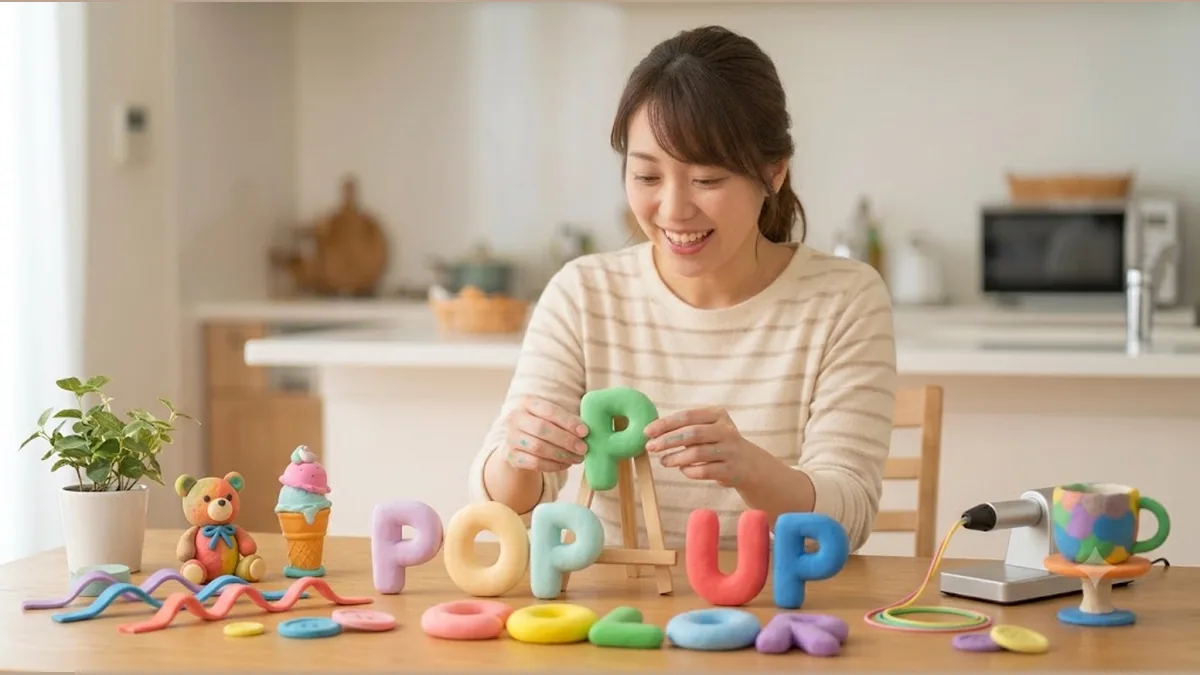
3D text seems so difficult
Those plump, popping-out 3D letters you see on shop signs and candy packaging. “Cute, but that’s something the pros make, right?” Is that what you’ve been thinking?
Actually, it takes one button. No sense of style, no difficult knowledge required.
Why has 3D text been seen as “for pros only”?
To make 3D letters, you really have to work out the “sides of the letter,” “how the shadow falls,” and “where the light hits,” then shape it so it looks just the right thickness. Do that by hand and the shadows go off, or the depth comes out lumpy — it’s hard to get clean.
That’s why, until now, 3D text belonged to people who could handle professional PC software.
DecoTecoPop does all that fiddly calculation for you. Type your text, press the 3D button, and you get a letter that pops out nicely — thickness, sides, and the way the light falls, all just right.
You can pick a candy-like finish, too
Beyond just popping out, you can add gloss to the surface to make it “plump like candy,” or round the edges to make it “soft like a gummy.” Tap to change the texture as you hunt for the exact cuteness you want.
How you used to make 3D text
Professional PC software costs around ¥3,280 a month, needs a PC, and is complex to operate. Word’s WordArt is free, but it looks dated and is weak for print. Hiring a designer looks great, but it takes time and money.
You “just want to make one cute 3D word,” yet the bar was set way too high.
With DecoTecoPop, it’s 3 steps [Free, no sign-up]
Just open your browser. Pop-out 3D text with one button.
Step 1: Type your text
Enter the word you want in 3D. With or without a photo — both work.
Step 2: Press the 3D button
One tap and the letters pop out. Adjust the thickness, the direction of the light, the surface gloss, the roundness of the edges — all with your finger — to get that candy-cute finish.
Step 3: Switch to print colors and save
It automatically matches your colors to how they’ll look in print, and adds the bleed automatically so the color reaches the edges. It saves a print-ready PDF you can hand straight to a print shop.
→ Make 3D text for free (Photos: PNG, JPEG, WEBP / no sign-up)
Where 3D text really shines
Plump, popping-out letters catch the eye far more than flat ones. Here’s where they show their strength.
- Shop signs and storefront POP: For words like “OPEN” and “SALE” that need to stand out from across the room.
- Event decor and garlands: A 3D “Happy Birthday” for birthdays and anniversaries.
- YouTube thumbnails and social media: When 3D text lifts off a photo, it’s more likely to get clicked.
- Candy- and goods-style package labels: Make the product name plump and it reads as “tasty and cute.”
A little trick to make it look great
3D text instantly looks pro when you keep the light direction consistent. Match the letter’s shadow to the direction of light in the photo (the way of a window or the sun), and the text looks like it’s really sitting there. Start with modest depth and add a little at a time. Pile on too much and it gets hard to read, so “as 3D as you can while still being readable” is the sweet spot.
Add stacked outlines first, then make it 3D, and you can build that “loaded up” shop-sign look, too.
FAQ
Q. Which phones and browsers does it work on?
Editing decorated text needs a device and browser that support WebGPU, a relatively new technology. As a guide: on iPhone, a recent iOS (iOS 26 or later) in Safari; on Android, a recent version of Chrome. On unsupported devices the decoration editor may not open (even then, you can still use the basic text entry and print-data features).
Q. Is it really free?
Editing decorated text (decorating and reshaping) is free, as far as you want to go. Exporting the print data (saving as PDF and so on) is free while we’re in beta (it will become paid later).
Q. Can I still retype the text after making it 3D?
Yes. Even after adding 3D and gloss, you can always retype the text. “Actually, a different word” is no problem.
Q. Can I change the depth and color of the 3D?
Yes. Move the thickness, light direction, gloss strength, color, and more with your finger, checking the look right there as you decide.
Summary
- 3D text was “for pros” because the shadow and depth calculations were hard
- DecoTecoPop makes that calculation automatic, so it pops out with one button
- Add gloss and roundness to pick a candy-cute texture
- Editing decorated text is always free; converting to print colors and exporting are free while we’re in beta — no sign-up, on your phone alone
That 3D text you gave up on as “a pro thing” — try making just one.